Xablabla Perso
Participating Frequently
September 12, 2021
Question

Business ID - Personal ID - issue post migration - Adobe support declining competence

  • September 12, 2021
  • 2 replies
  • 712 views

Hi


I was workging for many years with adobe

Using 1 email / 1 account ; acessing to a Adobe creative cloud Licence (yearly), a monthly fee for stocks image (with credits), a cloudfiles drive, syncrhonising my mobiles devices with lightroom mobile. 5K pictures.


Since this summer, I must deal with a huge mess

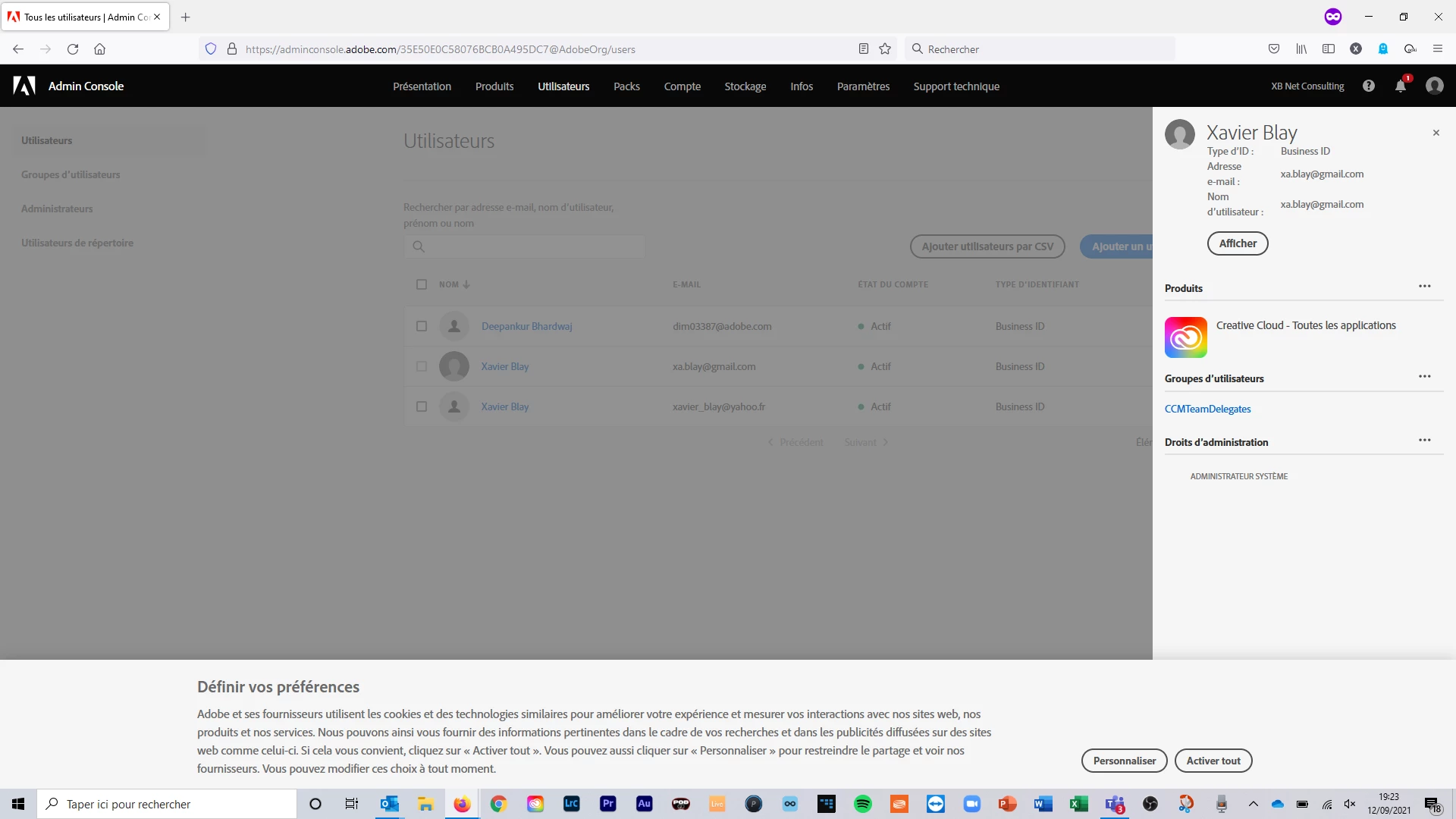
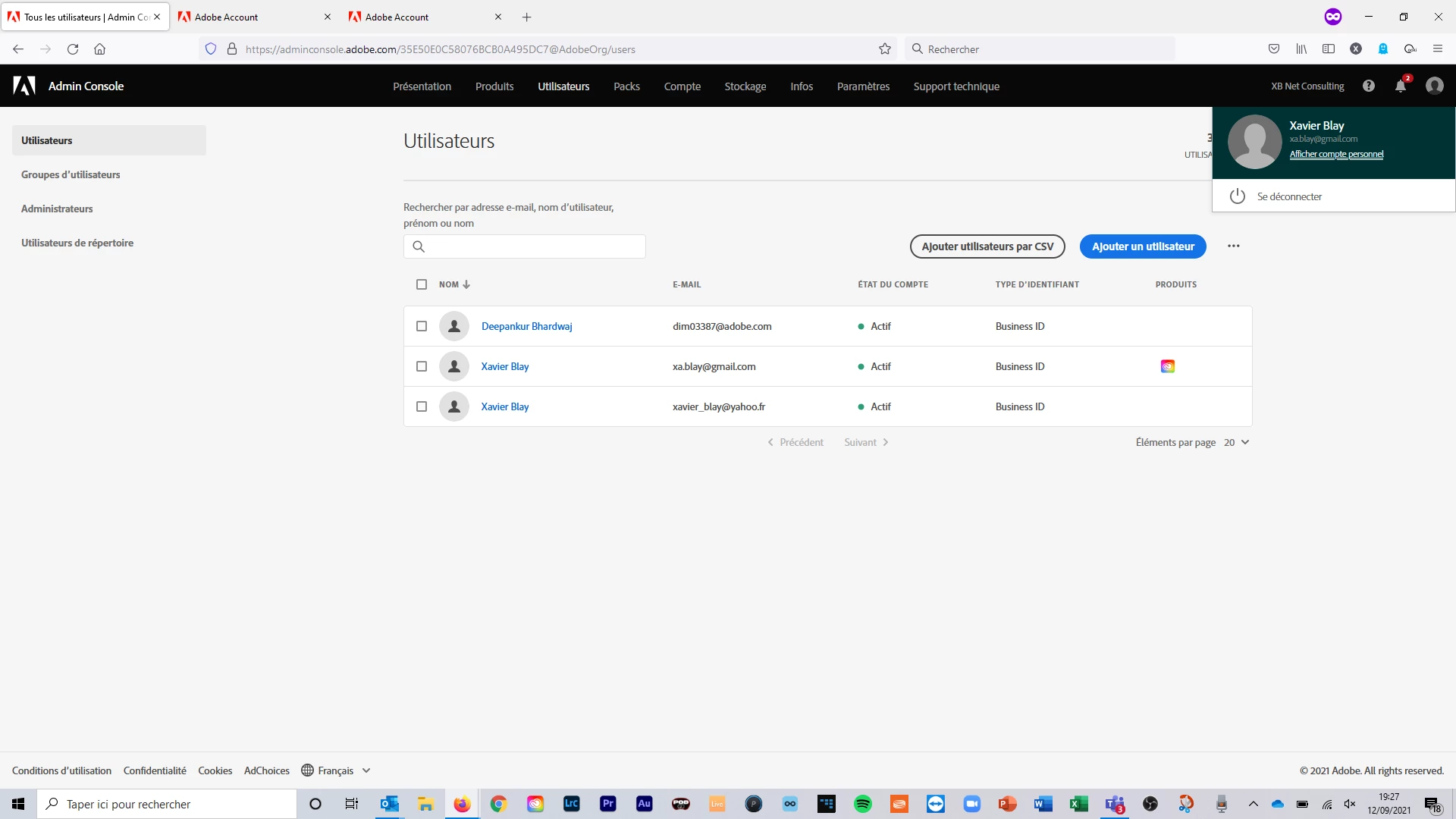
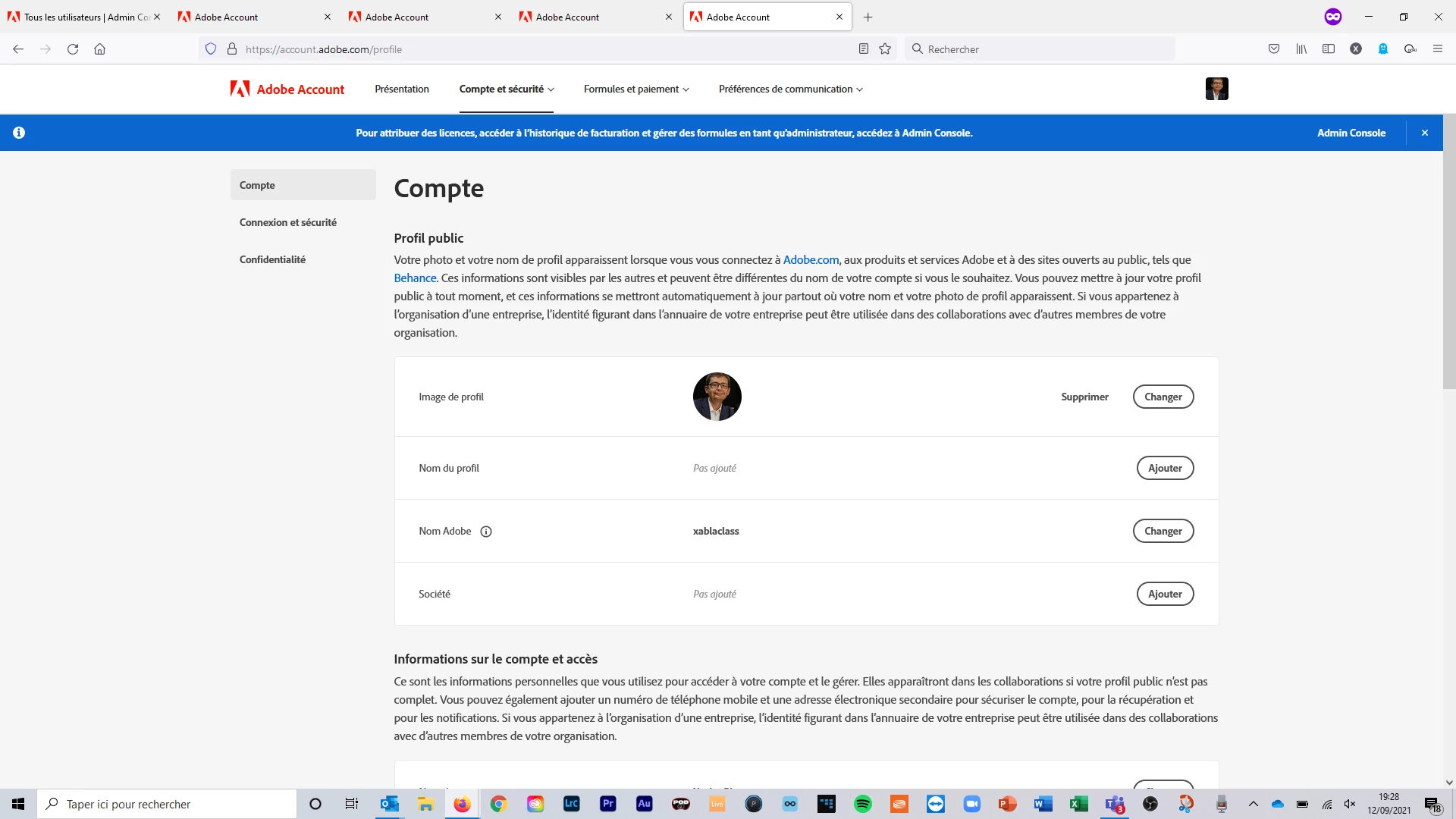
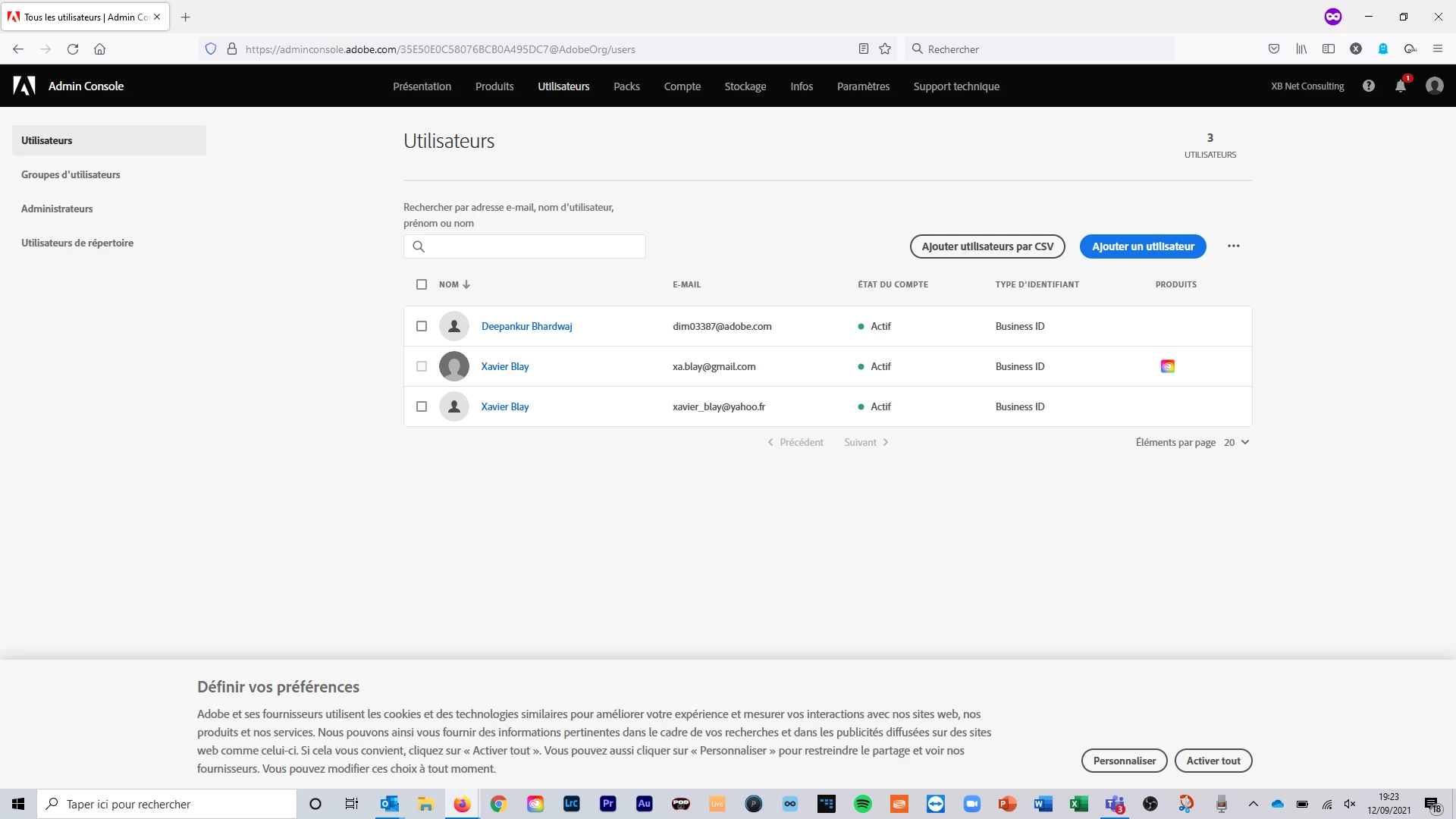
For the same login 2 profiles are presented

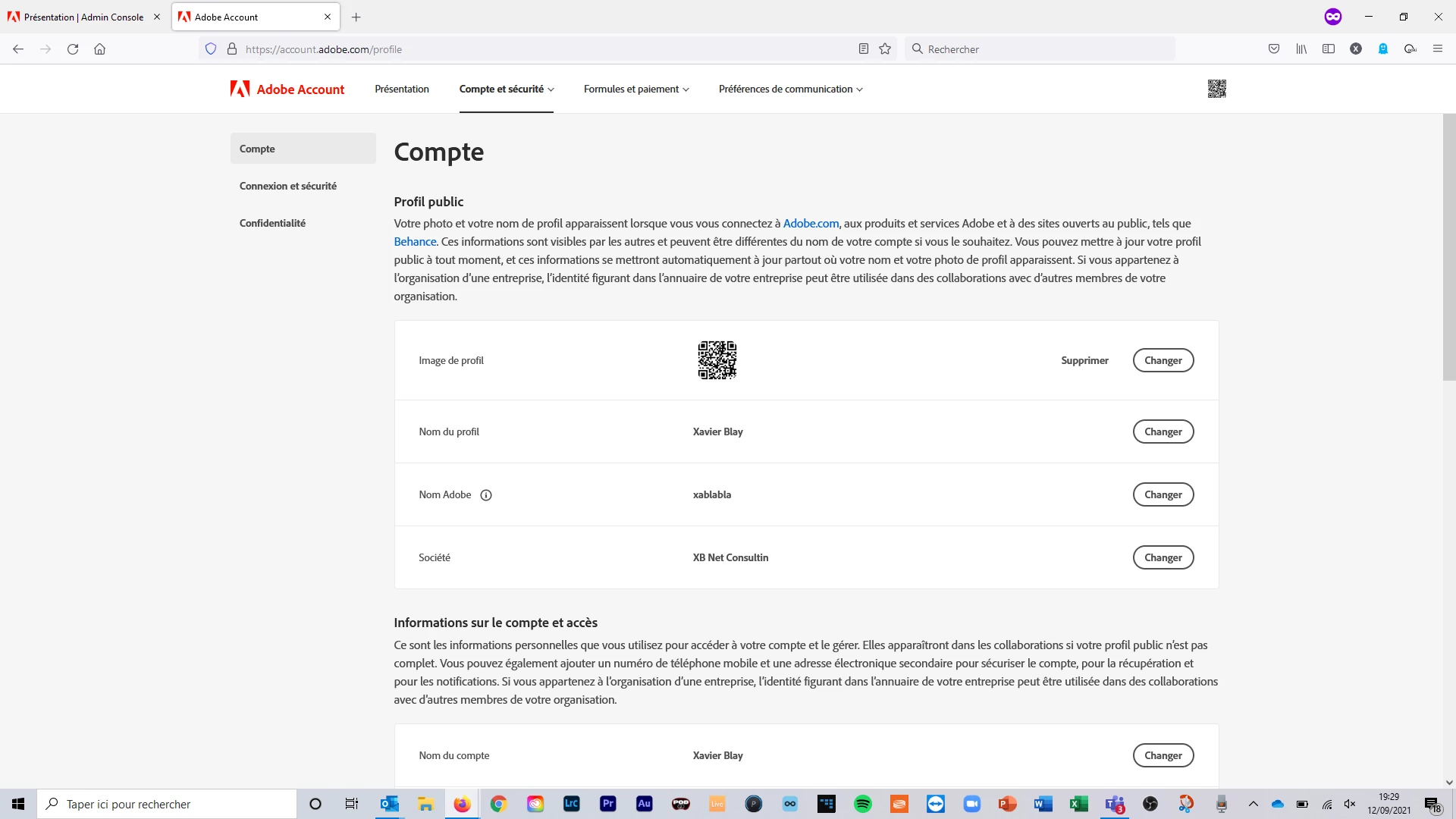
A new one, business ID

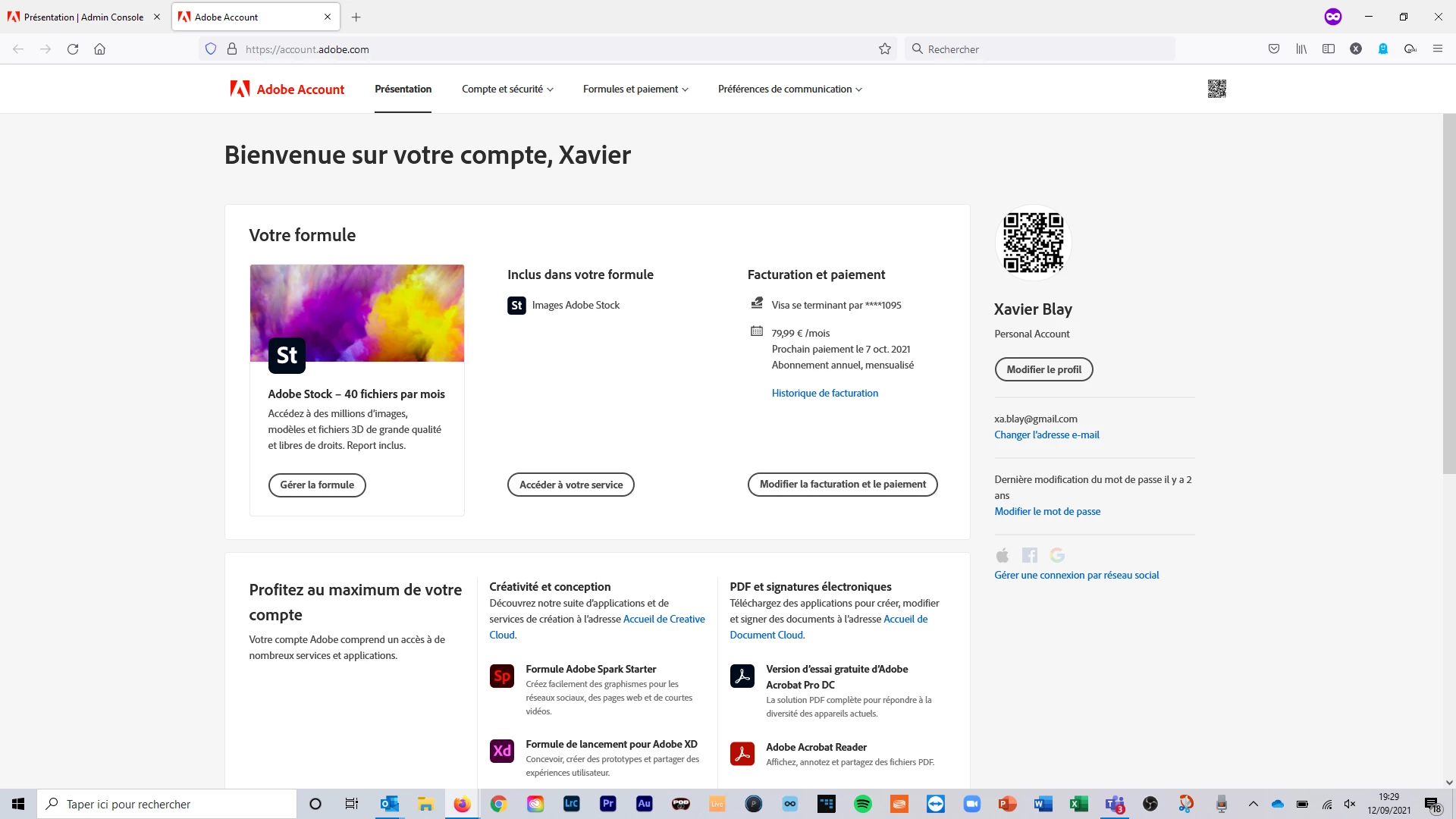
A legacy one, personnal profile (the one I always ued)


The issue is :

  • Business ID has the licence enabled…. But not data (no one of my 5k pics, no one of my stocks downloaded neither my 490 credits, no one of my cloudfiles)
  • Personnal ID has no longer any licence…. I have the data in my mobile Appl (LRMobile) but i can’t sychronise


Thus I can’t work


I called the support… Nothing can be done at support level !!

So appalling : i didn’t ask to migrate anything you have to fixe that.

I want :

  • my Licence Abode Cloud Affected to my legacy profile. So guys, please fix the situation you created.
  • Y fees, datas (all of them), credits shifted to the business id profile

So guys, please fix the situation you created


What is weird :

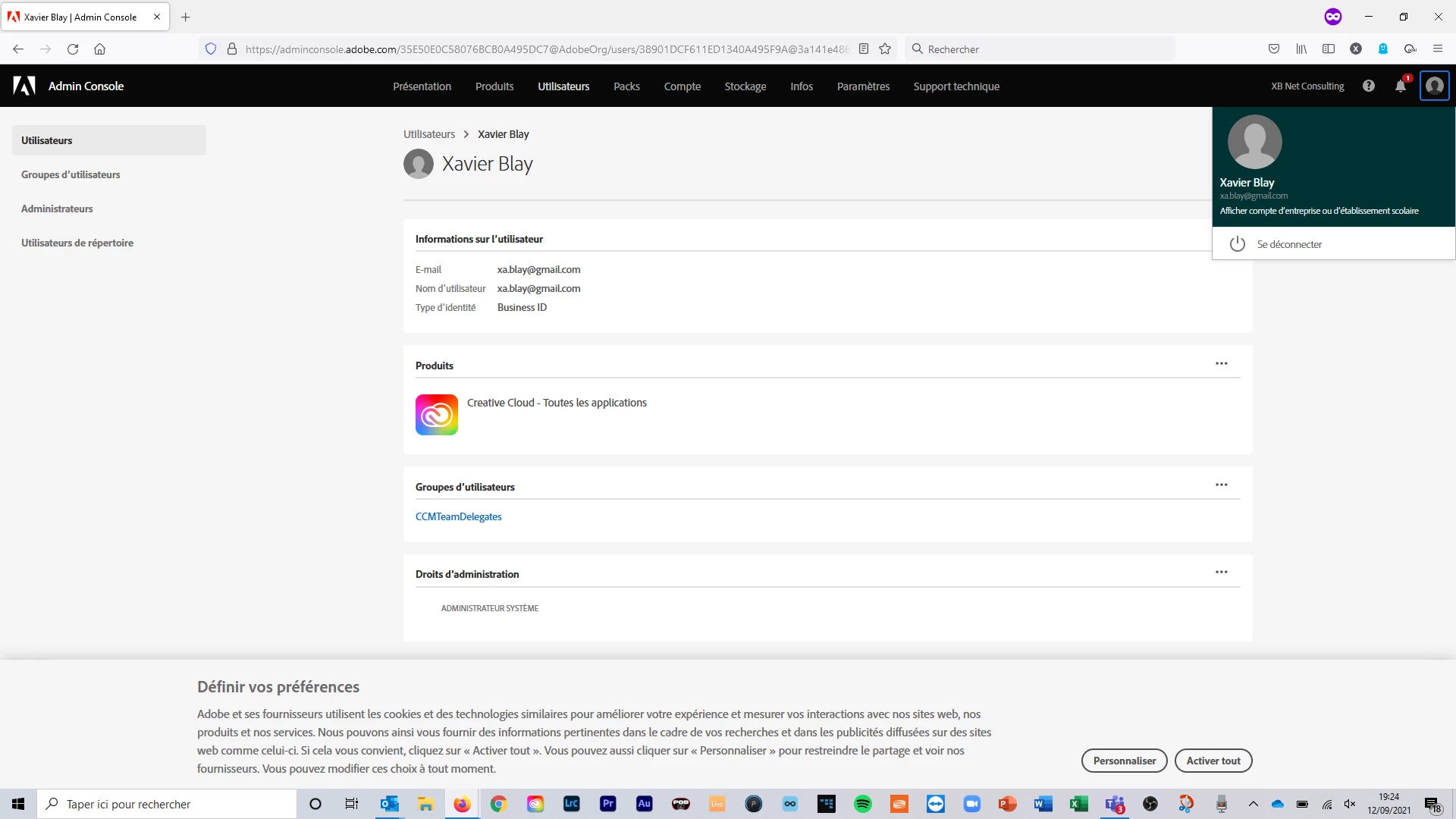
  • facing to this problem i tested to change my personnal id email : doing that both of Business ID and Personnal ID were modified !!!
  • i can t modify the business id email
  • i can’t affect my licence to my perosnnal profile, and converseky i cant shift my stock fee to my business ID. Same thing for cloud files
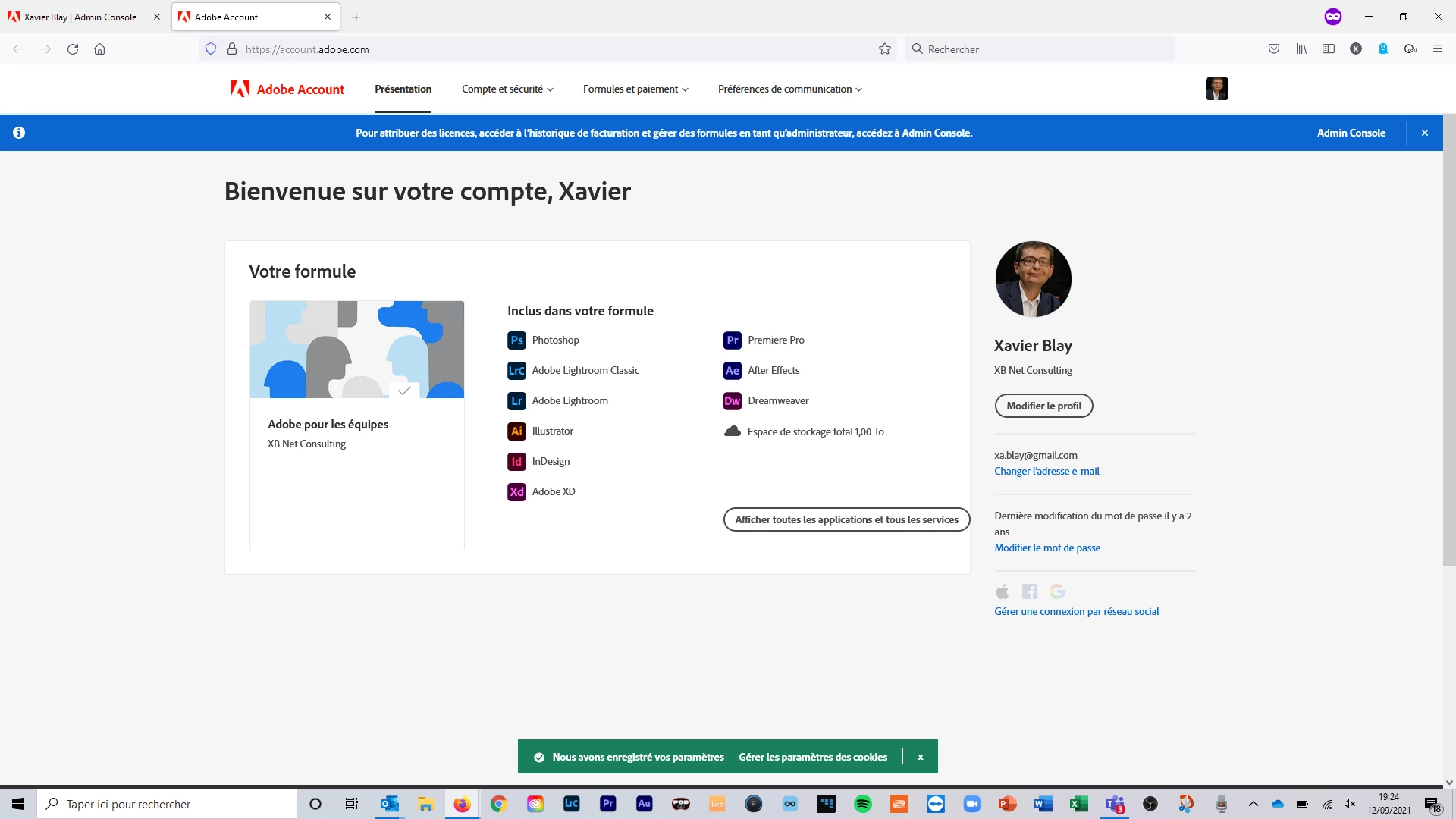
  • through the business ID profile, i acess to a Enterpise account where i can ùmanage an avatar (my pics). But this avatar is not pushed in the previous view of the console admin (user page)
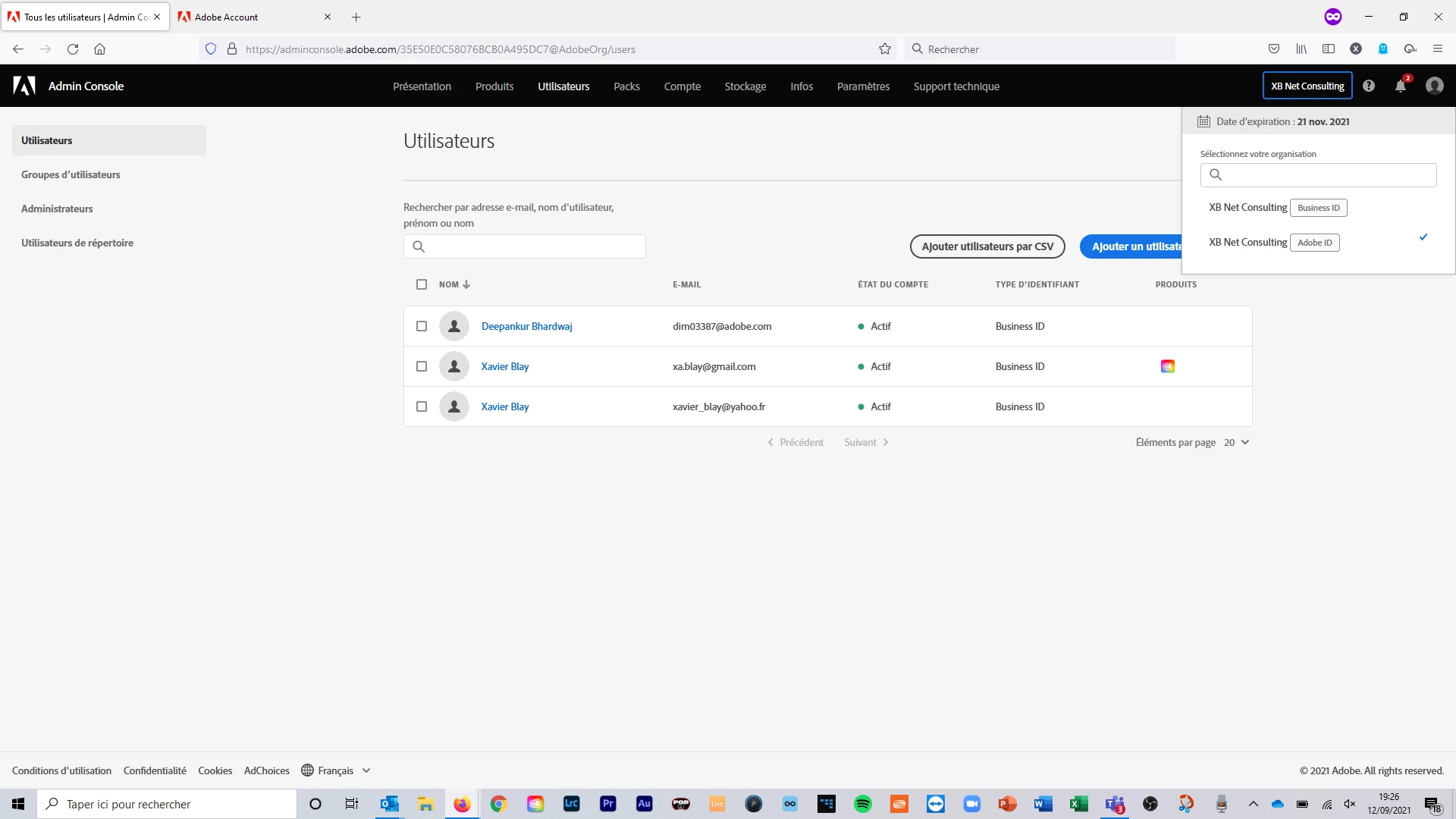
  • if i select the XB Net Consulting Adobe Id in the organization, it opens a user page with the Business ID information….
  • Posting this message via the community portal, accessed by the Business ID…… the profile used is the personnal ID (xablabla and no xablaclass)… Ingeneers are Great !


Screen shots bellow


This topic has been closed for replies.

2 replies

Participating Frequently
June 20, 2022

I am in the same boat.


OMG Adobe went crazy when migrating the new Businesses Accounts from my previous personal accounts. 
 
One runs the apps, and one has the files (both share the same user name and password) but cannot see each other. How is that a workflow solution?
 
A two-hour conversation with an Adobe Technician software engineer makes me feel Adobe has engineered themselves into a corner.
 
The way it stands is I cannot sync my creative cloud files of 3 years into the new business account.
 
Option to fix:
 
Options 1 I keep the personal account and cancel the business account so that I can still have my  files. A personal account is much cheaper than a business account, but the billing is individual and collaborative work would be different. 
 
Option 2 is all those 1,000s of files be downloaded and re-saved and reuploaded. That solution would take 50 to 100 hours and a whole lot of storage space. 
 
Option 3 
That the Adobe Backer team move the files for me but that is not a guaranteed to happen.  
 
They have said that they have been sending out emails for this migration to the account holder but that's not me that would be whomever oversees billing or is the lead on this at the administrative level. I had no idea other than a bill needed to be paid from their emails to me as I was told the personal account was a courtesy before this disaster happened by Adobe. 
 
All my teaching files are at the previous personal level user not in the business level. I am worried.
 
Participating Frequently
June 20, 2022

Class action lawsuit 

Community Manager
September 14, 2021

The Adobe stock and lightroom license is showing under your Adobe ID (Personal account) and the creative cloud license is now under the Business ID which is owned and managed by organization. 

As mentioned in this forum discussion, with the introduction of the Enterprise Storage Model Adobe is introducing the Business ID to give organizations more control and ownership over their user data so the licenses which you own will remain under the Adobe ID and the entitlement which is provided by the organization will be available under the Business ID. 


You can migrate the cloud assets from Personal ID to Business ID manually if it belongs to 


Xablabla Perso
Participating Frequently
September 21, 2021

Dear


You gave organizations more control....

...may be....

at this level you gave me more frustration and less solutions to fix my issues.

https://community.adobe.com/t5/enterprise-teams-discussions/business-id-common-questions/m-p/12395554#M34492


Let me know about how to move/migrate Stock assets and subscription to my BizID.