


Participant
September 23, 2026
Question

Cannot Sign into Creative Cloud on Mac (Managed school account)

  • September 23, 2026
  • 4 replies
  • 51 views

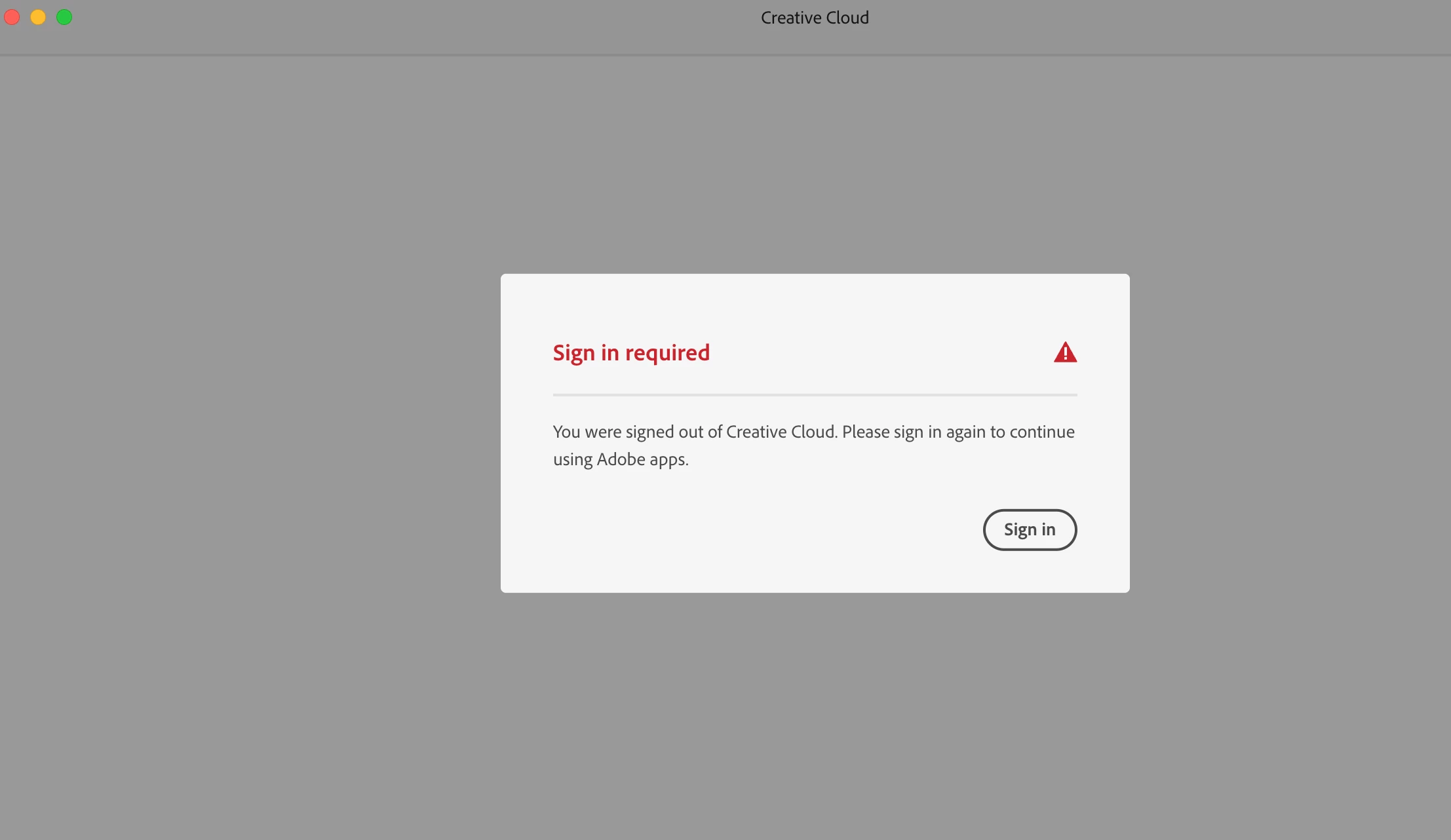
I’ve been struggling to open Creative Cloud on my desktop. I used the uninstaller, restarted my computer, deleted the opm file and reinstalled it, deleted Creative Cloud completely, yet I am stuck on the same page that says “Sign in required”. I have a Mac laptop and this started happening after I downloaded the MacOS 27 Golden Gate. 
 

    4 replies

    Community Manager
    September 24, 2026

    Hi ​@Brave_Mountain80d3, 

    It seems that there is an issue with the licensing information on the machine.

    While you follow the suggestions provided by experts here, you might also want to check how you are signing in. On the profile selection screen, choose the "Business" or "Work" profile instead of the "Personal" one. If your email is associated with both a personal Adobe account and a business account, signing in to the personal account can lead to this issue. Reference: https://helpx.adobe.com/enterprise/kb/resolve-trial-and-license-expired-errors.html 

    Inform us about how it went, and if the issue continues, please let us know if the error or situation changes.

    Thanks,
    Tariq

    Jeff Arola
    Community Expert
    Community Expert
    September 23, 2026

    Sometimes that happens to us.


    Usually opening another Adobe application like Bridge, Illustrator, Photoshop, etc presents the sign-in screen.

    kglad
    Community Expert
    Community Expert
    September 23, 2026

    start here, https://helpx.adobe.com/manage-account/kb/troubleshoot-creative-cloud-sign-out-sign-in.html


    and if the first four measures fail to solve the problem do a clean reinstall:


    uninstall every cc app including preferences, https://helpx.adobe.com/creative-cloud/help/uninstall-remove-app.html


    then uninstall the cc desktop app, https://helpx.adobe.com/creative-cloud/help/uninstall-creative-cloud-desktop-app.html


    clean your computer of cc files per http://www.adobe.com/support/contact/cscleanertool.html


    restart your computer (don't skip this)


    reinstall the cc desktop app, using the link at the bottom of the page at https://helpx.adobe.com/uk/download-install/kb/creative-cloud-desktop-app-download.html use the desktop app to install your cc programs/trials