
Participant
September 10, 2024
Answered

Cannot view reports via Insights

  • September 10, 2024
  • 1 reply
  • 596 views

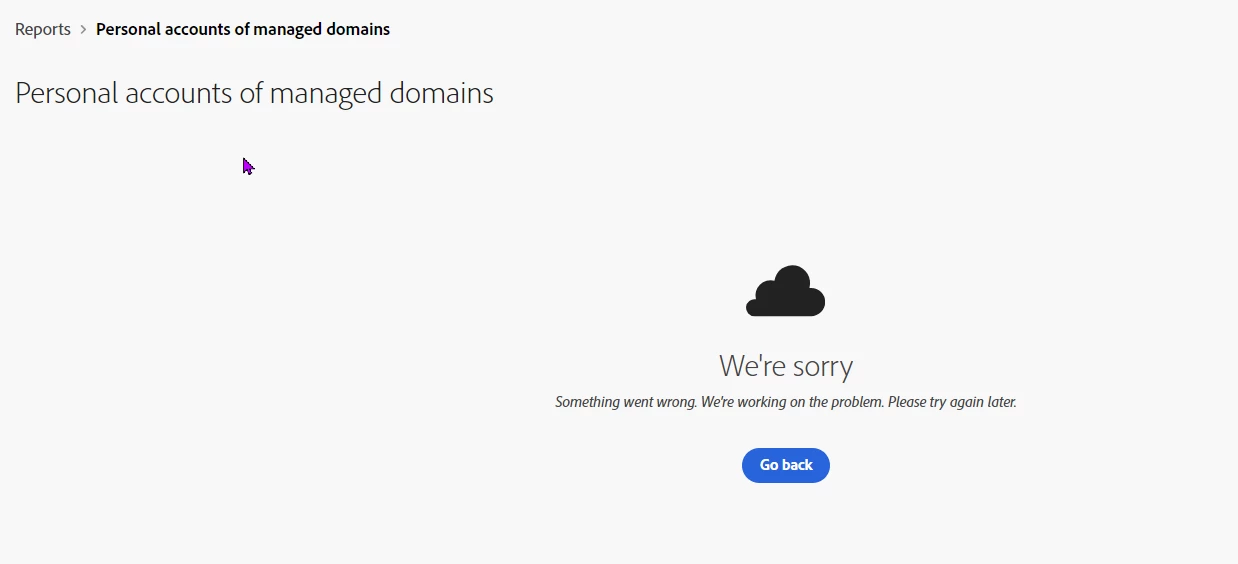
When I want to view a report via insights, I frequently get the message: We're sorry. Something went wrong. We're working on the problem, Please try again.
Does anyone know why I get this message and how to solve it structurally?

This topic has been closed for replies.
Correct answer Bani Verma

Thank you! for the update. I’m glad to know that the issue is resolved.


The insights tab provides three types of logs/reports: Audit LogsLicense assignment reports,  and Content logs. Please review the linked documents and let us know if they are helpful.


Thanks,
^BS

1 reply

Bani Verma
Legend
September 10, 2024

Hi there, 


Please try a different browser, delete the cache, and try again. This looks like an issue due to browser, if it still doesn't works please let us know.


Thanks,

^BS

Participant
September 10, 2024

Thanks for your help Bani, it works!. 
Then I have another question, maybe you can help me with that too?
Until recently I could see in insights which employees recently got an account and which accounts were revoked.
Is that no longer possible or has that been moved? I can only print a report that shows the active employees.

Thanks in advance for your response


Bani Verma
Bani VermaCorrect answer
Legend
September 10, 2024

Thank you! for the update. I’m glad to know that the issue is resolved.


The insights tab provides three types of logs/reports: Audit LogsLicense assignment reports,  and Content logs. Please review the linked documents and let us know if they are helpful.


Thanks,
^BS