
Participant
September 8, 2022
Answered

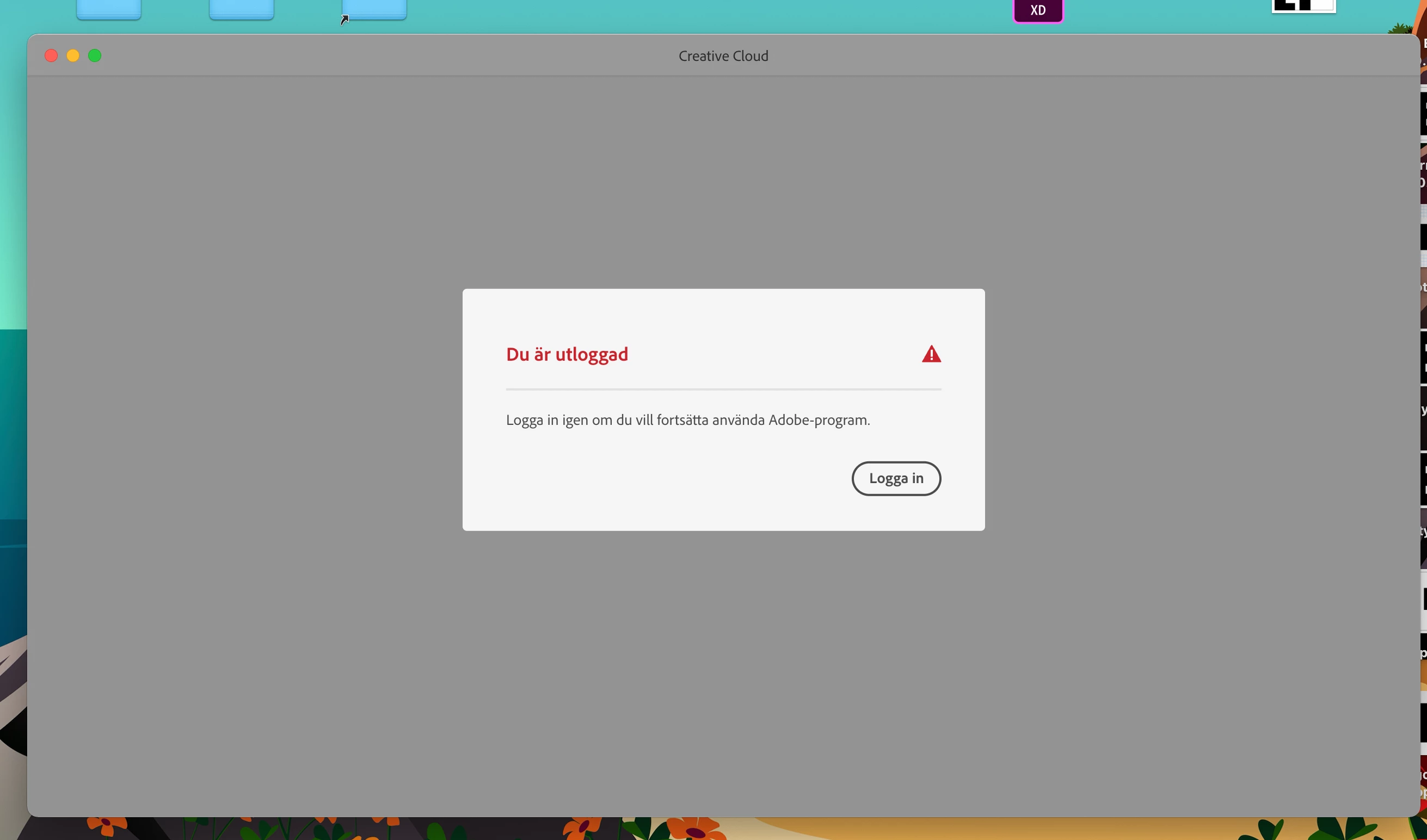
Cant log in to creative cloud

  • September 8, 2022
  • 3 replies
  • 521 views

Hello!

I have a Macbook pro with the M1 chip from 2020. I haven't had any problems before with any of the adobe programs. But know I cant log in to creative cloud. I have change from a school account to a privat so I uninstalld creative clouds but that did not work. I have also tried the other alternetiv that pops up but that did not wor ether. I am from Sweden so I dont know what to do.

This topic has been closed for replies.
Correct answer kglad

or you may be able to just remove your previous licensing,


  • Go to Applications > Utilities > Keychain Access.

  • In the upper-left corner, under Keychains, select login.

  • Remove the following entries. To remove them, right-click and select Delete.  
    • Adobe User Profile Info
    • Adobe User OS Info
     
  • Relaunch the Creative Cloud desktop app.

3 replies

Participant
September 26, 2022

I have the same problem , I dont no what to do... 

kglad
Community Expert
Community Expert
September 26, 2022

@linnea257434379zqg, having the same problem means you had a school subscription and now have an individual subscription that the cc app fails to recognize, correct?


if yes:


check your account to verify your subscription is what you expect and to verify your adobe id, https://accounts.adobe.com


then remove your licensing credentials, https://helpx.adobe.com/download-install/kb/adobe-license-issues-keychain-credential-mgr.html 


finally open the cc desktop app and sign in with the same adobe id used to confirm your individual subscription is active.

kglad
Community Expert
kgladCommunity ExpertCorrect answer
Community Expert
September 8, 2022

or you may be able to just remove your previous licensing,


  • Go to Applications > Utilities > Keychain Access.

  • In the upper-left corner, under Keychains, select login.

  • Remove the following entries. To remove them, right-click and select Delete.  
    • Adobe User Profile Info
    • Adobe User OS Info
     
  • Relaunch the Creative Cloud desktop app.

Participant
September 8, 2022

Tested to do that and did not work 😞

kglad
Community Expert
Community Expert
September 8, 2022

using a browser that allows popups and cookies, contact adobe support by clicking here, https://helpx.adobe.com/contact.html?rghtup=autoOpen
in the chat field (lower right), type AGENT
be patient, it can take quite a while to reach a human

p.s. if you're contacted by anyone (via email or private message), it's much more likely to be a scammer than an adobe representative. ie, double check for an employee badge if contacted in the forums and look for an adobe.com domain in the email address if you click reply to an email. then check again and be very suspicious. any other method of contacting (or offering to contact you) is almost certainly a scam, https://community.adobe.com/t5/using-the-community-discussions/staying-safe-in-the-adobe-support-community/td-p/12919684/redirect_from_archived_page/true.

p.p.s you can also use phone (but chat is usually quicker), https://helpx.adobe.com/contact/phone.html

p.p.p.s. you can also use twitter to tweet @AdobeCare.

John T Smith
Community Expert
Community Expert
September 8, 2022

What MAY work is to removed everything and do a fresh install with your new account

-https://helpx.adobe.com/creative-cloud/kb/cc-cleaner-tool-installation-problems.html

Participant
September 8, 2022

I tried that and it did not work... 😞