

Participant
October 28, 2022
Question

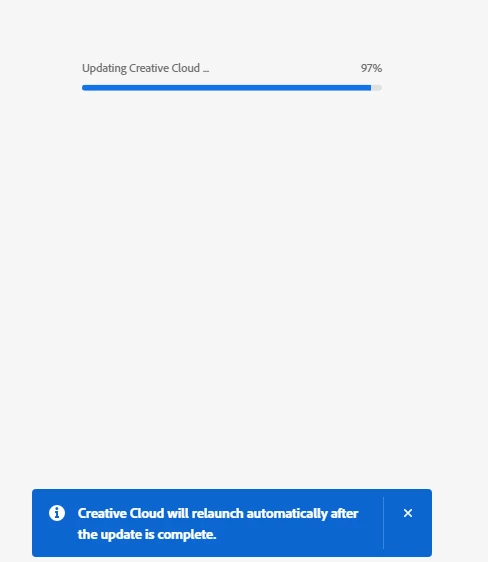
Cant update to v5.9.0.372

Trying to update creative cloud to v5.9.0.372. It will download but creative cloud never relaunches. Any solutions to this? I cant access anything without updating this first. 
 

This topic is closed to new replies. Start a new post to keep the conversation going.

1 reply

kglad
Community Expert
Community Expert
October 28, 2022

make sure your computer meets specs, https://helpx.adobe.com/creative-cloud/system-requirements.html


then, if it does, manually download the installer after cleaing by following each applicable step:


uninstall every cc app including preferences, https://helpx.adobe.com/creative-cloud/help/uninstall-remove-app.html

then uninstall the cc desktop app, again using the correct uninstaller, https://helpx.adobe.com/creative-cloud/help/uninstall-creative-cloud-desktop-app.html#sa_src=web-messaging

clean your computer of cc files per http://www.adobe.com/support/contact/cscleanertool.html

check for, and if available, update your os

repair all ms visual c++ versions that can be repaired.

update your ms visual c++, if it can be updated

restart your computer (don't skip this)

reinstall the cc desktop app using the "alternative download links" at the bottom of the page at https://helpx.adobe.com/download-install/kb/creative-cloud-desktop-app-download.html

use the desktop app to install your cc programs/trials

Translate
