


joem80977509
Participant
May 29, 2019
Answered

CC 2019 Apps "cannot be used at this time"

  • May 29, 2019
  • 4 replies
  • 964 views

Hi,

I've created a Shared Device license package which I've deployed to one MacBook to test and this requires a user to sign in to activate the apps across the device.

However, as I try to sign in via Enterprise ID and confirm my details, I come across this error:
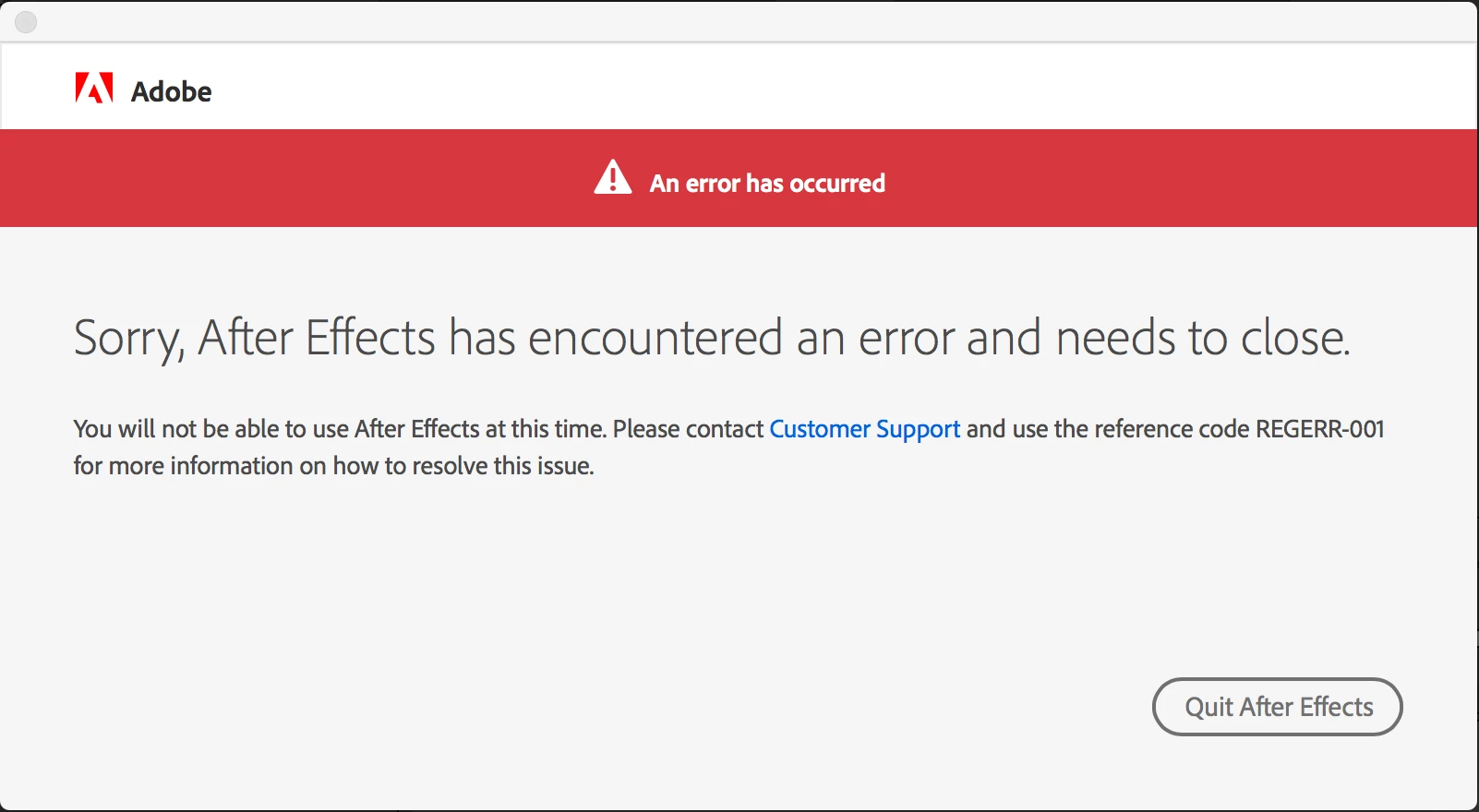
I'm happy to contact customer support but I thought I'd scout around in case anyone has come across this and resolved it.

This topic has been closed for replies.
Correct answer Nikhil R Gupta

Hello joem80977509,

If you are installing the SDL package on a virtual machine, then you will experience this issue. If it is a physical machine, then you may create a blank package of SDL which has the Creative Cloud desktop application and the license file and try to install on the affected machine and check. It should work.

We have been reported this issue by multiple Admins and in most of the case, the issue was on the virtual machines or on non-supported environments.

Thanks,

Nikhil Gupta

4 replies

Nikhil R Gupta
Nikhil R GuptaCorrect answer
Legend
June 6, 2019

Hello joem80977509,

If you are installing the SDL package on a virtual machine, then you will experience this issue. If it is a physical machine, then you may create a blank package of SDL which has the Creative Cloud desktop application and the license file and try to install on the affected machine and check. It should work.

We have been reported this issue by multiple Admins and in most of the case, the issue was on the virtual machines or on non-supported environments.

Thanks,

Nikhil Gupta

Nikhil R Gupta
Legend
June 1, 2019

Hello joem80977509,

It could be an issue with the licensing. Did you try to install the package on a fresh machine or the machine already had Adobe Applications installed?

Could you download Adobe Licensing ToolKit (Admin Console--> Packages--> Tools) and run the command (adobe-licensing-toolkit --l) on Command prompt(Windows) or Terminal(MAC). This will generate licensing information applied on the machine.

Thanks,
Nikhil Gupta

alisterblack
Inspiring
May 31, 2019

Hi,

Are you using a Virtual Machine for this testing?

Bani Verma
Legend
May 30, 2019

Moving this query to Enterprise & Teams​ community.