
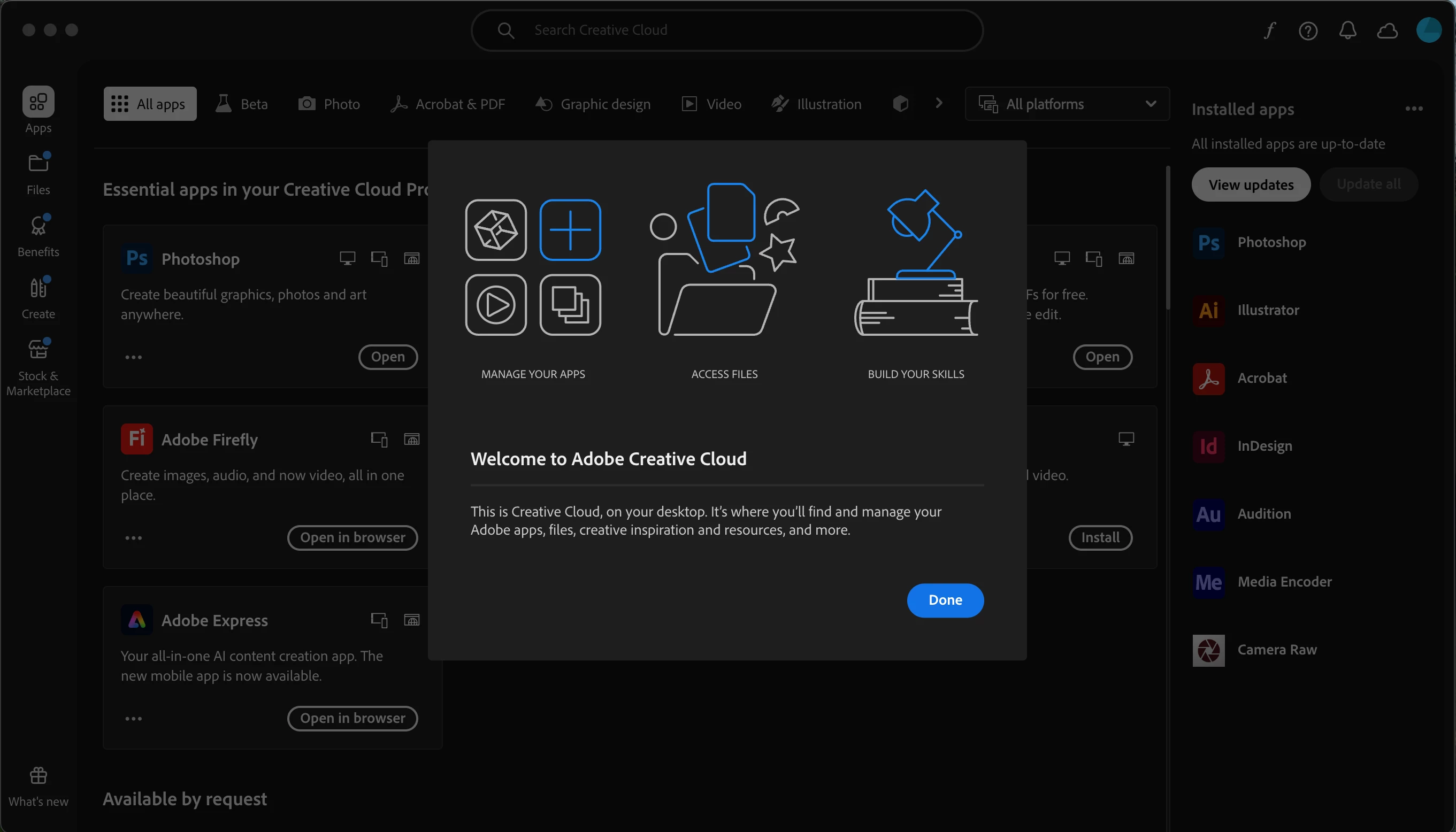
CC desktop app for Mac not responding when launched and displaying Welcome modal dialog
I am a CC Enterprise user on an M4 MacBook Pro running Sequoia 15.5. The CC desktop app (v. 6.7.0.278) gets stuck (spinning beachball) at the "Welcome to Adobe Creative Cloud" modal dialog on one user account on this machine (an admin acct) but not on other user accounts. All installed apps are up to date. Activity Monitor shows "Creative Cloud (Not Responding)" and CPU usage at 188%, with 54 active threads. CC repair tool did not fix the problem, neither did CC uninstall/reboot/reinstall/reboot, neither did complete manual uninstall and reinstall with reboots in between.
Any suggestions of how to get the CC utility working properly would be much appreciated! Like: is there a way to get it out of OOBE mode by editing a preferences file? Nothing ChatGPT has suggested has helped.


 AdChoices