
aaronk39497822
Participant
May 19, 2022
Question

CC Endless Loading and errors

  • May 19, 2022
  • 2 replies
  • 156 views

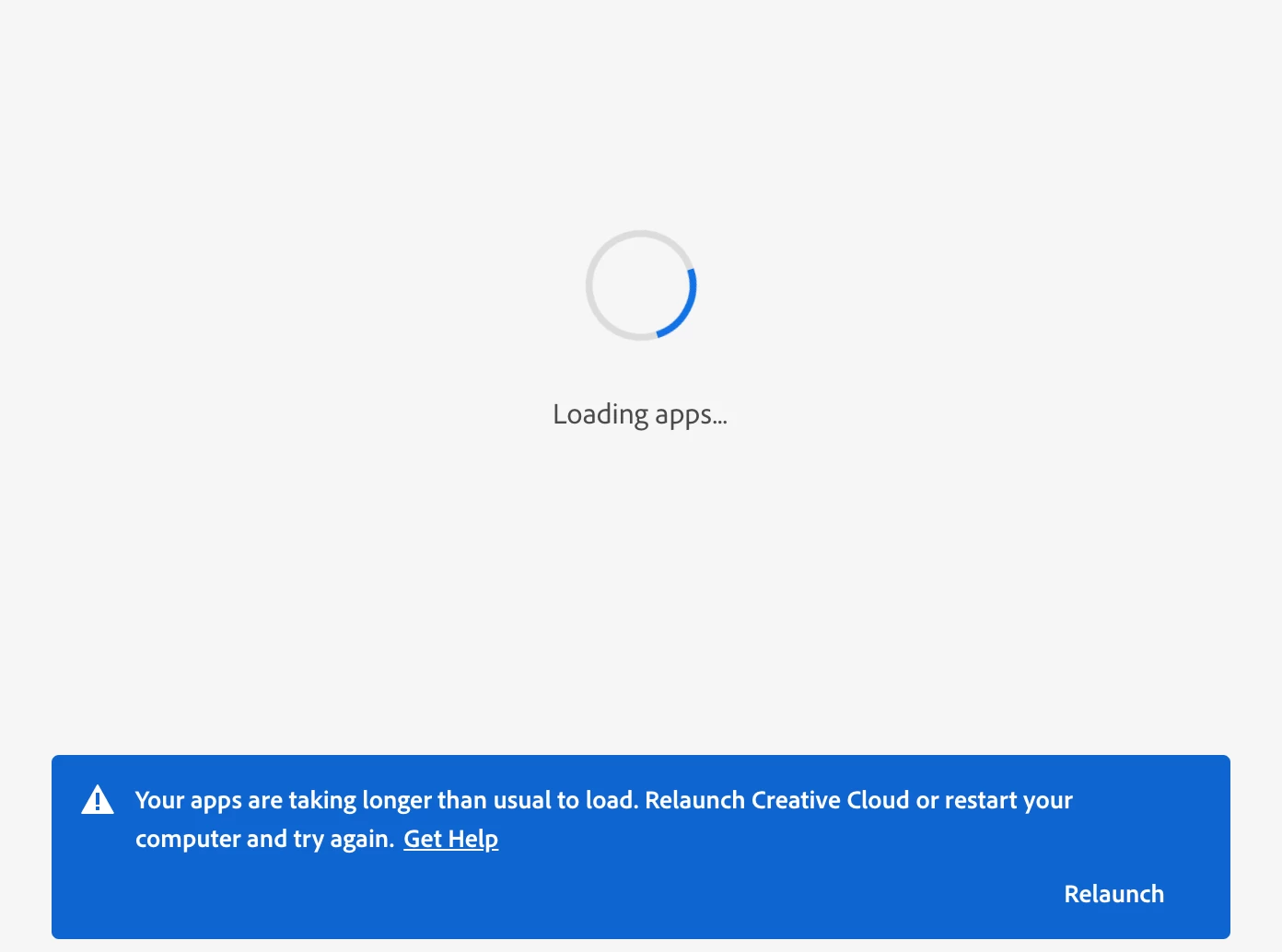
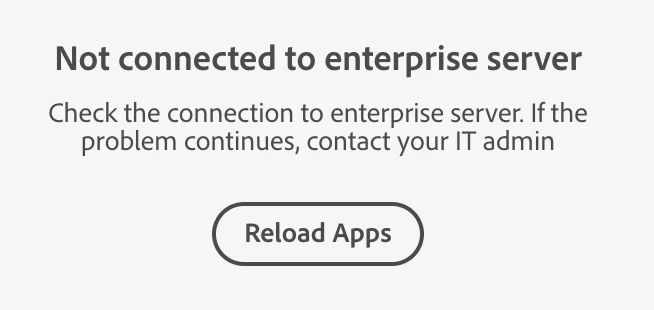
Hi, I know this problem has been an issue for a while, but none of the previous responses have helped and support has passed me around to 5 people already with no luck. I am having an issue where CC endlessly loads. I've tried uninstalling/reinstalling, restarting my computer, and uninstalling all adobe apps, but now we are still stuck here. I'm using a macOS with Monterey 12.4. Prior, I was getting an error saying CC could not connect to an enterprise server, despite this being a personal account. Any thoughts?
This topic has been closed for replies.

2 replies

Abambo
Community Expert
Community Expert
May 19, 2022

Did you have a prior Enterprise or Teams account under this ID? 

What you can do: Go to https://account.adobe.com, sign out and sign in. Check if the error reproduces.


ABAMBO | Hard- and Software Engineer | Photographer
kglad
Community Expert
Community Expert
May 19, 2022

reset the cc desktop app: make sure it's in the foreground, then press:

Win: Ctrl + Alt + R
Mac: Cmd + Opt + R

if that fails, try to repair
https://helpx.adobe.com/download-install/kb/creative-cloud-install-stuck.html

if that fails go ahead and uninstall using the correct uninstaller from https://helpx.adobe.com/creative-cloud/help/uninstall-creative-cloud-desktop-app.html#sa_src=web-messaging and then reinstall

if that fails, do a clean cc install following each applicable step:

uninstall every cc app including preferences, https://helpx.adobe.com/creative-cloud/help/uninstall-remove-app.html


then uninstall the cc desktop app, again using the correct uninstaller, https://helpx.adobe.com/creative-cloud/help/uninstall-creative-cloud-desktop-app.html#sa_src=web-messaging


clean your computer of cc files per http://www.adobe.com/support/contact/cscleanertool.html


restart your computer (don't skip this)


reinstall the cc desktop app, https://creativecloud.adobe.com/apps/all/desktop?action=install&source=apps&productId=creative-cloud


if you're unable to download the cc desktop app at this stage, use the link at the bottom of the page at https://helpx.adobe.com/download-install/kb/creative-cloud-desktop-app-download.html
use the desktop app to install your cc programs/trials