


Participant
November 17, 2020
Answered

Creative Cloud app show "offlline" status and not show any apps

  • November 17, 2020
  • 2 replies
  • 282 views

Helo,
I've got this issue since 11/12/2020, where CC not show any option to install/run apps, and not sync any file from cloud.

- I'm under an enterprise proxy and first I've tryed to see if any of the URL in https://helpx.adobe.com/enterprise/kb/network-endpoints.html is blocked, but all are allowed by our Fortinet solution.

- Looking the proxy's logs, my machine not send requests to connect any domain except *.adobe.com/* and *.adobe.io/*.

- Not succeed with above tryings, so, i've tryed to unninstall all apps with the AdobeCreativeCloudCleanerTool, because the Creative Cloud app not allowing to unninstal without solve this internet connection issue, so reinstalled the CC app again.

- The same error showed again:
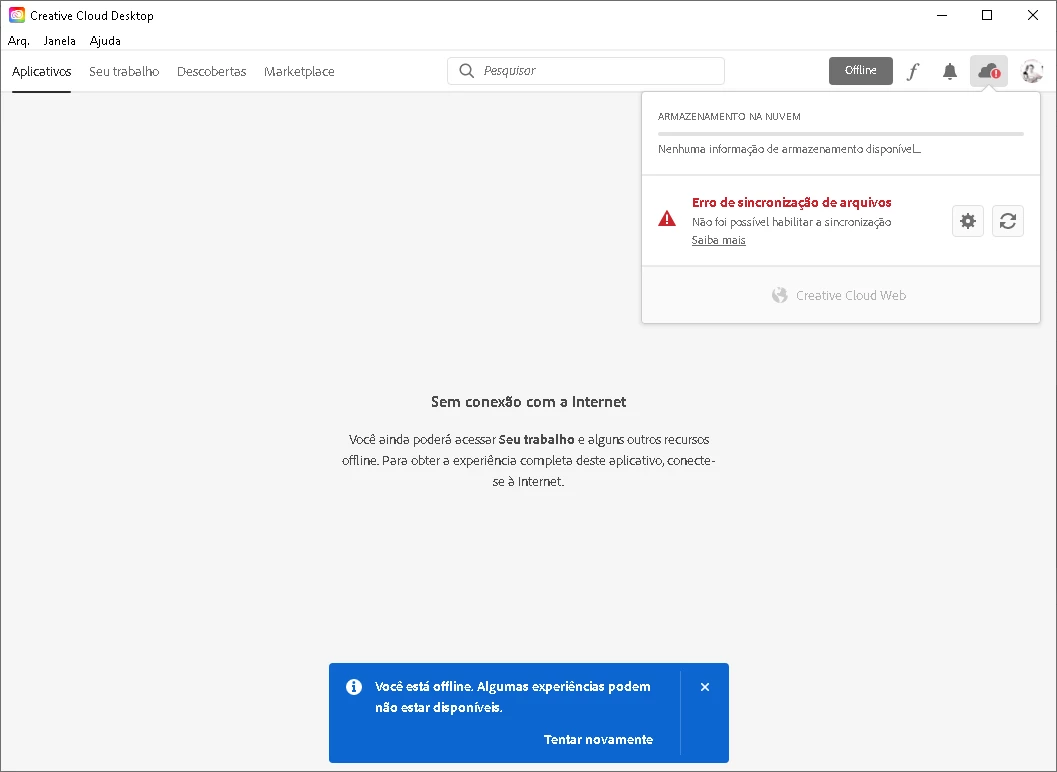
 

- Now I can't install any app and don't know where to start.


There is some log that I can see what is getting wrong?
 

This topic has been closed for replies.
Correct answer ___Dom___

Hello,

the following document might also be useful - please note, that NTLM authentication is not supported, for example.

https://helpx.adobe.com/creative-cloud/kb/proxy-authentication-support-creative-cloud.html

You might see the reason for the problem in the file %TEMP%/PDApp.log or %TEMP%/ACC/CreativeCloud/AdobeDownload/DLM.log - do you see the same problem if you bypass whichever proxy configuration option you have (e.g. PAC or WPAD) and set the IP address of the proxy manually, to rule out an automatic configuration method.

This may all be best discussed in a support case.

Sincerely,

Dominic

2 replies

___Dom___
___Dom___Correct answer
Inspiring
November 20, 2020

Hello,

the following document might also be useful - please note, that NTLM authentication is not supported, for example.

https://helpx.adobe.com/creative-cloud/kb/proxy-authentication-support-creative-cloud.html

You might see the reason for the problem in the file %TEMP%/PDApp.log or %TEMP%/ACC/CreativeCloud/AdobeDownload/DLM.log - do you see the same problem if you bypass whichever proxy configuration option you have (e.g. PAC or WPAD) and set the IP address of the proxy manually, to rule out an automatic configuration method.

This may all be best discussed in a support case.

Sincerely,

Dominic

Participant
November 17, 2020

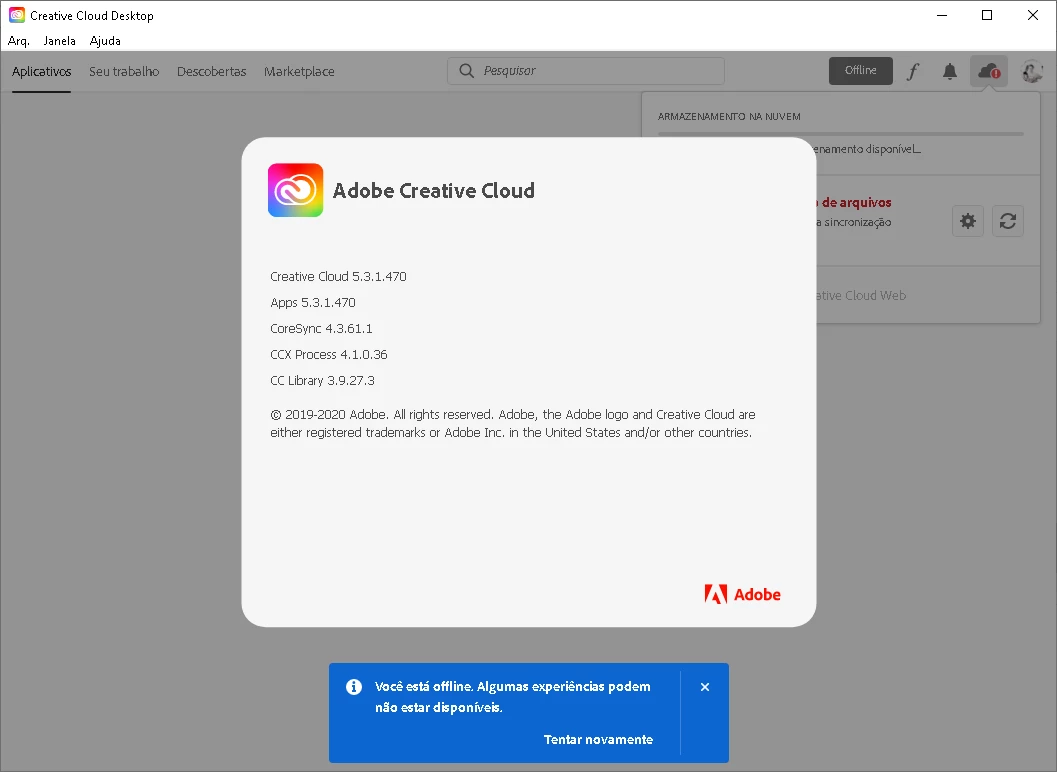
Update: the CC app not allow me even to do logoff: