


Participating Frequently
June 7, 2022
Question

Creative Cloud Files not working anymore (web & desktop)

Hi there!

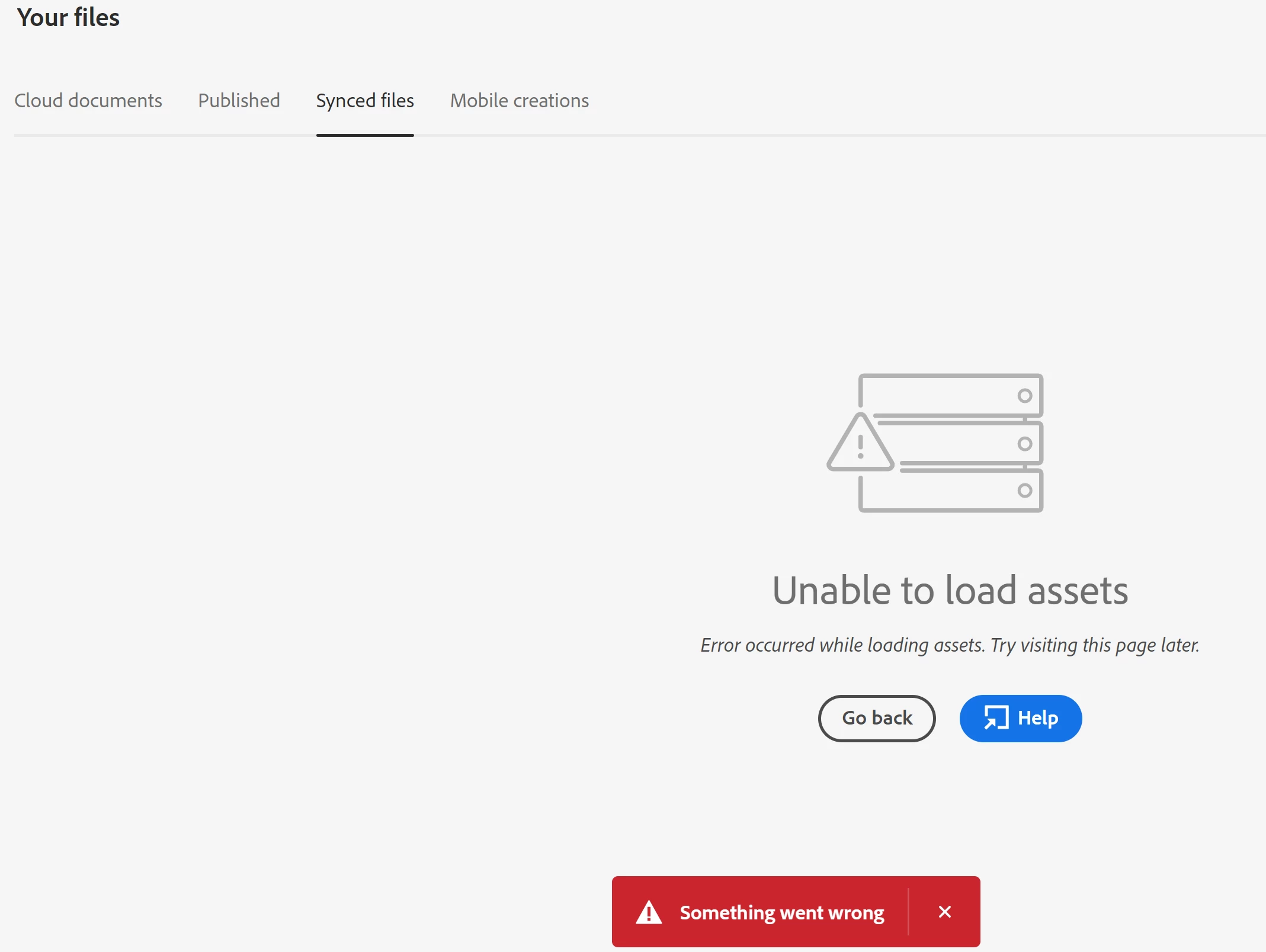
Since yesterday people in my office can't use Creative Cloud files anymore. The desktop syncing isn't working and, when we try to access the web version (https://assets.adobe.com/files/), we get an error: "Unable to load assets. Error occurred while loading assets. Try visiting this page later. - Something went wrong". See attachment.

Cloud XD documents aren't syncing either.


Is there currently a server problem? We're in Italy.


Thank you.

-Matteo

This topic is closed to new replies. Start a new post to keep the conversation going.

12 replies

kglad
Community Expert
Community Expert
June 7, 2022

reset the cc desktop app: make sure it's in the foreground, then press:

Win: Ctrl + Alt + R
Mac: Cmd + Opt + R

Translate
Matteo SAuthor
Participating Frequently
June 8, 2022

Hi, thanks for the answer.

I did that, but it didn't work. I don't think the problem is (only) with the app, anyway: the screenshot I posted is from the web version.
I also tried to access on a different PC with a different internet connection, same problem.

Translate
kglad
Community Expert
Community Expert
June 8, 2022

then you may have a corrupt file that's trying to sync and unable.  i don't know any way to find that other than trial and error (needing, at most, log base 2 of your number of files).

Translate