


Participant
January 5, 2018
Answered

Creative Cloud for Team installation failed

  • January 5, 2018
  • 3 replies
  • 611 views

I purchased a Creative Cloud for Teams.

Through the admin panel, I did the Deployment of the devices, downloaded the Creative Cloud Packager and formed the necessary set of applications.

After that, I transferred the created package to another computer and started the installation.

But there was an error during the installation.
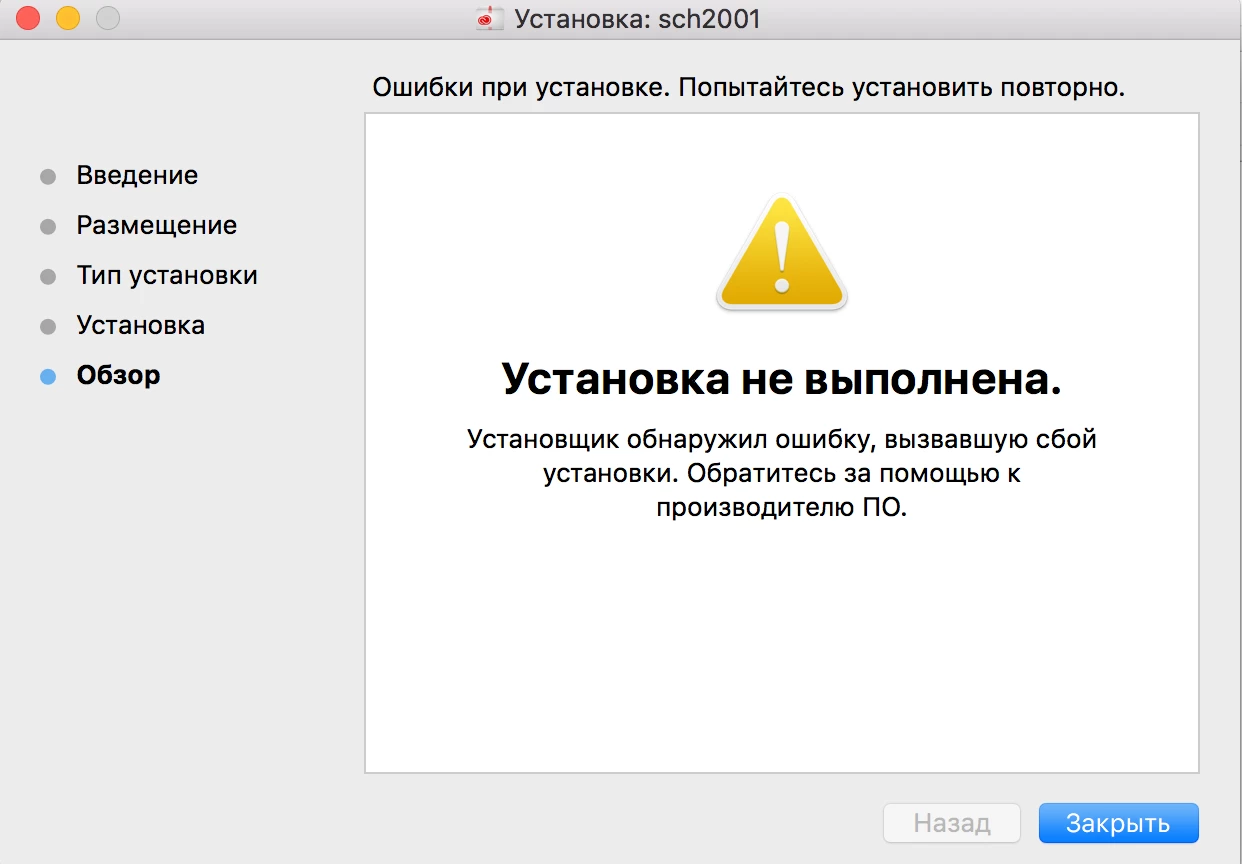
I tried to install the package on other computers, anyway, the error gets out.

I tried to install the package on other computers, anyway, the error gets out. On the computer, the previous versions of the program are fully deleted.

What should I do?

    This topic has been closed for replies.
    Correct answer alisterblack

    I would recommend installing via terminal with elevated privileges using sudo. Details can be found below.

    Creative Cloud Help | How to install a package created with Creative Cloud Packager

    If you still have problems you should gather the log files via the Log Collector Tool and reach out to support who can assist with analyzing the log to see where the problem lies.

    To contact support please use one of the following options.

    Creative Cloud for Enterprise - from the Admin Console go to the support tab to open a case. Phone and chat options are also available here.

    Creative Cloud for Teams - from the CCT Admin Console go to the Help tab for chat and phone options.

    Alternatively please go to https://helpx.adobe.com/contact.html

    3 replies

    alisterblack
    Inspiring
    January 8, 2018

    Hi,

    Can you supply further information regarding what applications are in the package, what platform you are deploying to and how you are installing the package?

    Participant
    January 8, 2018

    В пакете Photoshop, Illustrator, Premiere и Audition.

    Версии СС пытался установить на MacBook Pro 2015 (macOS Sierra 10.12.5). Через панель админа делал развертывание устройств и дальше запускал установщик на ноутбуке. После первых же секунд установки программ выдается ошибка.

    Версии 2014 года пытался установить на MacBook Pro 2012 (macOS Х 10.7.5). Аналогично появляется ошибка. 

    __________________________________________________________

    In the package is Photoshop, Illustrator, Premiere and Audition.

    Version СС tried to install on MacBook Pro 2015 (macOS Sierra 10.12.5). In admins panel i created the deployment of the devices and then run the installer on the laptop. After the first seconds of the install programs error.

    The 2014 version is tried to install on a 2012 MacBook Pro (macOS X 10.7.5). Similarly, an error occurs.

    alisterblack
    alisterblackCorrect answer
    Inspiring
    January 9, 2018

    I would recommend installing via terminal with elevated privileges using sudo. Details can be found below.

    Creative Cloud Help | How to install a package created with Creative Cloud Packager

    If you still have problems you should gather the log files via the Log Collector Tool and reach out to support who can assist with analyzing the log to see where the problem lies.

    To contact support please use one of the following options.

    Creative Cloud for Enterprise - from the Admin Console go to the support tab to open a case. Phone and chat options are also available here.

    Creative Cloud for Teams - from the CCT Admin Console go to the Help tab for chat and phone options.

    Alternatively please go to https://helpx.adobe.com/contact.html