


nouf ghouth
Participant
October 17, 2017
Question

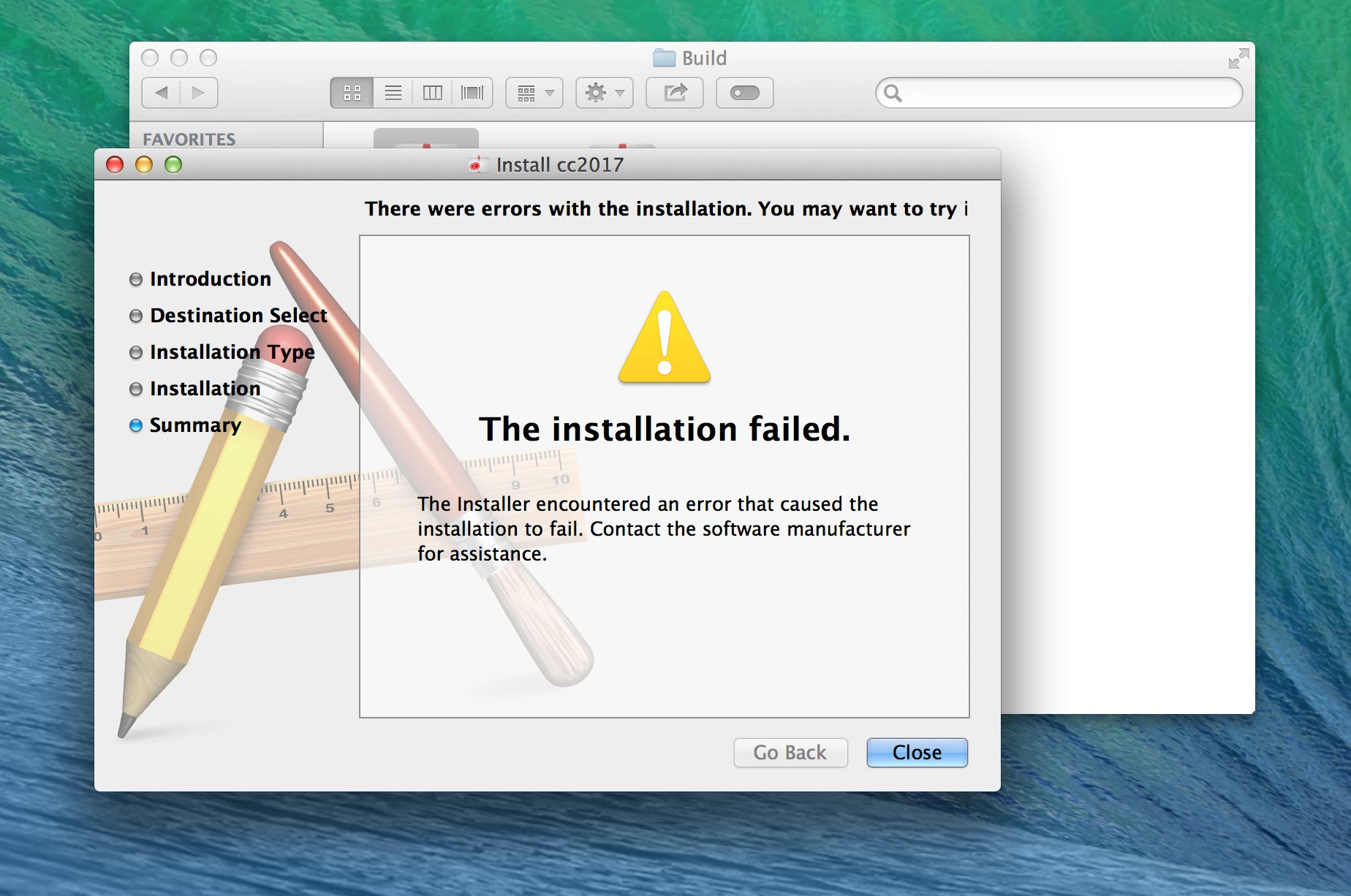
creative cloud package installation failed

  • October 17, 2017
  • 3 replies
  • 1804 views

I format my macbook and try to install the creative cloud package it give me error message the installation failed i try all what i know but the error still . before i install it in many computers in the lab it was ok but now i don't know what is the problem .
    This topic has been closed for replies.

    3 replies

    Bani Verma
    Legend
    October 17, 2017
    Kanikas
    Legend
    October 17, 2017
    kglad
    Community Expert
    Community Expert
    October 17, 2017

    if you have sierra os, follow each step if you can:

    uninstall everything cc including preferences, https://helpx.adobe.com/creative-cloud/help/uninstall-remove-app.html

    then uninstall the cc desktop app, https://helpx.adobe.com/creative-cloud/help/uninstall-creative-cloud-desktop-app.html

    clean your computer of cc files per http://www.adobe.com/support/contact/cscleanertool.html

    restart your computer (don't skip this)

    reinstall the cc desktop app, https://creative.adobe.com/products/creative-cloud.

    if you're unable to install the cc desktop app at this stage, use an administrator account (solution 3 here, https://helpx.adobe.com/creative-cloud/kb/creative-cloud-missing-damaged.html)

    use the desktop app to install your cc programs/trials

    nouf ghouth
    Participant
    October 21, 2017

    i try every thing the error still .i can't install cc desktop app it will ask me the user name i always install the package by device .

    rpandita
    Inspiring
    October 26, 2017

    Hello,

    When you say you install the package by device, do you mean serial number?

    ~Rohit