



Creative Cloud Packer installed apps don't show as being installed for user account
I have downloaded Adobe Create Cloud Packager and installed most of the CC apps on some new iMac's for staff.
However when the staff member logs in, only the following items shows as being shown as installed:
Lightroom5
Adobe acrobat pro
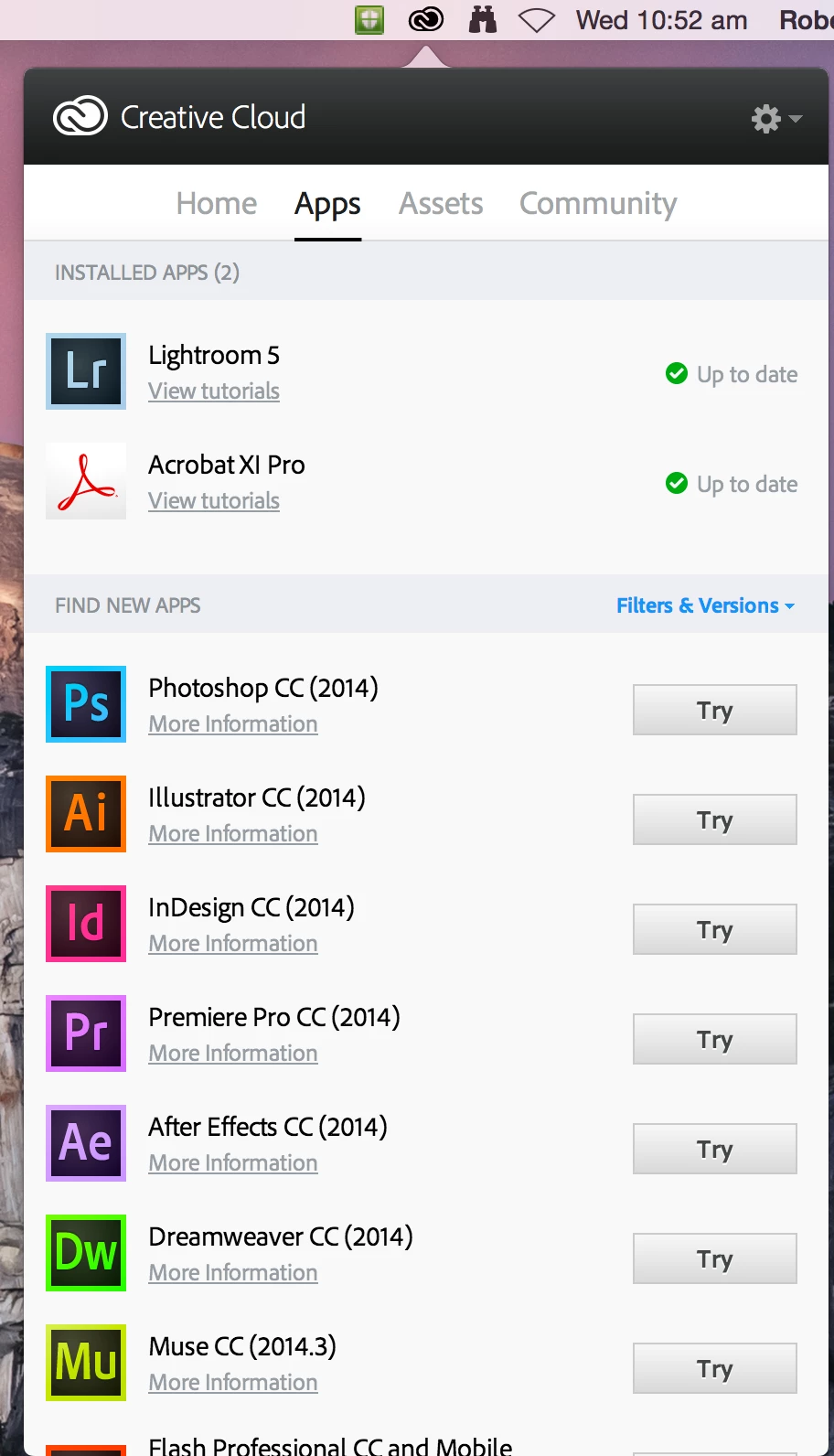
The apps however ran fine when loading from Applications directory in finder.
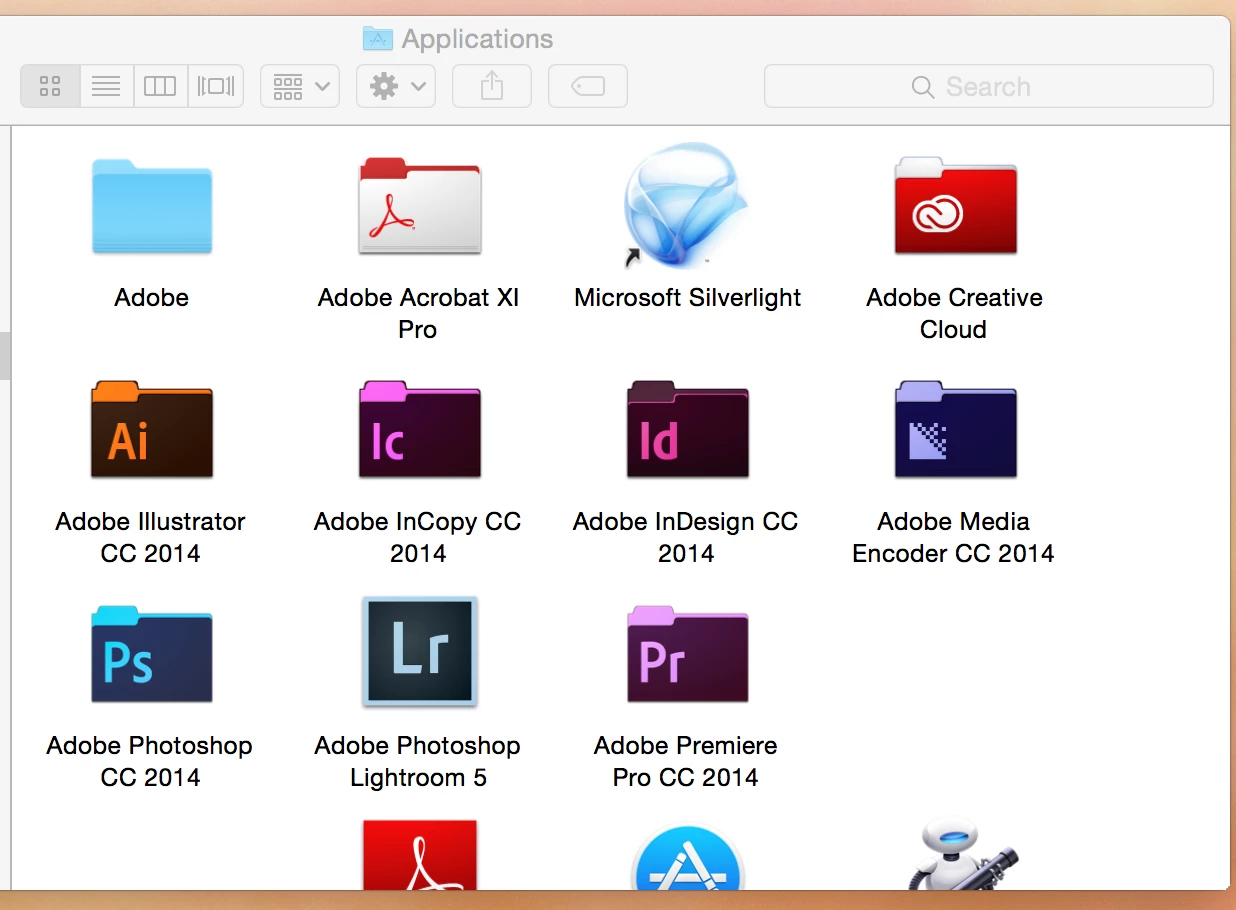
We did encounter one user issue - for Adobe InDesign, which gave errors.
i ended up downloading that again to make it work
i also did the following
uninstalled all apps, ran the Adove CC cleaner tool, restart,etc
created and downloaded a new package , reinstalled etc
still has same issue. except this time Indesign worked from finder>apps - so possibly the first time i downloaded it was corrupted?
We also did the following for one use:
ran the "Try" button for InDesign under the users account.
I had to enter the Admin username/password to download and install
once done it shows up as installed for that user.
So the question is. what have i done wrong? is there a bug with the packager?
my plan was to use the packer to download once and install once on multiple machines, not have to manually goto each iMac and install adobe CC and then download and install the apps for each user.
BTW
we have "power user" licensing and each user is on one iMac
we only have 4 licenses, so its not a big deployment, but I would rather download 10GB once instead of 40GB total.
 AdChoices