

Answered
Creative Cloud Synch - Cloud Only, not locally
Hi,
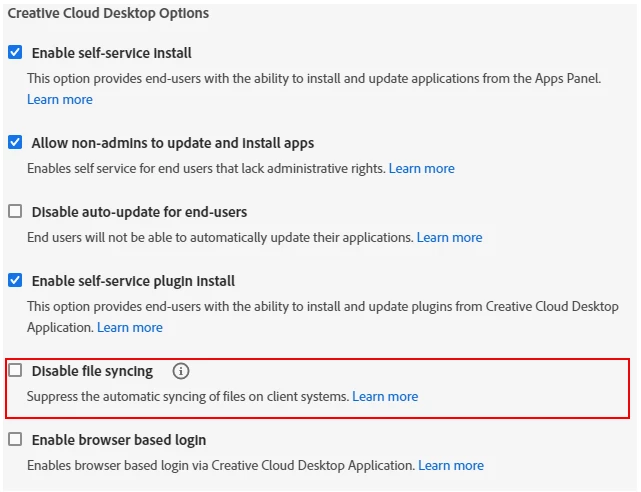
My company has an Adobe teams account, we have started migrating folders from ouyr local server to our Creative cloud shared folder, however these files are all now being stored locally & on the cloud, is it possible to only save to the cloud without saving locally, as my laptop is now out of memory as other members of the team have copied folders to the cloud.
I do not want to try deleting the synch folder from my windows folder, incase this now deletes everything from the synchronised cloud folder (affecting the rest of the team).
Thanks in advance.



 AdChoices