Inspiring
January 2, 2017
Answered

Disable "Create Custom Tool"

  • January 2, 2017
  • 2 replies
  • 634 views

Hello together,

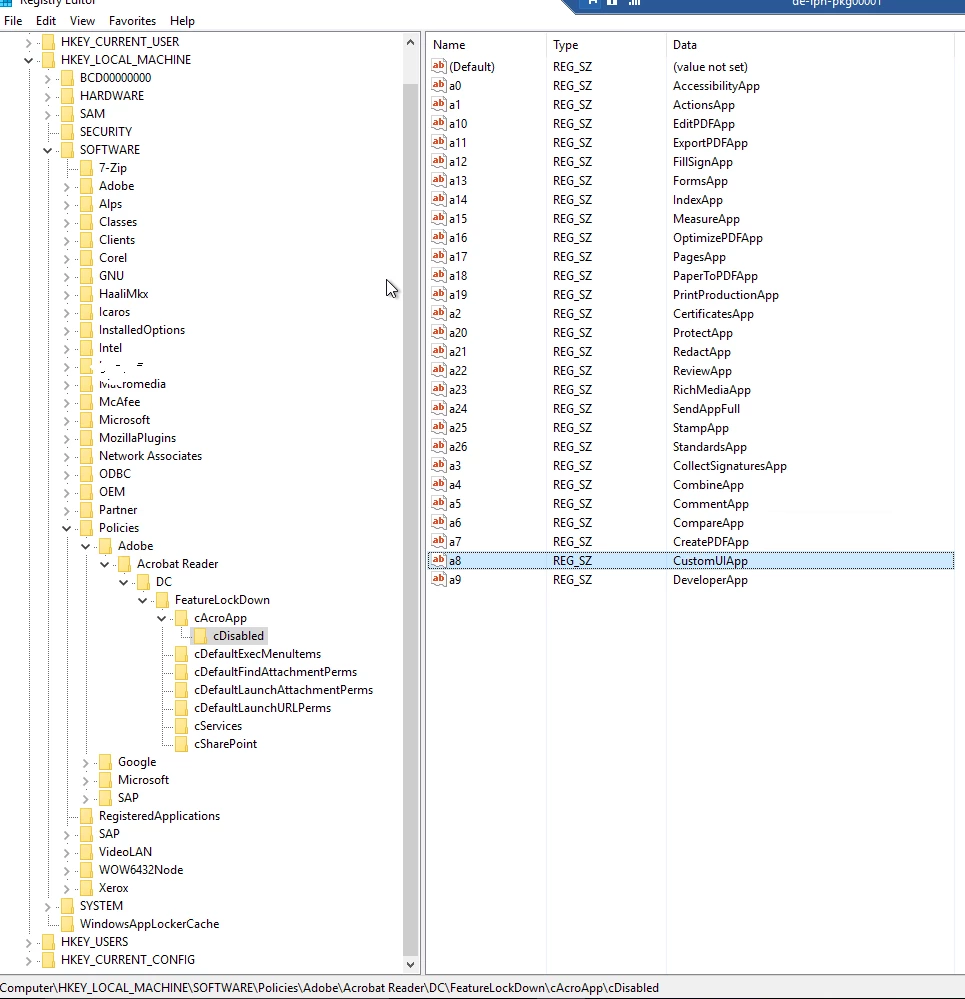
I realise it is possible to disable tools with the registry key [HKLM\SOFTWARE\Policies\Adobe\<product name>\<version>\FeatureLockDown\AcroApp\cDisabled]

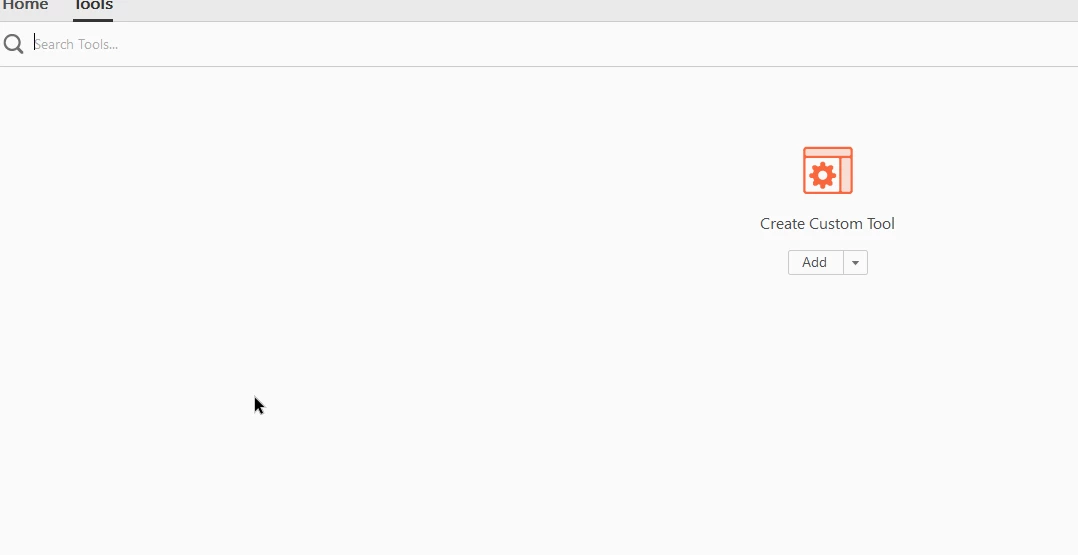
However, I wasn't able to deactivate the "Create Custom Tool".

See also the screenshots.

Does somebody know how it is possible?

Kind regards,

NamelessOne1983
This topic has been closed for replies.
Correct answer NamelessOne1983

This does the trick:

REG ADD "HKEY_LOCAL_MACHINE\SOFTWARE\Policies\Adobe\Acrobat Reader\DC\FeatureLockDown\cAcroApp\cDisabled" /v "a22" /t REG_SZ /f /d "CreateCustomUIApp"

2 replies

NamelessOne1983AuthorCorrect answer
Inspiring
July 21, 2017

This does the trick:

REG ADD "HKEY_LOCAL_MACHINE\SOFTWARE\Policies\Adobe\Acrobat Reader\DC\FeatureLockDown\cAcroApp\cDisabled" /v "a22" /t REG_SZ /f /d "CreateCustomUIApp"

Inspiring
January 16, 2017

No one an idea?