Participant
September 16, 2025
Answered

Disable Mail icon in Adobe Reader

  • September 16, 2025
  • 1 reply
  • 133 views

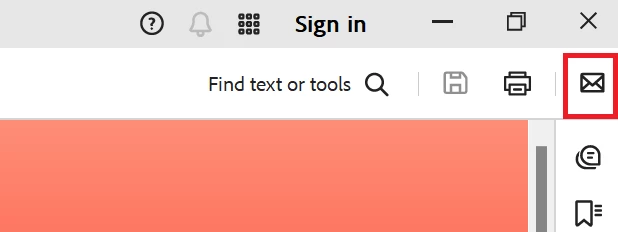
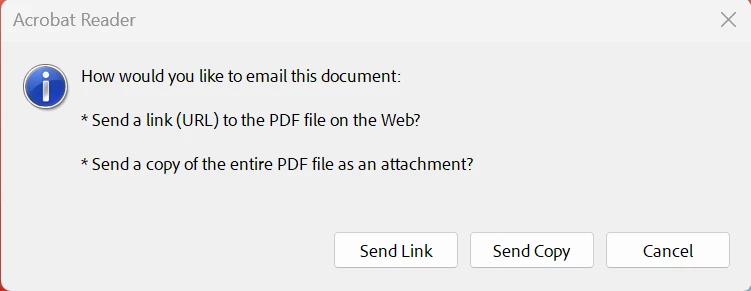
I’m trying to disable the mail feature in Adobe Reader, specifically the option that allows sending links to the PDF in an email.
 

Correct answer Anshul_Nautiyal

Hi @S123,

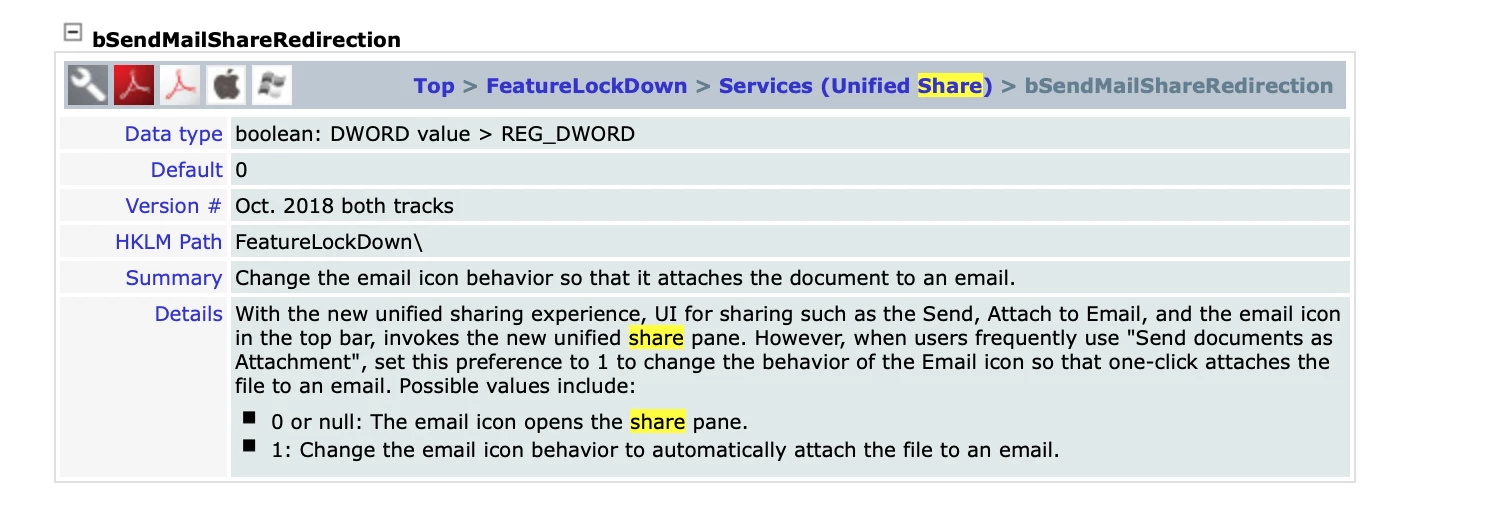
Thank you for sharing your requirement, and apologies for the delay in response. If you are looking to change the email icon behavior so that it attaches the document to an email for all devices in your organization, please refer to the following documentation: https://adobe.ly/46tOVP4
Regarding your other question, when a user sends a document link, the file is stored securely in Adobe’s cloud. It also appears in the sender’s Acrobat on the web under Documents > Your documents, where it can be managed or removed. You can find more details here:
https://adobe.ly/3IudJyj
https://adobe.ly/46rbC6t

We hope this helps. Please let us know if you need any further assistance.

Regards,
^AN

1 reply

Amal.
Community Manager
Community Manager
September 16, 2025

Hi there 


Hope you are doing well, and thanks for reaching out. Sorry for the trouble. 


As described, you want to disable the option that allows sending links to the PDF in an email, please go to Acrobat Preferences (Ctrl+K, Cmd+K) > Email Accounts > Uncheck 'Always send files as a link' > click OK and reboot the application. 


Let us know how it goes.


~Amal


S123Author
Participant
September 16, 2025

Hi Amal,


Thanks for your reply. I am looking to do this on all the devices in our enterprise. Is there a reg key fix for this?


Also, if a user send the document link to someone, where is that document stored?

Anshul_NautiyalCommunity ManagerCorrect answer
Community Manager
September 18, 2025

Hi @S123,

Thank you for sharing your requirement, and apologies for the delay in response. If you are looking to change the email icon behavior so that it attaches the document to an email for all devices in your organization, please refer to the following documentation: https://adobe.ly/46tOVP4

Regarding your other question, when a user sends a document link, the file is stored securely in Adobe’s cloud. It also appears in the sender’s Acrobat on the web under Documents > Your documents, where it can be managed or removed. You can find more details here:
https://adobe.ly/3IudJyj
https://adobe.ly/46rbC6t

We hope this helps. Please let us know if you need any further assistance.

Regards,
^AN
