
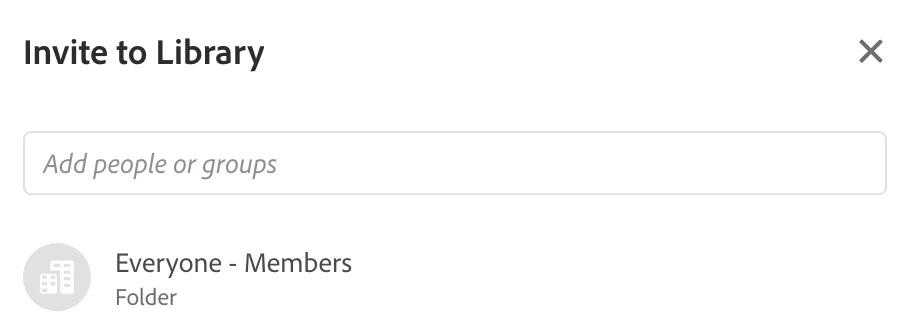
Edit Library Sharing (remove company-wide "Everyone" but leave individual members)
Hi,
when we first started using libraries a number of years ago,
we use to create them, erroneously, with the "Everyone" sharing option by default, and then adding members individually as well.
Over the course of the years, a number of people, while using adobe stock, have been unknowingly saving their stock files in these libraries, because of the lack of the (odd) way creative cloud handles default Stock folders.
This forces us to periodicallly go through the libraries and deleting these unwanted random files.
Is there any way to remove the company-wide access to these library, and only keep the interested individual members? At the moment the "Everyone" option seems to be set in stone and i can't see any way of changing it. Could some IT admin have permissions to do that?
As these libraries are widely used on a number of assets, we would like to avoid going the route of duplicating/recreating the libraries, for fear of screwing up all of the linked items.
Thanks!


 AdChoices