Hi @Addy_786
,
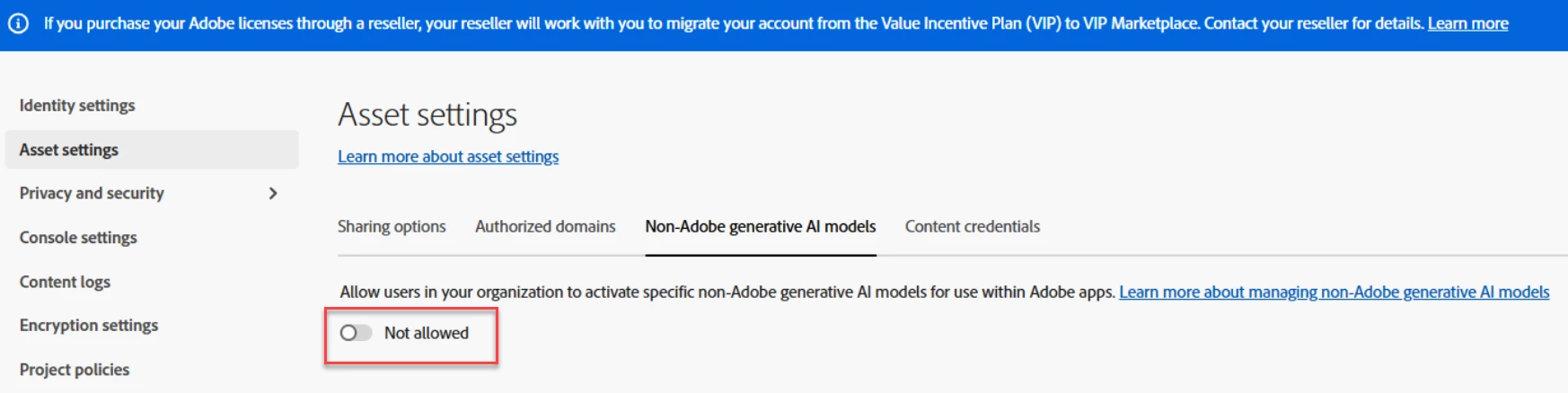
Thanks for the screenshots, that helps pin it down. You're right that the "Non-Adobe generative AI models" tab isn't showing under your Asset Settings the way it appeared before, and I understand the confusion when you'd seen it there previously.
The option to enable or disable non-Adobe generative AI models in the Admin Console is tied to licenses that include premium generative AI features. A standard Creative Cloud for teams plan doesn't include those licenses, so that tab won't appear under Settings > Asset Settings, which is why you're seeing Sharing options and Authorized domains but not the non-Adobe models tab.
If access to those models is something your team needs, the best path is to have our team review your account and go over the options for your organization. You can open a case through Admin Console > Support.
Thanks,
^AV



 AdChoices