Participating Frequently
May 12, 2019
Answered

Enrolled in Trial for Creative Cloud Suite & Cannot Use or Cancel but Being Billed

  • May 12, 2019
  • 12 replies
  • 1075 views

I recently signed up for the 7 day trial version of Photoshop in order to complete a school assignment, and planned to cancel thereafter. Once I enrolled, I was able to use Photoshop successfully. However, under the "manage plans" section, it said I was not enrolled in any trial or service, and after the week of the trial expired, I was charged for the $30/month renewal. I can't access, use, or even see the plan I am being charged for, and there is no way to use the product or unenroll.

When I log in, and look at "manage plans" as suggested on the support website, it states that I have no active enrollments -- which is false because I'm looking at the $30 charge on my credit card. Furthermore, any ways to contact support are disabled and it states that I need to contact my IT administrator (who both I don't think even exists and has nothing to do with this trial being purchased).

All I want is to cancel my subscription, and get a refund for the month that I have been charged because I can't even access the product I am paying for. What is the process for this? Has anyone else experienced this issue, where their subscription cannot be accessed and cannot be cancelled?

I appreciate any and all help.

This topic has been closed for replies.
Correct answer Abambo

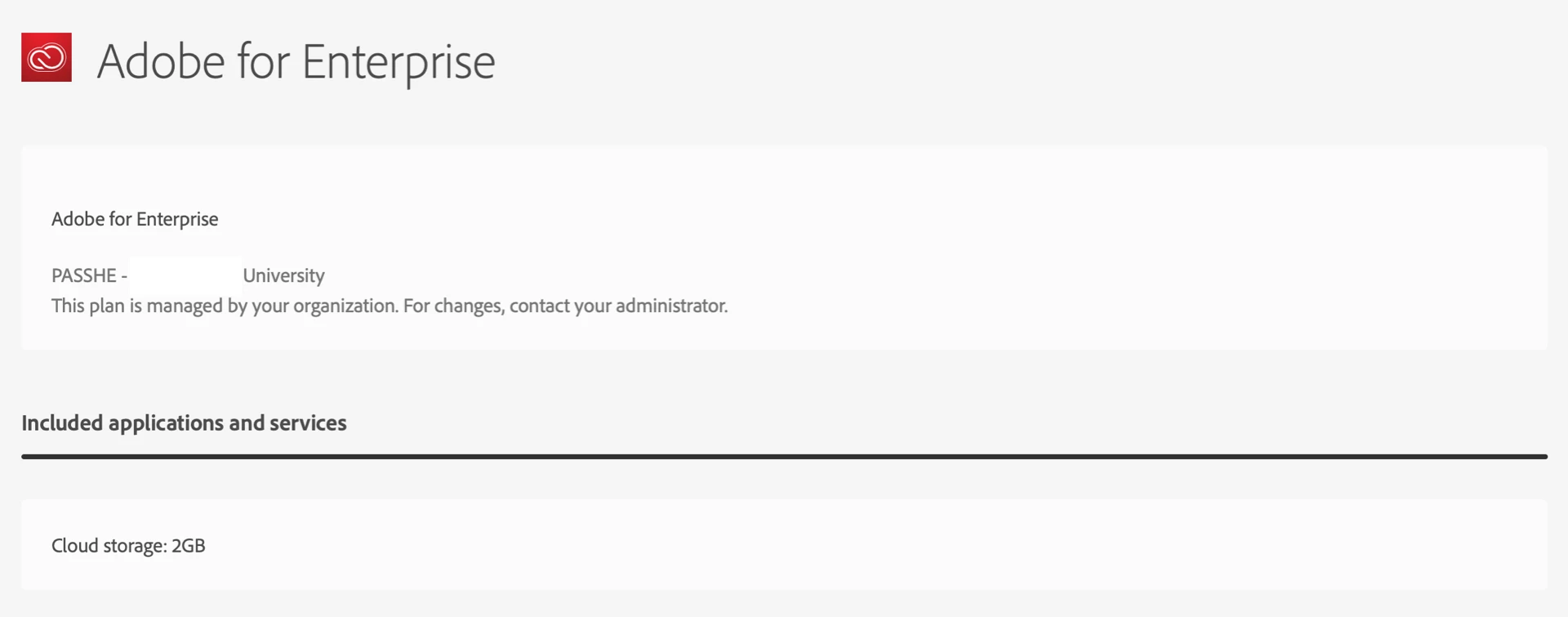
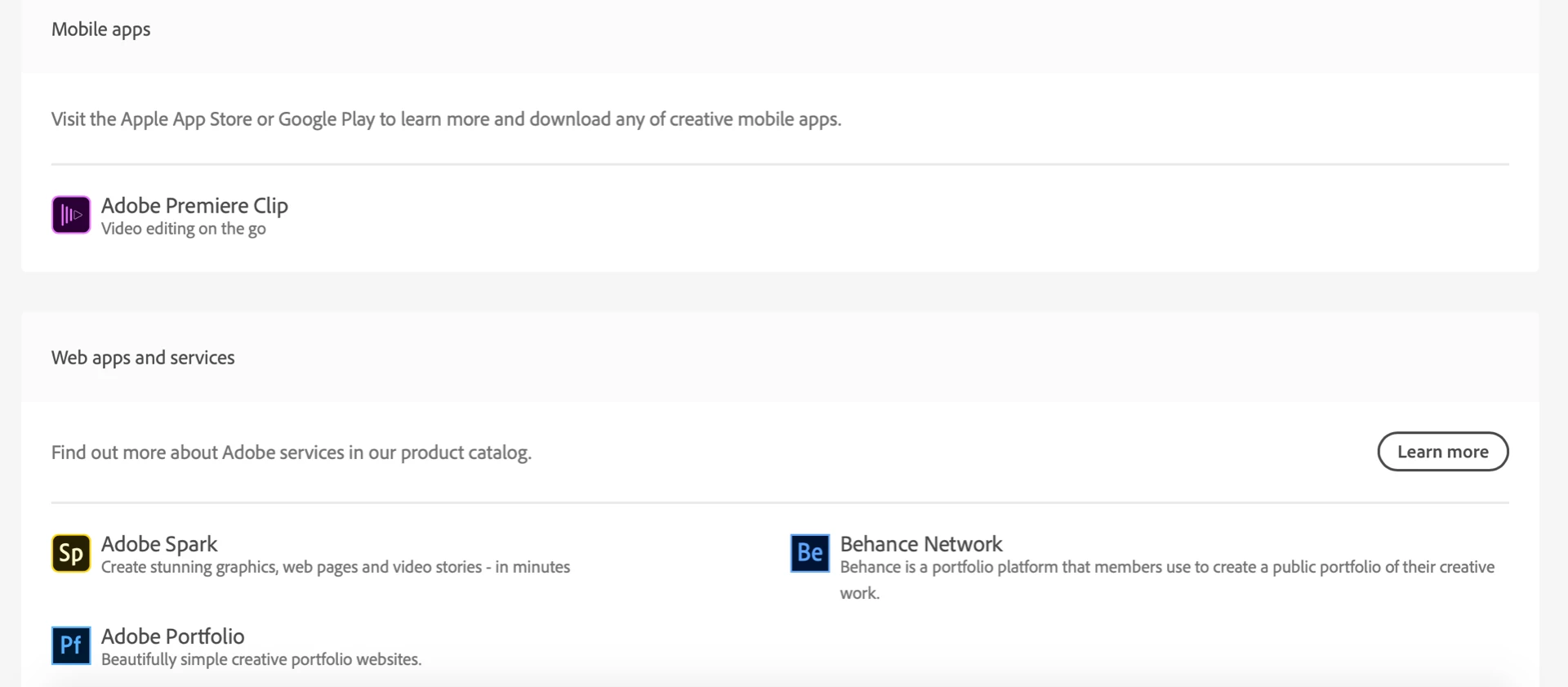
Thanks for the help Abambo. The problem is, the plan shown above (managed by my university) was active long before I purchased the trial, and has nothing to do with the photoshop trial I am being (invisibly) charged for. As you can see below, none of it relates to the photoshop:


Let’s see what the experts here say!

Discussion successfully moved from Adobe Creative Cloud to Enterprise & Teams

In addition I’ve asked Adobe staff to look-up your case. Good luck.

12 replies

Participating Frequently
May 13, 2019

Stupid solution -- it appears I had a duplicate account under the same email: one was a personal account, and one was the enterprise account. The subscription was under the personal account, which I don't even remember configuring. I had to change the password and login to that account, and the subscription popped right up.

Regardless, thanks to everyone for their help.

Abambo
Community Expert
Community Expert
May 14, 2019

2 Accounts under the same e-mail should not be possible, as your Adobe id is your e-mail. You can, however have 2 different plans with the same id.

ABAMBO | Hard- and Software Engineer | Photographer
Abambo
Community Expert
Community Expert
May 12, 2019

You can cancel by going to https://account.adobe.com/plans and choose the plan you want to cancel. Cancel that one and you will be refunded if you stay in the 14days cancelation window.

Contact Customer Care if that fails.

Report back if you need further help.

ABAMBO | Hard- and Software Engineer | Photographer
Participating Frequently
May 12, 2019

Thanks for the response Abambo

When I click on the link above, it shows no active plans other than one unrelated to Photoshop managed by my university.

In addition, when I try to contact customer care, it says I need to contact my IT administrator, and it won’t let me continue. Certainly my IT administrator has nothing to do with me buying a trial, so I’m unsure of what to do next.

I just need someone to cancel/refund this, and I can’t even reach out to support for them to do so.

Abambo
Community Expert
Community Expert
May 12, 2019

something like this should show:

ABAMBO | Hard- and Software Engineer | Photographer
Participant
May 12, 2019

Adobe is a typical greedy big corporation ripoff. I just decided to NOT EVEN use their products unless absolutely necessary.

Abambo
Community Expert
Community Expert
May 12, 2019

That is not helpful for the user.

ABAMBO | Hard- and Software Engineer | Photographer