
Enterprise environment (highly restricted internet) Adobe CC sometimes shows No internet connection
Please read all the details. This problem has plagued our company for a long time and the last time I came looking for help the response was "Make sure you have internet.". We have all the prescribed firewall rules in place for our production systems. So the question is perhaps what are we missing?
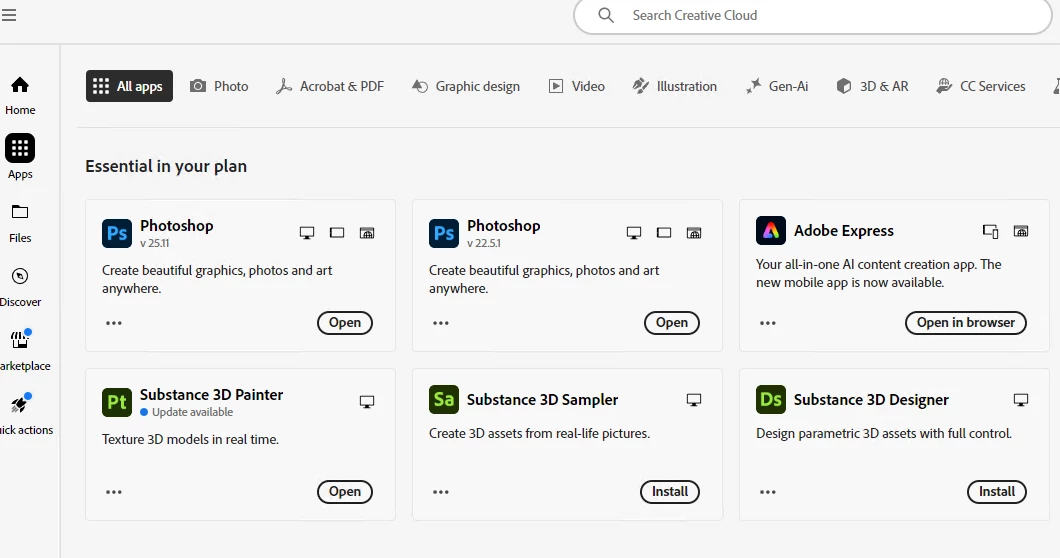
One minute, a user can access their apps:
And sometimes, not all the time, the user will suddenly see this after some short or long period of time:
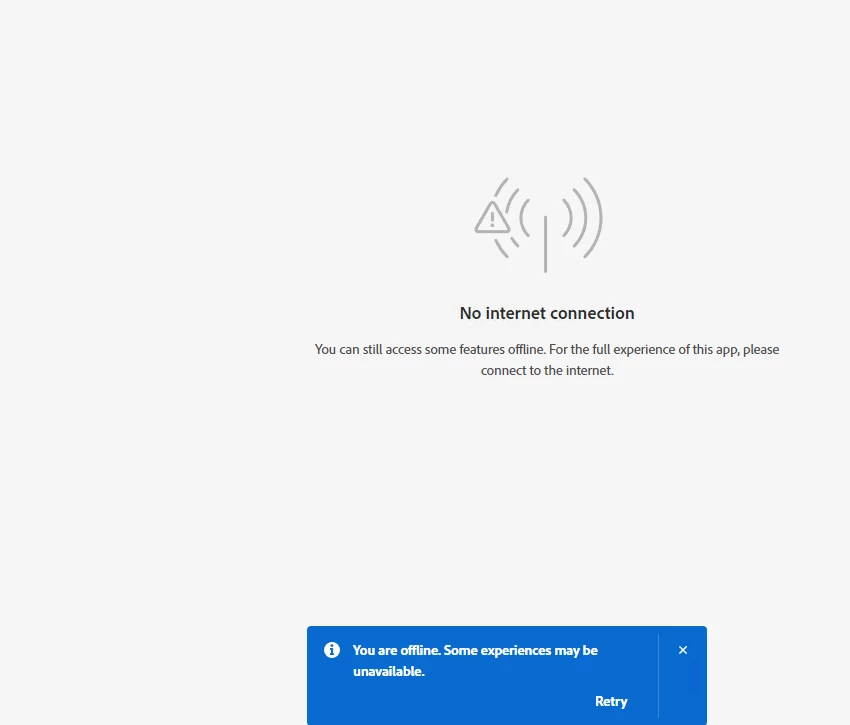
Sometimes users will have no problem logging in (if they are not currently logged in) and sometimes it will show some sort of No internet connection message WHILE they are in the process of logging in even after username/password authentication has succeeded and before they get to see their apps.
Here's an interesting profile on this issue:
If I kill all processes with:
$processes = "Adobe CEF Helper", "Adobe Desktop Service", "Adobe Spaces Helper", "CoreSync", "CCXProcess", "Creative Cloud UI Helper", "Creative Cloud", "Creative Cloud Helper", "CCLibrary", "AdobeUpdateService", "AdobeIPCBroker"
foreach ($p in $processes){
$running = Get-Process -Name $p -ErrorAction SilentlyContinue
if ($running) {
Write-Host "Process(es) running: $p"
foreach ($process in $running) {
Stop-Process -Id $process.Id -Force
Write-Host "Process is terminated: $process.Id"
}
} else {
Write-Host "Process is not running: $p"
}
}
Then the user can always open Adobe CC back up, access the Apps and run their desired Adobe product. But then sometimes for some users it will show this again:
From our location in Canada, which endpoints do you think we're missing from our firewall rule to cause this behaviour?


 AdChoices