
Participant
October 2, 2018
Answered

Enterprise ID sign in get stuck (hang)

  • October 2, 2018
  • 6 replies
  • 5440 views

Hi All,

I am a graduate student and my university has the license for the Creative Cloud. But something is wrong when I tried to install it on my PC (windows).

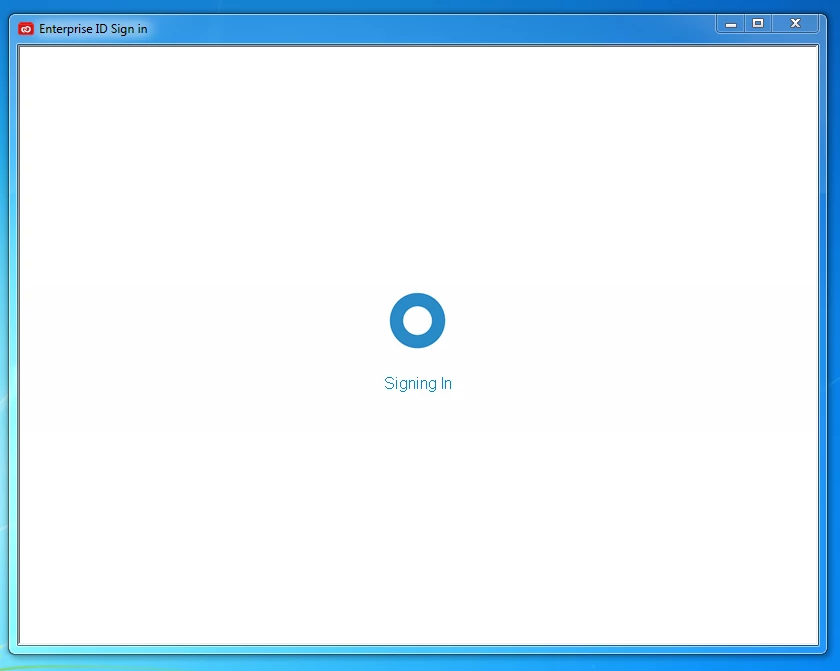
So I open the installation file "Creative_Cloud_Set-Up.exe" and it takes me to a login window. I enter my school email address and press "Tab", the program automatically takes me to the enterprise ID sign in. However, the school's login page never get prompted and the window get stuck as shown in the attached screenshot. Anyone has any suggestions how to fix that? Thanks in advance!

    This topic has been closed for replies.
    Correct answer John T Smith

    Mac Spinning Wheel https://forums.adobe.com/message/5470608

    -Similar in Windows https://forums.adobe.com/message/5853430

    6 replies

    Participating Frequently
    June 28, 2019

    Hi,

    Try resetting internet explorer and it should resolve the issue.

    Regards,

    Sumit

    simonel32538539
    Participant
    June 13, 2019

    In the hope it will help someone else landing on this page: I had the same problem as the OP, solved by logging in from *outside* the university network.
    From within the university domain, my login screen would get white and stuck on Mac OS.

    Participant
    September 4, 2020

    I'm having the same problem. How did you log in outside the university network? That's the only account I have and that's what I get prompted to do when I try to install it. 

    Kanikas
    Legend
    October 16, 2018
    Participating Frequently
    October 3, 2018

    Hi, joshuashiing! This certainly is a bummer. When you say "My PC", are you referring to a PC that you own and have all admin rights to? If we end up not being able to figure it out here, might I also suggest getting in touch with your school's IT department to see if others are having the same issue as well?

    Participant
    October 3, 2018

    Unfortunately, it is my personal PC at home so I do not think the school's IT will help me with that...... Actually I have contacted them for help but they only sent me the official instruction, which I follow but fail to work as well....

    arij2010
    Inspiring
    October 3, 2018

    Hi,

    Maybe a proxy or firewall issue .Are you able to do the same on the sign in page on the website or not ?

    Participant
    October 3, 2018

    It works well on the website if login using a browser such as Chrome and that's how I login to this forum. So any idea how to fix that?

    John T Smith
    Community Expert
    John T SmithCommunity ExpertCorrect answer
    Community Expert
    October 2, 2018
    Participant
    October 3, 2018

    They essentially installed the new version (back then) and fixed the problem. But it does not work for mine...

    Participant
    October 3, 2018

    It doesn't work for me.