


Participant
Jan 13, 2023 9:14 PM UTC
Question

Enterprise User Library Disappeared

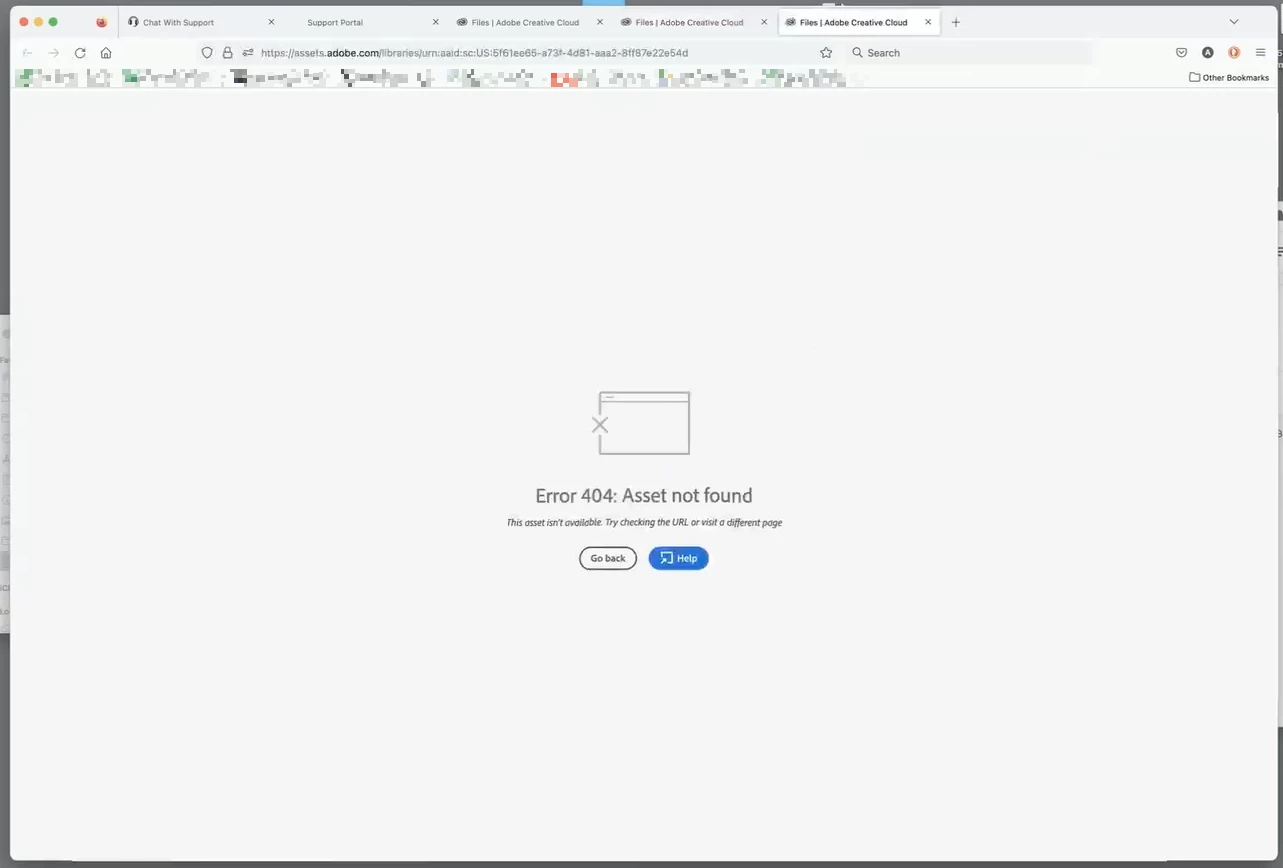
One of our enterprise account members had a library completely disappear. Just the one library, though. They have others still intact. The missing library is gone from the desktop apps, as well as on assets.adobe.com. It is not in the online trash either. I have a link to the library, but it just errors out "Asset not found". Can the library be recovered?


This topic is closed to new replies. Start a new post to keep the conversation going.

9 replies

Abambo
Community Expert
Community Expert
Jan 17, 2023 1:56 PM UTC

Was it a shared library? The owner may have deleted the share.

Translate
ABAMBO | Hard- and Software Engineer | Photographer
Participant
Jan 17, 2023 2:00 PM UTC

It was a shared library, but this user is the owner.

Translate
Abambo
Community Expert
Community Expert
Jan 17, 2023 2:21 PM UTC

That's not good. Somehow, someone killed the link…


@iCharles or Adobe support may have an answer.

Translate
ABAMBO | Hard- and Software Engineer | Photographer
kglad
Community Expert
Community Expert
Jan 17, 2023 1:28 PM UTC

they should try a different browser and/or clear their adobe.com cookies and retry with the same browser.

Translate
Participant
Jan 17, 2023 1:59 PM UTC

We've cleared cache/cookies and tried multiple browsers. Same result.

Translate
kglad
Community Expert
Community Expert
Jan 17, 2023 2:04 PM UTC

did you check the deleted folder?

Translate