


Participant
February 20, 2021
Answered

Error #315 InDesign CC 2019 - Este servicio no está disponible porque hay errores en su suscripción

  • February 20, 2021
  • 2 replies
  • 470 views

Al intentar Publicar Online un proyecto de InDesign CC 2019 me aparece el siguiente mensaje de error:


Error #315 InDesign CC 2019 - Este servicio no está disponible porque hay errores en su suscripción


A continuación presiono Administrar Cuenta y no me permite el acceso, enviándome a una página con el siguiene aviso:
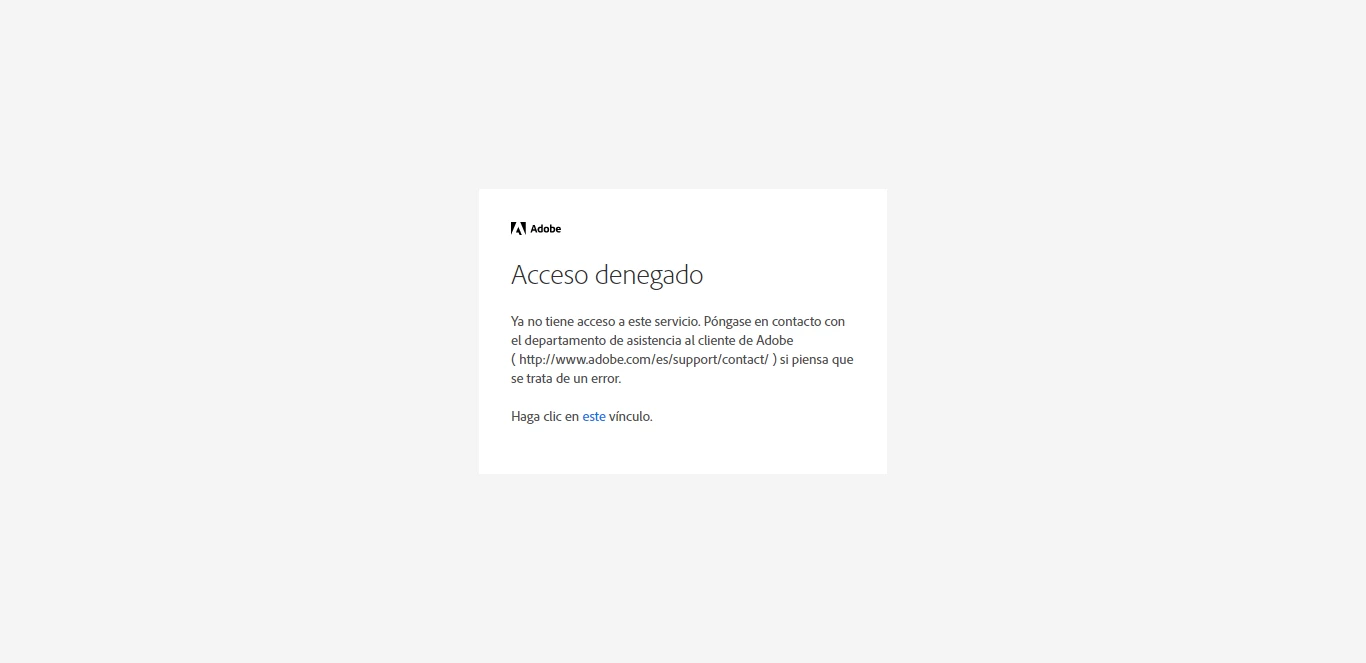
Acceso denegado

Ya no tiene acceso a este servicio. Póngase en contacto con el departamento de asistencia al cliente de Adobe  ( http://www.adobe.com/es/support/contact/ ) si piensa que se trata de un error.

Haga clic en este vínculo.


La cuenta con la que estoy trabajando es una cuenta de empresa (la empresa en la que estoy trabajando) y la licencia está vigente y completamente activa.


Me podéis explicar que está pasando y en su caso, ayudar a solucionarlo?

Gracias

This topic has been closed for replies.
Correct answer Bani Verma

Hi there, 


Sorry for the inconvenience caused, there was a minor issue which was when a user attempts to access or modify shared content links they received this error message. 

This issue was resolved on Saturday, please try accessing/publishing the files again and check. 


Let us know if you are still facing issues accessing/publishing the files.

2 replies

Bani Verma
Bani VermaCorrect answer
Legend
February 22, 2021

Hi there, 


Sorry for the inconvenience caused, there was a minor issue which was when a user attempts to access or modify shared content links they received this error message. 

This issue was resolved on Saturday, please try accessing/publishing the files again and check. 


Let us know if you are still facing issues accessing/publishing the files.

Community Expert
February 21, 2021

As mentioned in the message you get you will have to contact support to sort this out, these are peer-to-peer forums so no one can actually look into your account to fix this. I would suggest that you contact your company's IT department to see if they can contact Adobe and sort it out, or else you may as well try contacting support. Login to your account and navigate to the URL below. Make sure that the browser has cookies enabled, and all script blockers are disabled.
https://helpx.adobe.com/contact.html
Click on the chat icon on the bottom right, and type AGENT to avoid bots and talk to a human.
Also, be mindful of answering anyone who sends you a private message. See the following for more information about scammers
https://tinyurl.com/y7cfrr7y
-Manan

-Manan