Neckebba
Inspiring
Jun 19, 2023 11:54 AM UTC
Answered

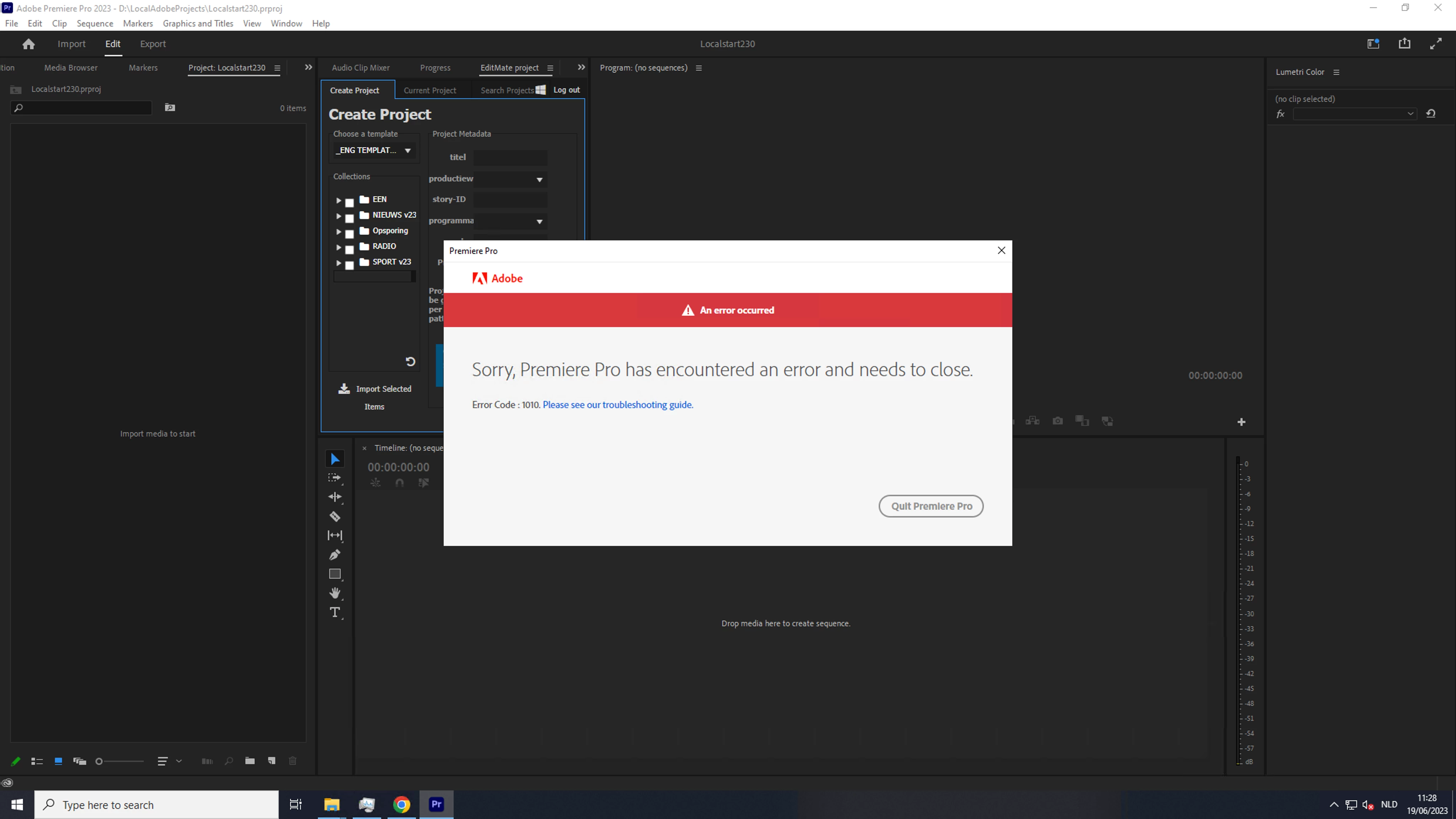
Error code logging in 1010 Adobe Premiere Pro

Hey guys,


From this morning we have an issue logging in directly:  when we are in Premiere, AME  and photoshop and maybe more.

When we open the creative cloud and log in, this works well.

Different users, different PC's.. all same behavior

Adobe premiere version 23.3


I tried what i found on internet : restart , windows credential manager.

We turned of the virus scanner and so.. but no solution.


We are on a PC, windows :
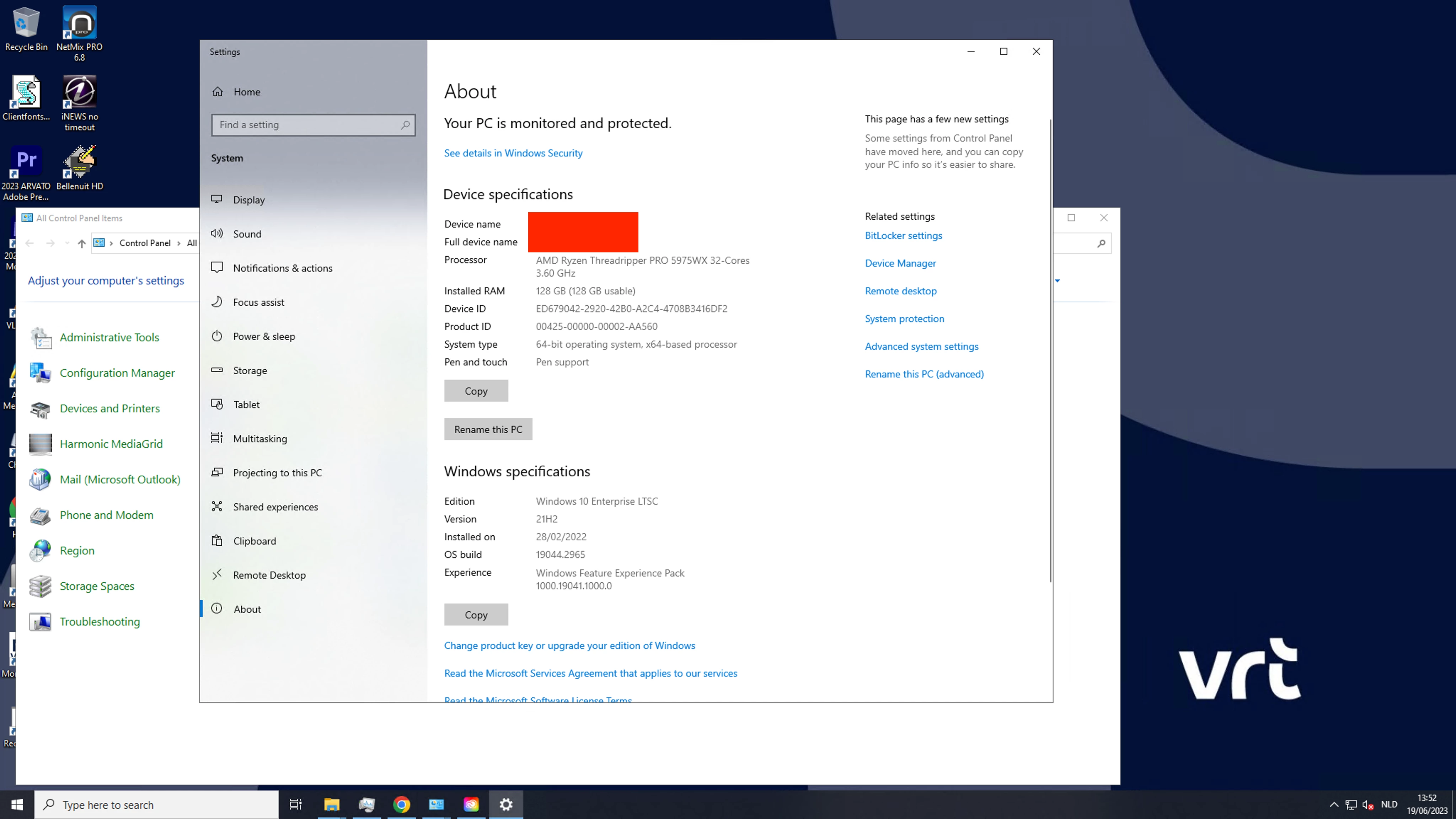


Anybody any idea, we not seem to find where it goes wrong : premiere, Photoshop, AME  ??

Creative cloud works perfect

This topic is closed to new replies. Start a new post to keep the conversation going.
SuJoshiCorrect answer
Community Manager
Jun 20, 2023 1:21 PM UTC

@Neckebba It should be resolved now for the users. Please let us know if they are still facing any issues.

4 replies

SuJoshiCommunity ManagerCorrect answer
Community Manager
Jun 20, 2023 1:21 PM UTC

@Neckebba It should be resolved now for the users. Please let us know if they are still facing any issues.

Translate
rpandita
Inspiring
Jun 19, 2023 1:30 PM UTC

Hi Neckebba


We are aware of this issue and have aligned the right resources to work on this.

Please check - https://status.adobe.com/ for updates.


Regards

Rohit

Translate
kglad
Community Expert
Community Expert
Jun 19, 2023 1:16 PM UTC

if that's a new problem, restore win credentials manager


  1. Open Control Panel.
  2. Click on User Accounts.
  3. Click on Credential Manager.
  4. Click the Windows Credentials tab.
  5. Click the Restore Credentials option.
  6. Click the Browse button.
  7. Select the . crd files with the backup information.
  8. Click the Open button.


<moved from download&install>

Translate
Neckebba
NeckebbaAuthor
Inspiring
Jun 20, 2023 9:11 AM UTC

All tried, nothing worked. as i said in the message we tried the Credential manager steps.

thx

Translate