


Error Message "Limit Reached" on site license
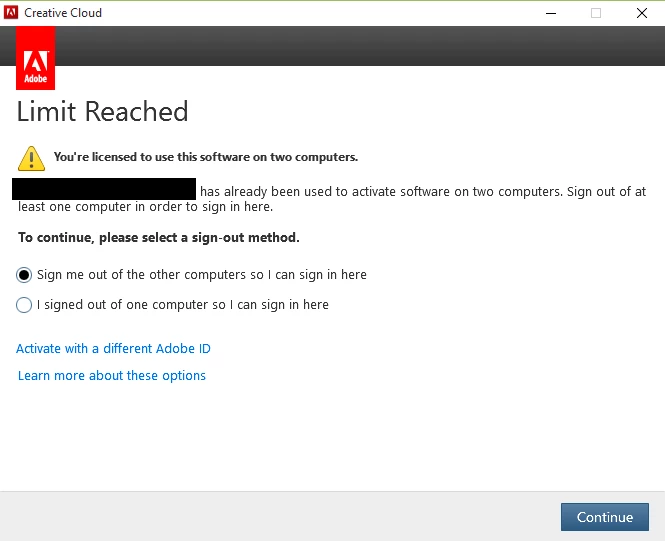
I work at a school that subscribes to Creative Cloud (in fact, my entire division has access to creative cloud). I have Creative Cloud and various apps (Photoshop, Illustrator, Acrobat, After Effects etc) installed on my teacher computer. I have a subscription so that I can use Creative Cloud at home. I would like to sync my libraries. The problem is, when I come to school and try to open up Photoshop or any other Creative Cloud app, I get an error (I have posted a screenshot). I have two computers (my home computer and my laptop) that are using the two licenses. But my school has a site license. All works fine if I just click on the "X" in the top right, then relaunch. But it is just a pain to have to do this every time I start Photoshop. I am assuming that on the first launch, it is trying to look at my personal creative cloud license, then when I click on the X and launch, it is looking at my school's site license.
We recently reimaged our computers, which is when this started happening. I used to be able to start the applications and all my libraries would sync fine; however, now, I get this error message. Once I get into the application, my libraries sync fine, but I would like this message to stop popping up. Is there a way to relicense this to my school, then sign in as myself to try to correct this?

 AdChoices