
Participant
March 31, 2021
Answered

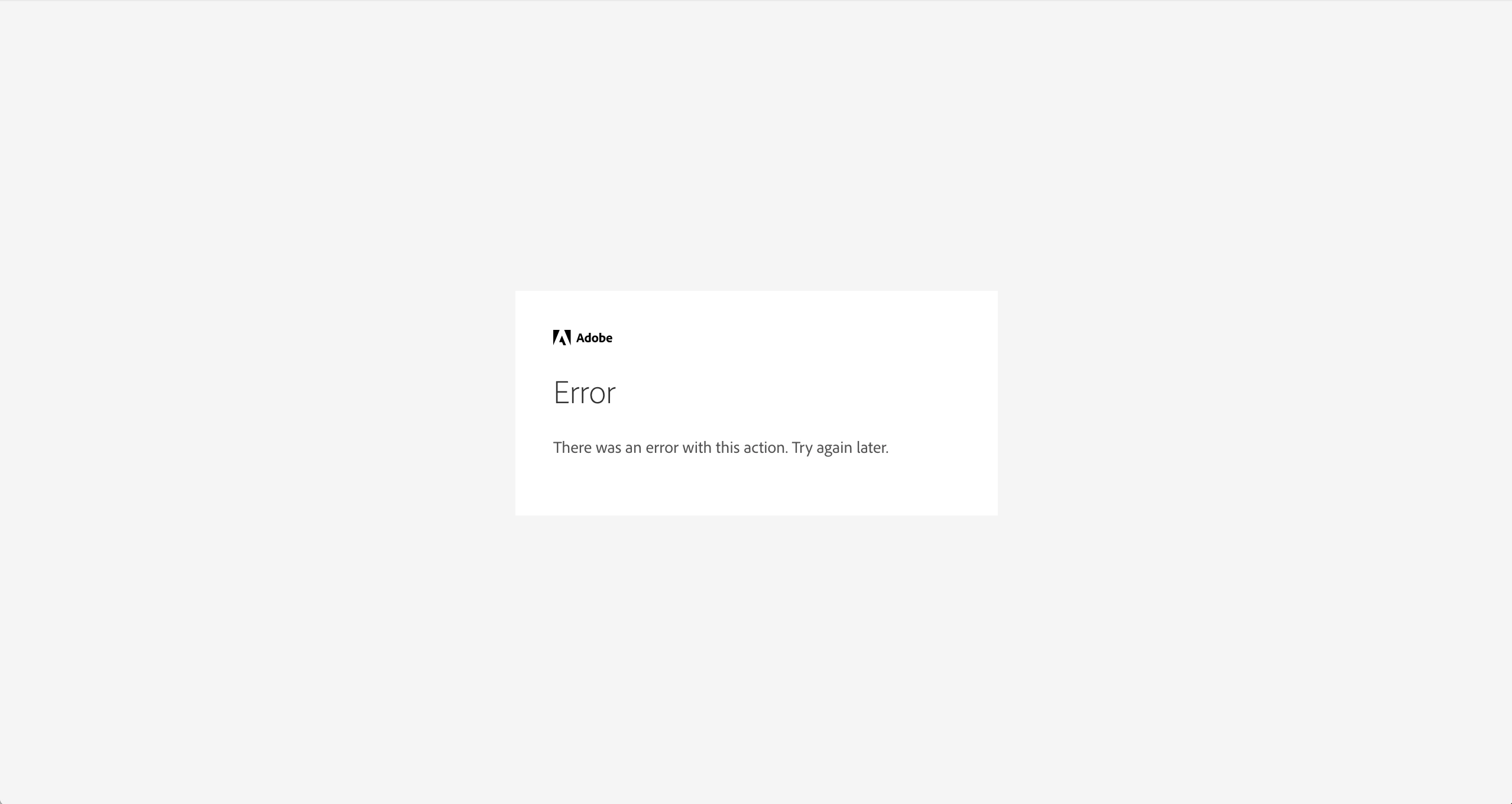
"Error. There was an error with this action. Try Again Later"

  • March 31, 2021
  • 1 reply
  • 6047 views

I've recently changed my account to a student afiliated one. Before that, I could use all the adobe apps perfectly with no problem, I then deleted the CC Cloud on my computer and tried to reinstall it, but this error message keeps coming up for about two weeks now! I've tried solving the problem by updating my Mac's software, uninstalling and reinstalling the CC cloud and contacting my college's TI team with no luck, to be honest.

SOS!
Correct answer SuJoshi

Hello,

If you changed your account from personal (gmail.com) to the student account then it might have caused an issue. 

Check if you are able to sign in to the "adobe.com" website.

1 reply

SuJoshiCommunity ManagerCorrect answer
Community Manager
April 1, 2021

Hello,

If you changed your account from personal (gmail.com) to the student account then it might have caused an issue. 

Check if you are able to sign in to the "adobe.com" website.

Participant
June 7, 2022

One of our team members is getting this error. I've tried all I could, they're signing in with their google account and they immedately get this error. I thought, oh maybe they need the account created first? nope, I remove them as a user and have them sign up, they immedately get the error. I don't know how to procede and you have no troubleshooting or error codes to follow up on.

Participant
June 13, 2022

I've had the same issue now for a few days. When I try to sign in to the app with my gmail account I get the same error message. When I sign in to adobe.com I have no issues. How to fix this??