
Freshly purchased softwares won't work due to 'maximum license limit reached' error
During my art school years, I have obtained a discounted student license, but since my studies ended, so did my license. I wanted to renew my subscription through my company, so we purchased a business license (for all softwares).
Since I already had an Adobe account (which I made during my school years), I thought it would be a good idea to obtain the business license through that. This is where all the hell started for me. I will try to organize the process into steps so it will be more transparent for both me and the forum readers:
- First I couldn’t open any of the softwares because I kept getting the same over and over again: maximum license limit reached, can’t obtain more license, please contact your administrator.
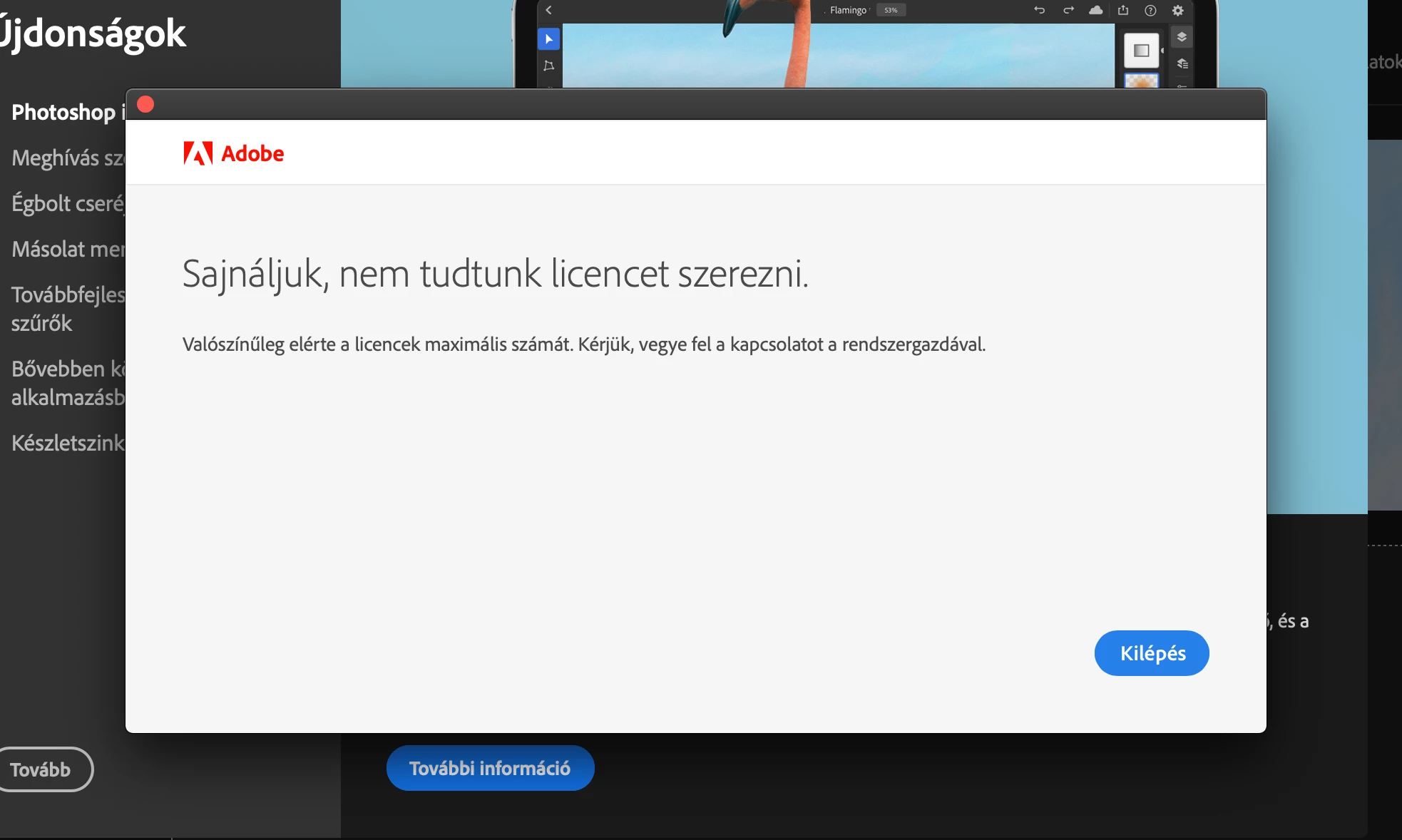
- I though something might went wrong with my old account, so I created a brand new one and tried to move the license into that account via Adobe Admin Console, nothing changed.
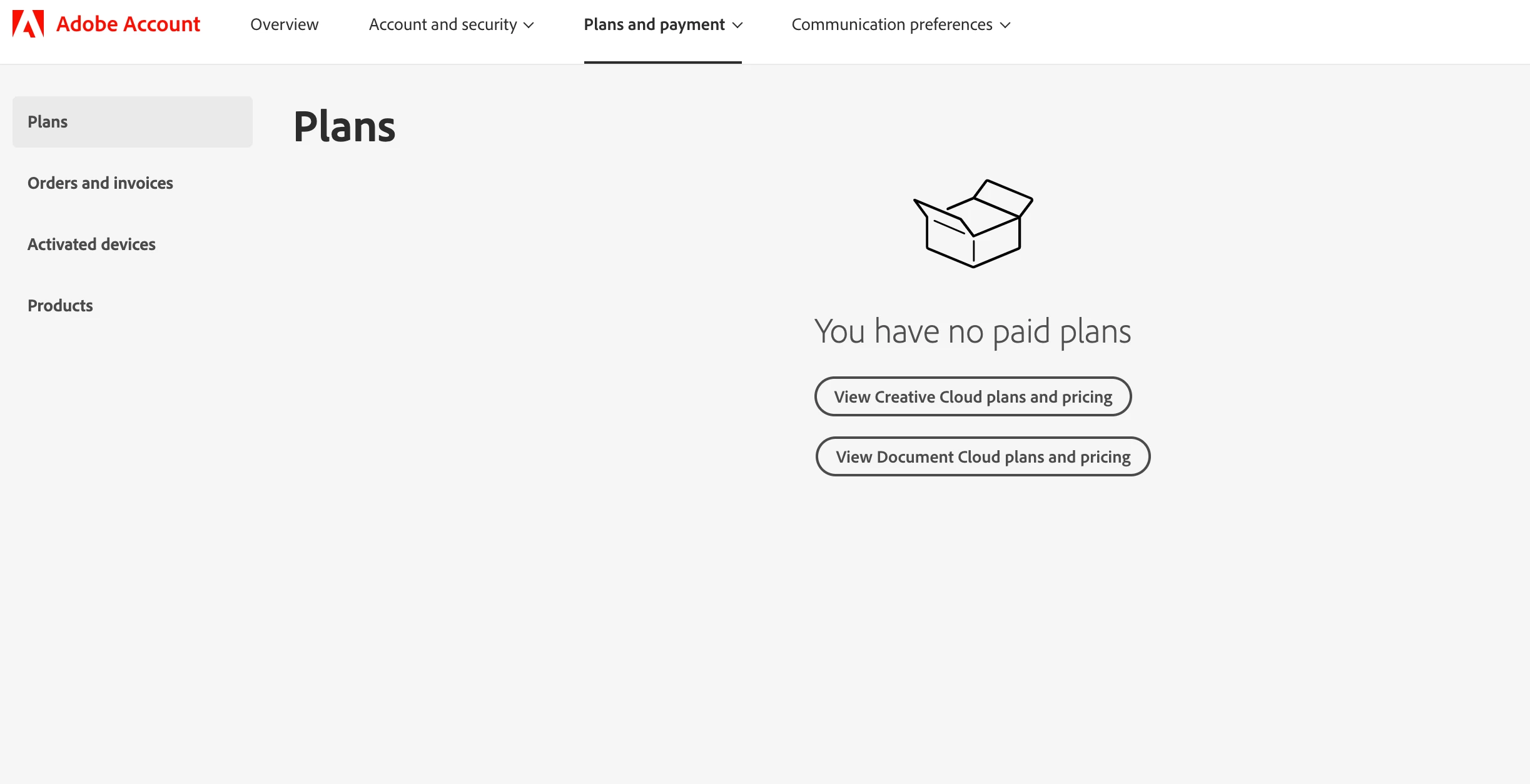
- Then I tried to cancel my subscription so I could buy it again on a whole new account, but the weirdest thing for me is that I cannot even cancel it, because if I enter the ’Plans’ menu, it says: You have no paid plans. (Although I do, as you can see it on the first picture.)
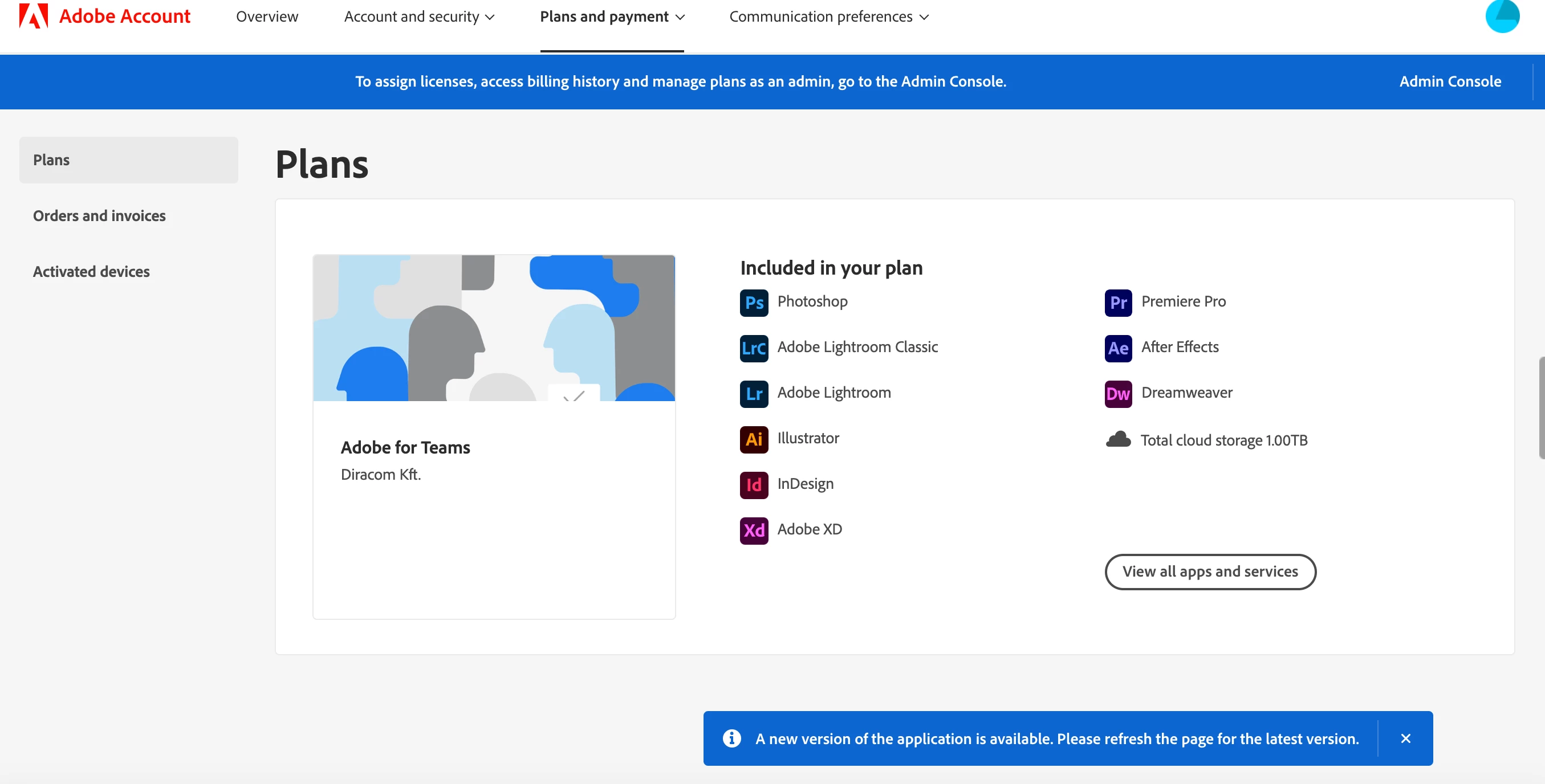
- I started deleting all my previous Adobe content from my Mac, and deleted one of my account (I was not brave enough to delete all my accounts, I couldn’t find a proper information about the outcome of deleting an account with a purchased license on it) but I stopped at a point because I am certainly not sure what to do anymore in this situation.
Therefore I am asking for the help of Adobe and the community because I am afraid this whole situation will soon risk my job if I can’t find any solution.
I am deeply grateful for any advice or information anyone could provide me.
Thank you
Peter


 AdChoices