
January 20, 2026
Answered

Generative Fill and Expand features not working

  • January 20, 2026
  • 1 reply
  • 75 views

Hello,


I have an Adobe Enterprise account through my job, and I haven't been able to use any of the Generative AI features in Photoshop (25.3.1). According to the admins our accounts should have access to all these features. I've read literally countless numbers of posts on these forums about the same issue, and no one ever seems to have an answer for how to fix this. 


This is the message I get when I try to use generative expand or fill
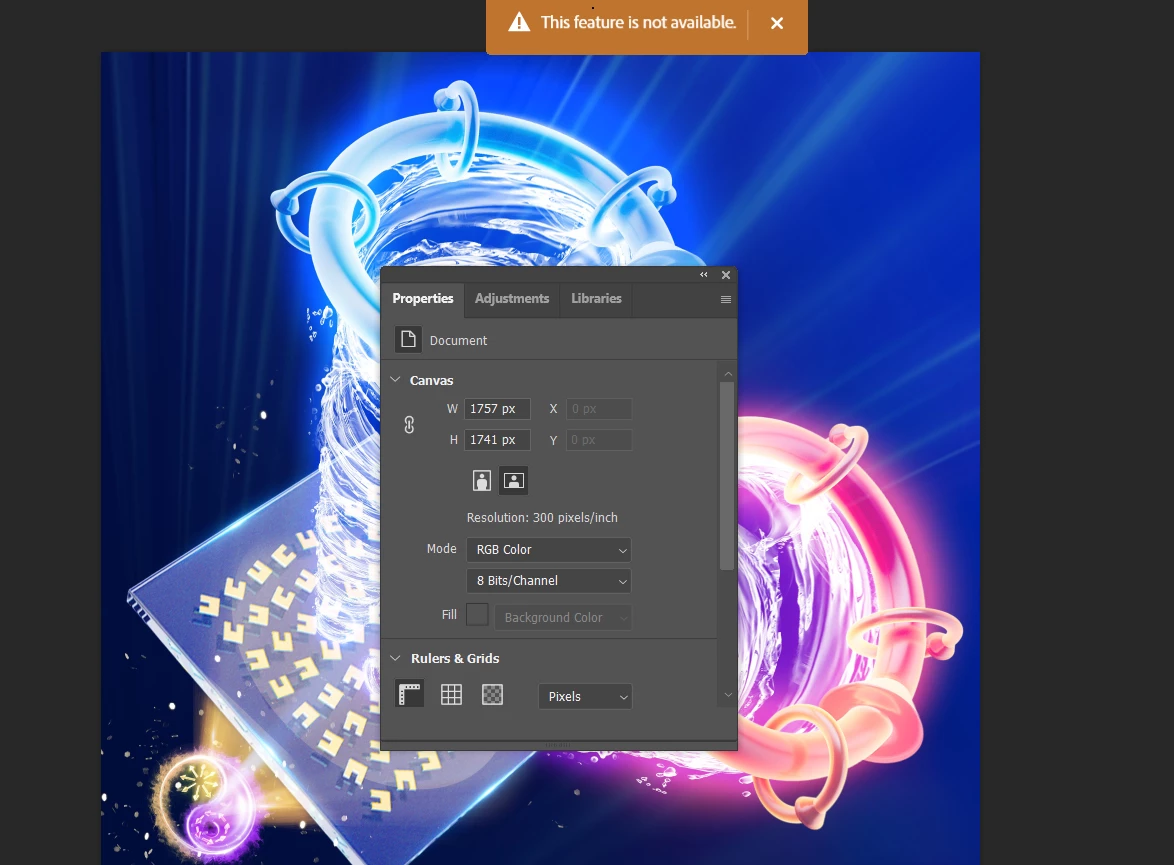
 

Screenshot 2026-01-20 152350.png


I've already tried troubleshooting the Microsoft Firewall, and that has no effect. I've installed and reinstalled and nothing. All my GPU components are compatible. What eles am I supposed to do???


Correct answer Bani Verma

Hi @Sagitariusz


I have looked over your account associated with the email you have used to post here and found no licenses assigned to you. This could be why you are unable to access apps. If you have any other email address you think has a license assigned to it, please share it with me in a personal message, and I will check the details and get back to you.

However, if this is the only email address, then please get in touch with your Admin and ask them to reassign the license to your account.


I hope this helps.


Thanks,
^BS

1 reply

Ged_Traynor
Community Expert
Community Expert
January 21, 2026

@Sagitariusz you'd better off reporting the issue on the Enterprise & Teams forum

Bani Verma
Bani VermaCorrect answer
Legend
January 21, 2026

Hi @Sagitariusz


I have looked over your account associated with the email you have used to post here and found no licenses assigned to you. This could be why you are unable to access apps. If you have any other email address you think has a license assigned to it, please share it with me in a personal message, and I will check the details and get back to you.

However, if this is the only email address, then please get in touch with your Admin and ask them to reassign the license to your account.


I hope this helps.


Thanks,
^BS