lkanov3
Participant
May 22, 2026
Answered

How do I cancel my Creative Cloud for Team trial?

  • May 22, 2026
  • 3 replies
  • 42 views

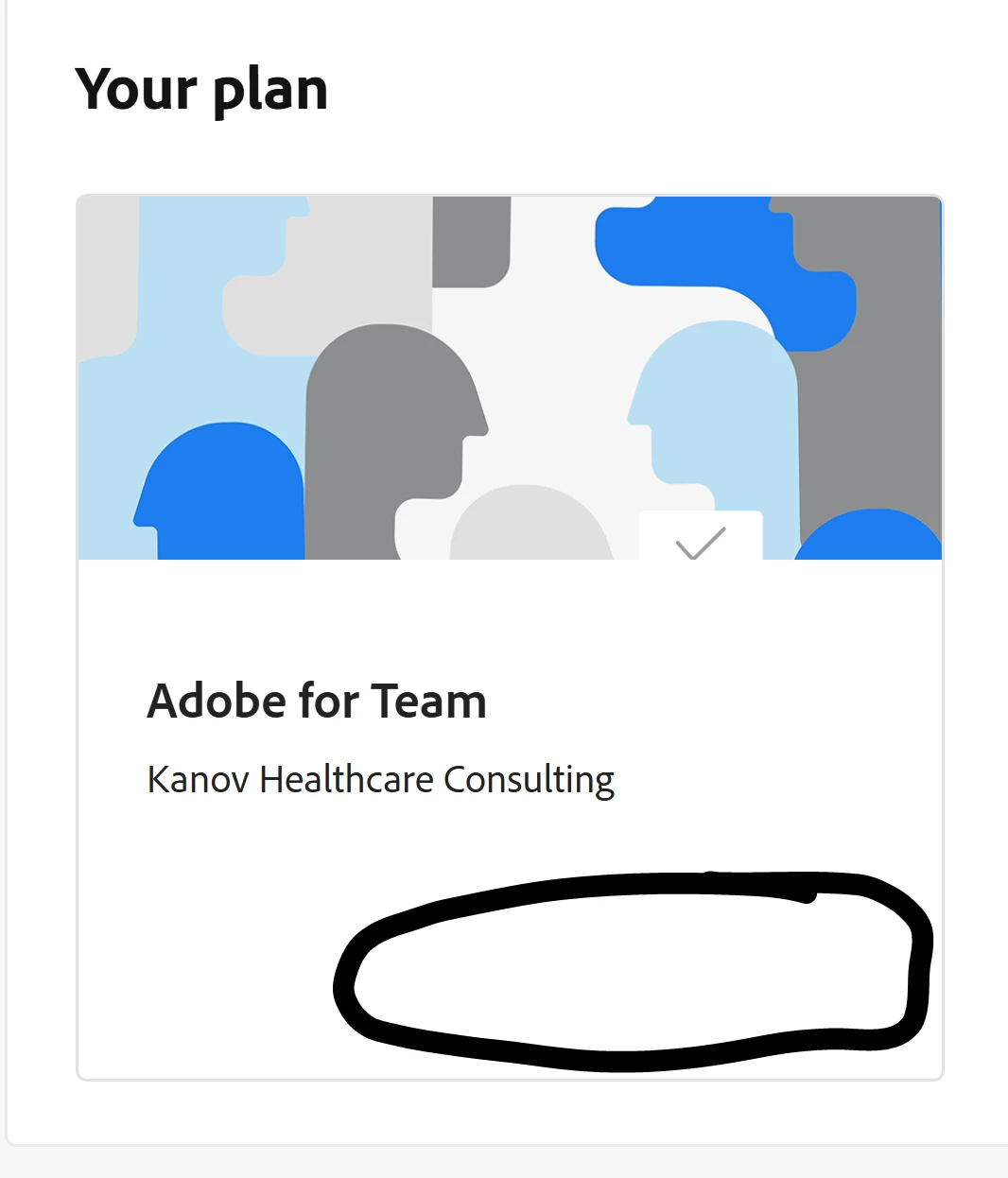
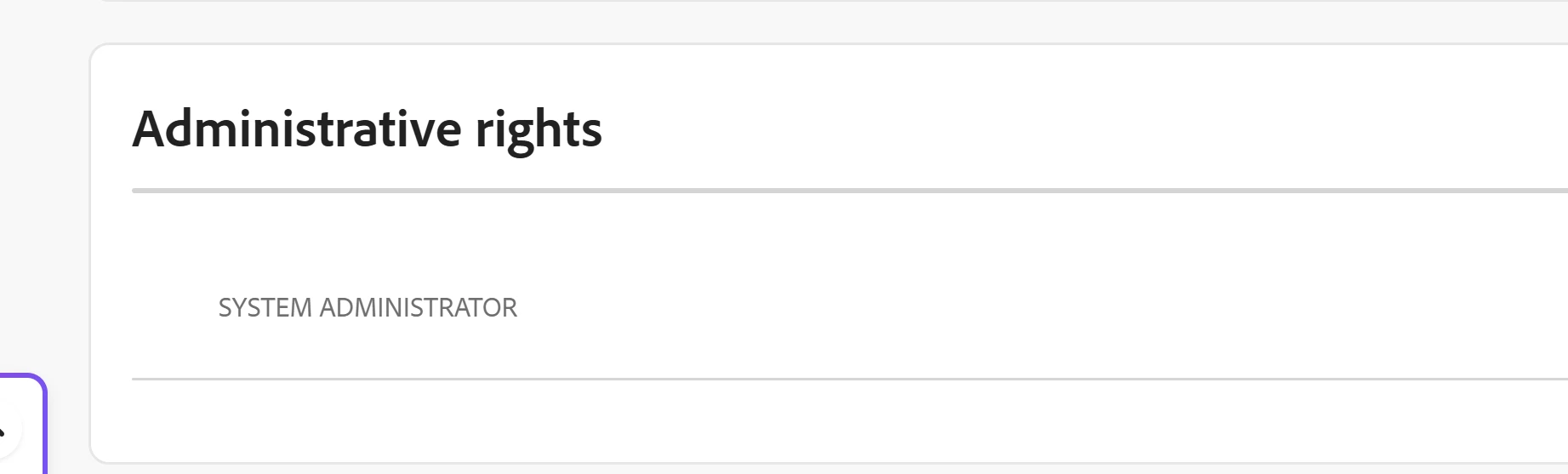
When I go to the Plans page as suggested, there is no window to manage plans or cancel plans. In other research it says that view is if you are not the administrator, but under the product I am shown as the administrator (I am the only one in my consulting business). I switch to my personal profile and it does not show me any products - so that email is not the administrator. Please help me cancel. Is there another way? 

No link to Manage Plans
I am shown as the System Administrator


    Correct answer BaniVerma

    Hi ​@lkanov3,


    Thank you for reaching out, and we completely understand the urgency here — the last thing you want is to be charged for a plan you're trying to cancel. The good news is you still have time to cancel before your trial ends, so let's get this sorted out right away.

    The cancel option for an Acrobat Pro Teams trial lives in a slightly different location than where you may have been looking. Rather than the Plans page, please try the following path in the Adobe Admin Console:

    Admin Console > Account > Plans and Licenses > Manage > Cancel Licenses

    Select all licenses and confirm to cancel the trial entirely. You won't be charged as long as you cancel before the trial period ends.

    One important thing to note: this path applies if your trial was started directly through Adobe. If you signed up through a reseller, you would need to contact that reseller directly to cancel.


    Also worth knowing: this cancel option is currently being rolled out gradually and may not yet be visible on all accounts. If you follow the steps above and still don't see the Cancel option, please go to the Support tab in the Admin Console and select Start chat to reach our Customer Care team, who will be able to action the cancellation for you.

    Please don't hesitate to follow up here if you run into any trouble. We want to make sure this is resolved before your trial ends.


    Thanks, 

    ^BS

    3 replies

    lkanov3
    lkanov3Author
    Participant
    May 25, 2026

    Excellent. That worked. Thank you so much for your help.

    Community Manager
    May 25, 2026

    Hi ​@lkanov3,


    You're welcome, and we're glad to hear it worked out! Thank you for taking the time to let us know.

    If you found our reply helpful, we'd appreciate it if you could mark it as the Best Answer using the option next to the Reply button. It helps others in the community who may be looking for a solution to the same issue.

    Wishing you all the best with your consulting work, and don't hesitate to reach out if you ever need our help.


    Thanks, 

    ^BS

    lkanov3
    lkanov3Author
    Participant
    May 22, 2026

    I log into my Admin counsel and see no way to cancel 


    BaniVermaCommunity ManagerCorrect answer
    Community Manager
    May 25, 2026

    Hi ​@lkanov3,


    Thank you for reaching out, and we completely understand the urgency here — the last thing you want is to be charged for a plan you're trying to cancel. The good news is you still have time to cancel before your trial ends, so let's get this sorted out right away.

    The cancel option for an Acrobat Pro Teams trial lives in a slightly different location than where you may have been looking. Rather than the Plans page, please try the following path in the Adobe Admin Console:

    Admin Console > Account > Plans and Licenses > Manage > Cancel Licenses

    Select all licenses and confirm to cancel the trial entirely. You won't be charged as long as you cancel before the trial period ends.

    One important thing to note: this path applies if your trial was started directly through Adobe. If you signed up through a reseller, you would need to contact that reseller directly to cancel.


    Also worth knowing: this cancel option is currently being rolled out gradually and may not yet be visible on all accounts. If you follow the steps above and still don't see the Cancel option, please go to the Support tab in the Admin Console and select Start chat to reach our Customer Care team, who will be able to action the cancellation for you.

    Please don't hesitate to follow up here if you run into any trouble. We want to make sure this is resolved before your trial ends.


    Thanks, 

    ^BS

    kglad
    Community Expert
    Community Expert
    May 22, 2026

    use your admin console.