
Known Participant
August 19, 2025
Question

How do I Reassign Admin Roles?

  • August 19, 2025
  • 1 reply
  • 468 views

Hello,


I am leaving my company. I am currently the administrator. I would like to reassign the administrator role to two other users.


I keep receiving this error message when I attempt to log in to the Adobe Admin Console.
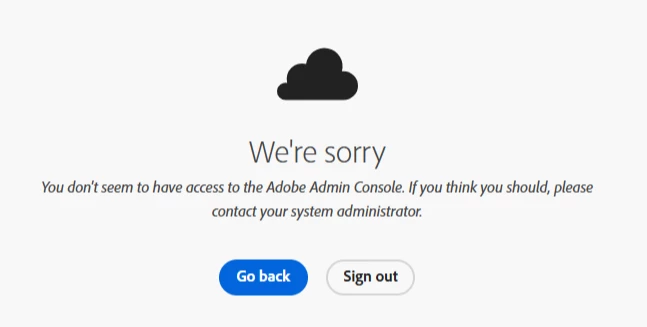
 

I have been one of only two admins for nearly 10 years. The other one is recently deceased and I deleted the profile in Adobe Learning Manager.


Please advise.


Kind regards,

1 reply

Bani Verma
Community Manager
Community Manager
August 20, 2025

Hi @JFarmer1728,


The error message appears primarily due to a browser cache issue. Please clear the cache or use incognito mode to check if it works. 

To learn how to assign Admin roles, please see the following help document: https://adobe.ly/3JFdrVs.


I hope this helps you.


Thanks,

^BS

Known Participant
August 20, 2025

Hi @Bani Verma,

I tried both clearing the cache and using incognito mode and neither works. I get the same error message telling me basically to contact myself (the system administrator).

Community Manager
August 20, 2025

Hi @JFarmer1728,


Thanks for reaching out. I’ve checked and can confirm that there is an active Teams contract associated with the Adobe ID you used to post this query. However, this ID is not listed as an admin on the contract, which is why you’re unable to access it.

Could you please confirm if you’re signing in with the same Adobe ID that you used to post this query?

Awaiting your response.

Regards,


^AN