
How to change the Primary admin or Contract Owner for teams
The contract owner is the system administrator responsible for accepting the VIP Terms and Conditions on behalf of your organization. All payment details and contracts are under the Contract Owners custody.
If you're the Contract owner, you can delegate another admin as the Contract owner. Go to the Admin Console > Accounts tab and chick Change. If the intended admin is not available, add them as an administrator first.
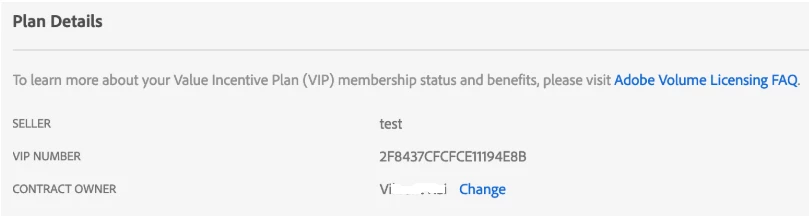
In case the Contract owner is not available, other admins are unable to make this update. You'll need to contact Adobe Care to make this update. You'll need to present a valid proof-of-purchase. You'll also need to provide a valid credit card to switch the payment method associated with your team's account.
Hope this helps.If you have any questions or observations add your comment below.


 AdChoices