


johnt45124045
Inspiring
December 10, 2018
Answered

How to DEPLOY CC!

  • December 10, 2018
  • 7 replies
  • 822 views

I've now been on hold with Adobe 3 hours and 27 minutes trying to get an answer... They're still not answering. For real.

The kicker is this is probably not that hard! But they make it very difficult...

In our admin console (for education), it looks like this:
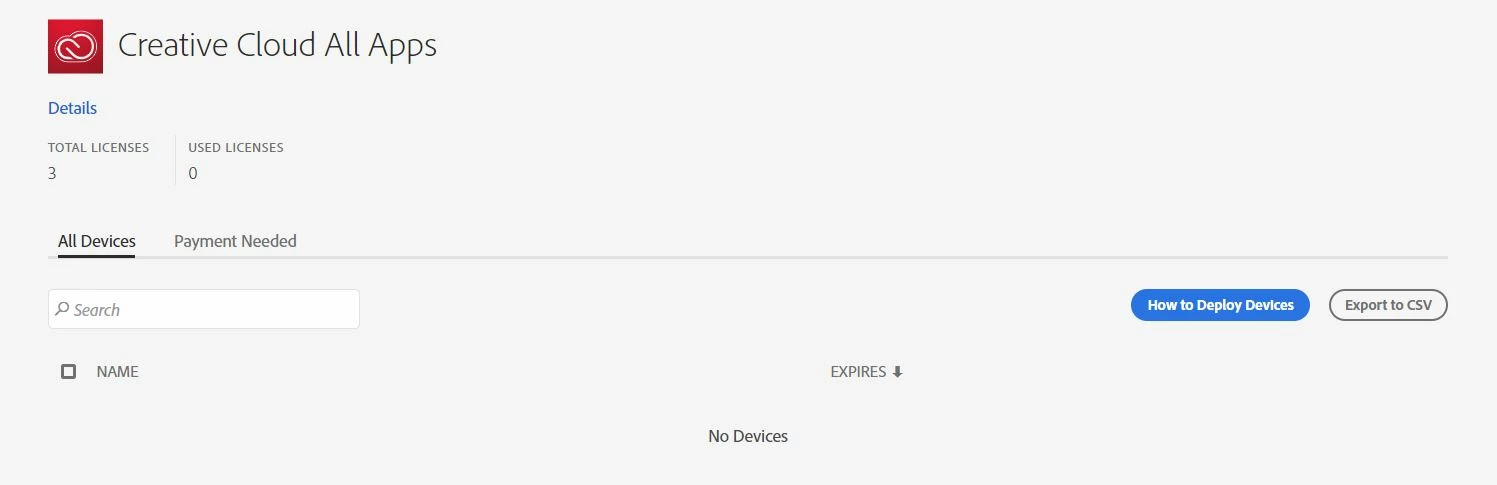
We used to just add email addresses and then sign into the product with that email.

The "How to Deploy Devices" button leads to an outdated video.
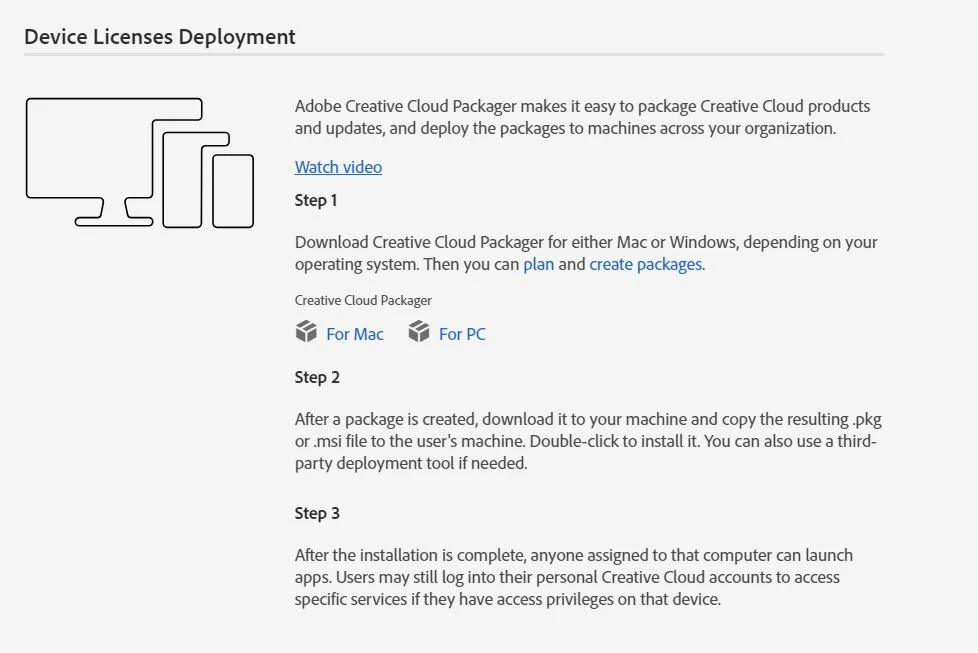
And my products say this:
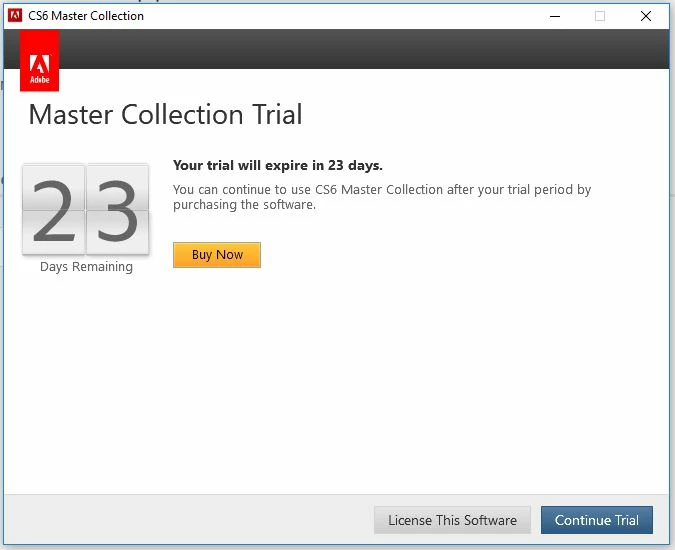
I've created a million different packages with different options. It says it's installed. It's still asking for a trial or a serial number which I can't get either.

WHY does adobe cost a FORTUNE again!?! There should be help when I call! 3 hours 34 minutes now...

    This topic has been closed for replies.
    Correct answer johnt45124045

    BTW I am now using the trial version of the software. After the school holiday break, it will be expired and I use the products every day...


    Hi alisterblack,

    I read this again and think I figured it out. I did just simply need to sign out of creative cloud. Then run the installer again. like I said originally I figured it was simple. What ISN'T simple is getting help from adobe! Thank you for helping me! You're the only one. !!! hehe.

    7 replies

    alisterblack
    Inspiring
    December 11, 2018

    Hi,

    Device licenses cover versions of the products up to CC 2018, but your screen shot is showing CS6.

    This document will give you further information. Create packages with Adobe Creative Cloud for education device licenses

    johnt45124045
    Inspiring
    December 12, 2018

    Hi alisterblack! THANK YOU for this help. I think we're getting close. Now it installed Photoshop 2017 and 2019 CC, but it's still trial versions. It asked me to sign in, but there won't be a match because the admin console won't have my login info. Do I need to create a license file instead?

    PS CC 2017

    PS CC 2019:

    alisterblack
    Inspiring
    December 13, 2018

    Hi,

    Device licenses do not cover CC 2019 products, but earlier products are fine.

    In the creative cloud packager you should see the deployment pool of licenses available to you.

    When you deploy the applications do not sign in with an Adobe ID as this should impact the licenses.

    If you need direct help I would consider opening a case from the support tab of your admin console.

    johnt45124045
    Inspiring
    December 10, 2018

    The phone just disconnected me at 4 hours....