


Participant
July 24, 2026
Answered

I can't see the site
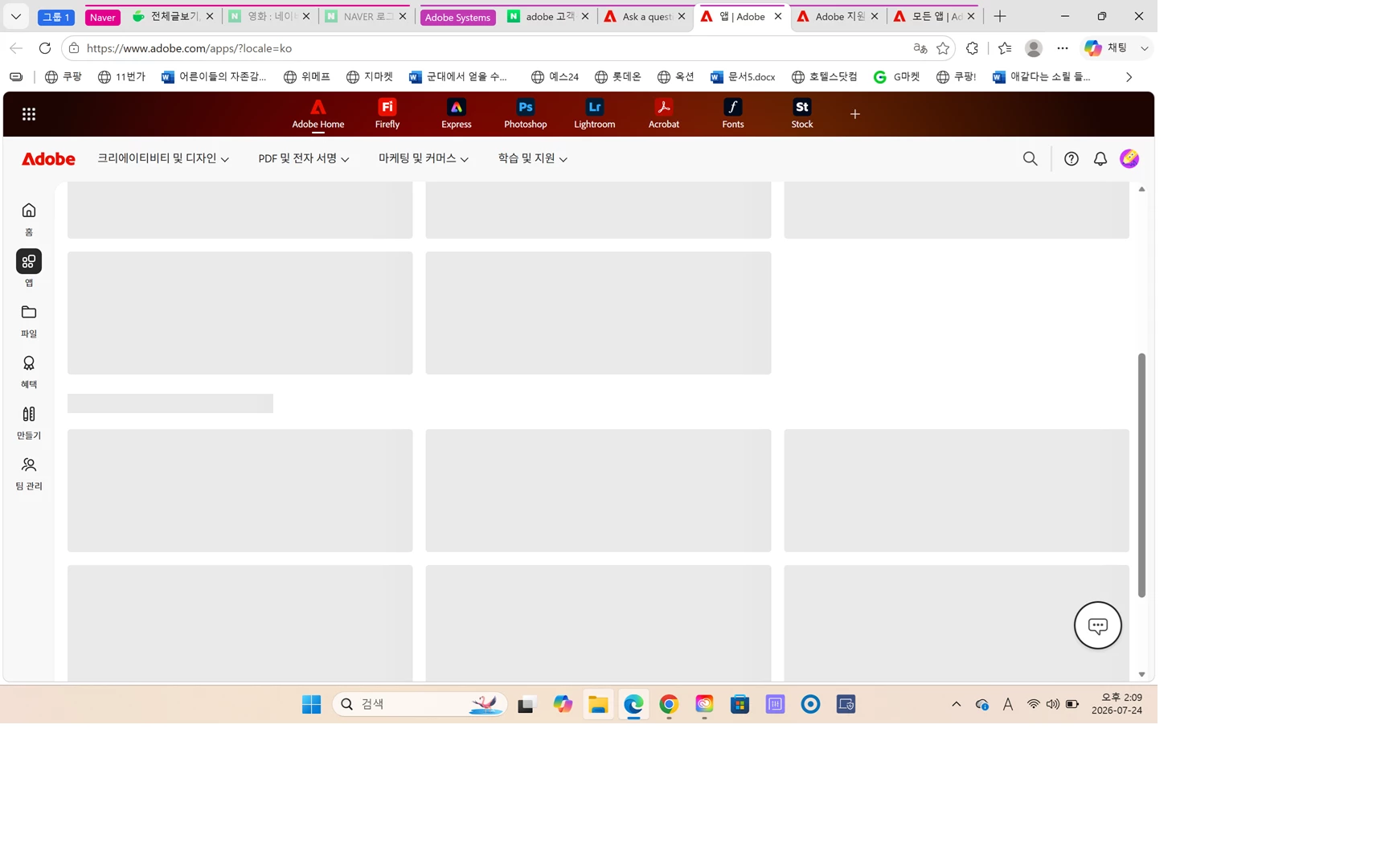
I bought a new labtop. So I have to download premiere pro again. But when I click the premiere pro app, it is not open. I already subscribed the premiere, and paid the price. But it doesn’t work. 

when I try it on chrome, the same happens.

What should I do now? Please resolve it. 

 

    kanikas28368183
    kanikas28368183Correct answer
    Community Manager
    August 10, 2026

    Thanks for reaching out, and sorry you're running into this issue, Leejinhan.

    I can see that you're using a Premiere Pro Teams plan. Could you please confirm that you're running the latest version of Premiere Pro? You can review the compatibility requirements here: https://adobe.ly/4q5TYi7.

    If you haven't already, please try uninstalling and reinstalling the application, as this can often resolve unexpected issues.

    Let us know how it goes or if you notice any error messages along the way. We're happy to help further.


    Thanks
    ^KS

    8 replies

    Nancy OShea
    Community Expert
    Community Expert
    July 24, 2026

    After installing the Creative Cloud desktop app, did you restart your computer?


    Translate
    Nancy O'Shea— Product User & Community Expert
    LeejinhanAuthor
    Participant
    August 9, 2026

    Yeah my new computer

    Translate
    kanikas28368183
    Community Manager
    kanikas28368183Community ManagerCorrect answer
    Community Manager
    August 10, 2026

    Thanks for reaching out, and sorry you're running into this issue, Leejinhan.

    I can see that you're using a Premiere Pro Teams plan. Could you please confirm that you're running the latest version of Premiere Pro? You can review the compatibility requirements here: https://adobe.ly/4q5TYi7.

    If you haven't already, please try uninstalling and reinstalling the application, as this can often resolve unexpected issues.

    Let us know how it goes or if you notice any error messages along the way. We're happy to help further.


    Thanks
    ^KS

    Translate
    kglad
    Community Expert
    Community Expert
    July 24, 2026

    ​@Leejinhan 


    first try, resetting the cc app:


    To reset the Creative Cloud desktop app, make sure it's in the foreground, then press: Win: Ctrl + Alt + R Mac: Cmd + Opt + R


    then try installing premiere using the cc desktop app.

    Translate
    MyerPj
    Community Expert
    Community Expert
    July 24, 2026

    Maybe something happened during the install?  You can uninstall and reinstall. Since it’s new, you probably will not loose anything, like preferences or keyboard shortcuts. You might try that. But it usually just works. 

    Translate
    MyerPj
    Community Expert
    Community Expert
    July 24, 2026

    Use a desktop shortcut or from the main menu click the Premiere icon. (or double-click a desktop shortcut). You don’t need to open the creative cloud app and use their shortcuts.

    Translate
    LeejinhanAuthor
    Participant
    July 24, 2026

    The same happens. When I click the premiere pro icon, it guides me to website for downloading. And I follow the website, the same problem occurs as you see above. What should I do?

    Translate