

Participant
September 14, 2017
Answered

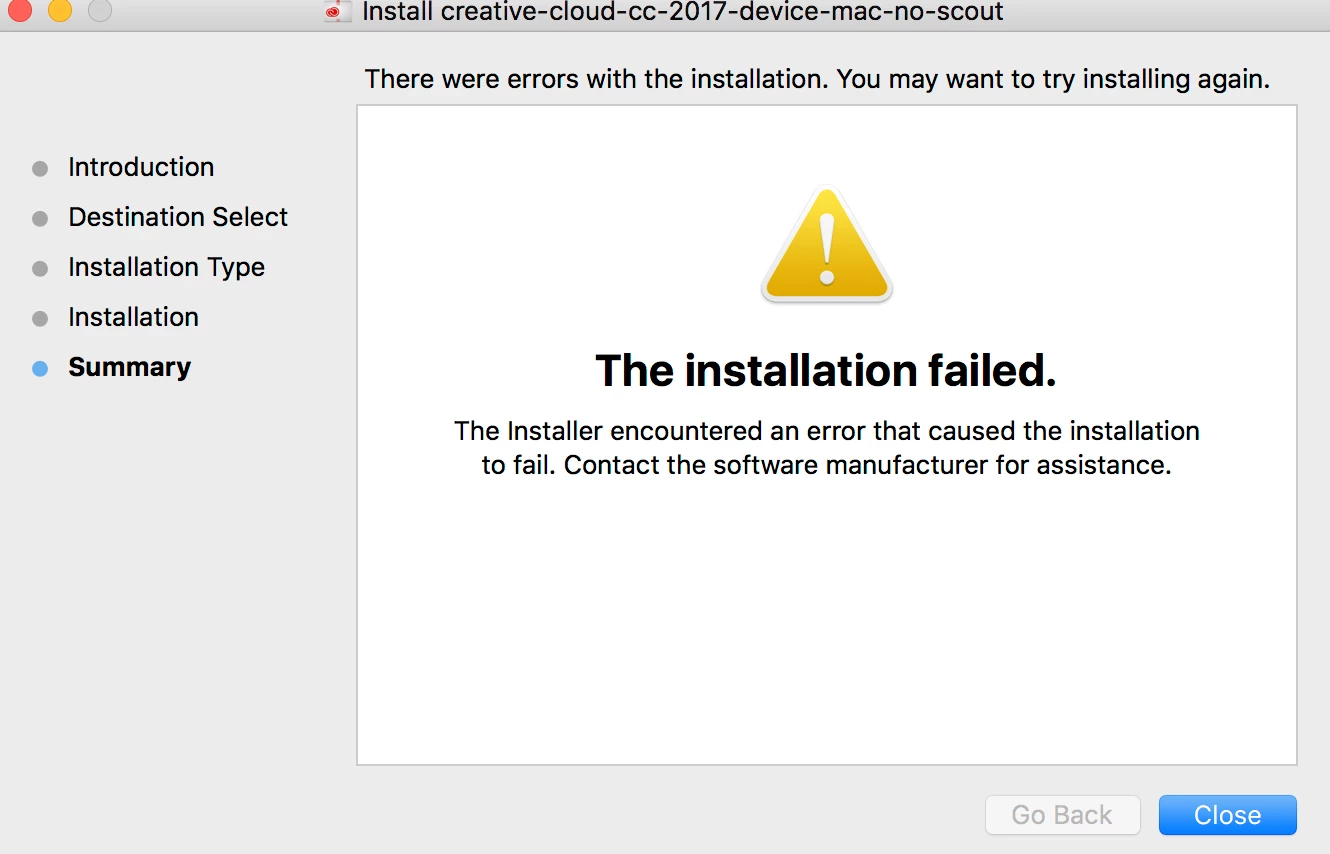
I have downloaded CC2017 but install not working
  • September 14, 2017
  • 3 replies
  • 452 views

This is the error message I am getting.

    This topic has been closed for replies.
    Correct answer rpandita

    Hi 51012979 ,

    Download and install the latest verion of CCP - https://ccmdls.adobe.com/AdobeProducts/KCCP/1/osx10/CCPLauncher.dmg

    For more details please check this link -  tagproducts_SG_PACKAGER_i18nKeyHelppagetitle


    ~Rohit

    3 replies

    rpandita
    rpanditaCorrect answer
    Inspiring
    September 15, 2017

    Hi 51012979 ,

    Download and install the latest verion of CCP - https://ccmdls.adobe.com/AdobeProducts/KCCP/1/osx10/CCPLauncher.dmg

    For more details please check this link -  tagproducts_SG_PACKAGER_i18nKeyHelppagetitle


    ~Rohit

    kglad
    Community Expert
    Community Expert
    September 14, 2017

    what's your os version? if it's qualifying, (eg, 10.10 or better):

    clean your computer of cc files per http://www.adobe.com/support/contact/cscleanertool.html

    restart your computer (don't skip this)

    reinstall the cc desktop app, https://creative.adobe.com/products/creative-cloud.

    if you're unable to install the cc desktop app at this stage, use an administrator account (solution 3 here, https://helpx.adobe.com/creative-cloud/kb/creative-cloud-missing-damaged.html)

    use the desktop app to install your cc programs/trials

    [moved from Downloading, Installing, Setting Up to Creative Cloud Download & Install]

    Jeffrey_A_Wright
    Legend
    September 14, 2017

    Moving this discussion to the Deployment for Creative Cloud for Team, Enterprise, & CS forum.
