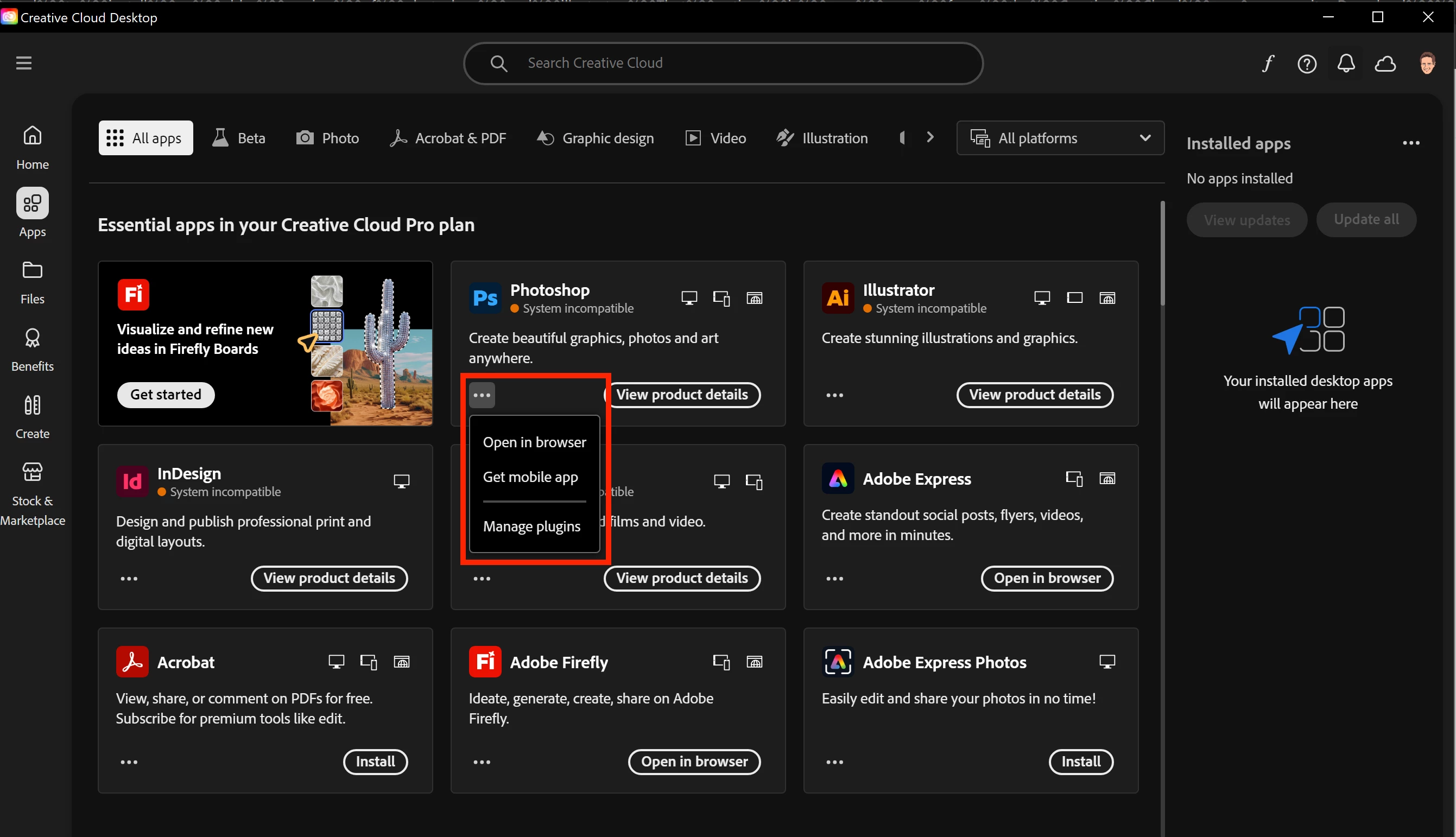
Go to your Preferences in Creative Cloud Desktop App.
Avatar => Preferences
Under Apps => Settings, enable the option to Show Older Apps. See screenshot.
If that option is not available in your version, you likely have a Teams or Enterprise plan in which case you need to contact your IT dept for older versions.
Thanks for posting, @shawn.o. In addition to the helpful suggestions offered by @Nancy OShea, please make sure that you are logging in under the account managed by your company. For more information on using the Account Chooser, see https://helpx.adobe.com/enterprise/kb/enterprise-id-faq.html.
For additional information on accessing older versions of Creative Cloud applications, please see
. You may need to reach out to your organization’s Creative Cloud plan administrator, @shawn.o if you have a specific version request.