


Participant
Aug 22, 2022 10:54 PM UTC
Question

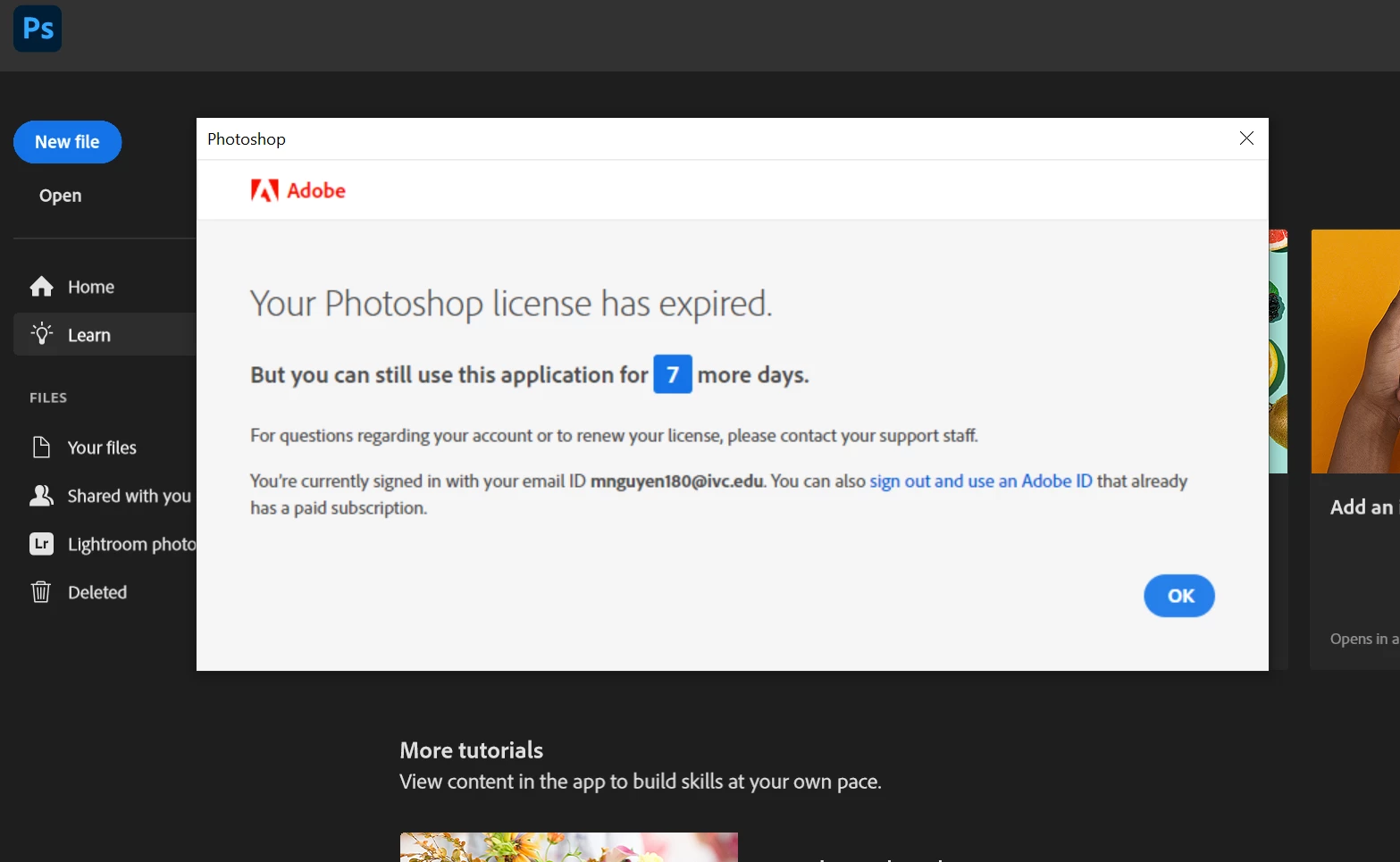
I recently renewed my Adobe plan but I'm being told that my license is expiring. What's going on?

I've tried logging out and logging back in but I still keep getting the same message. 


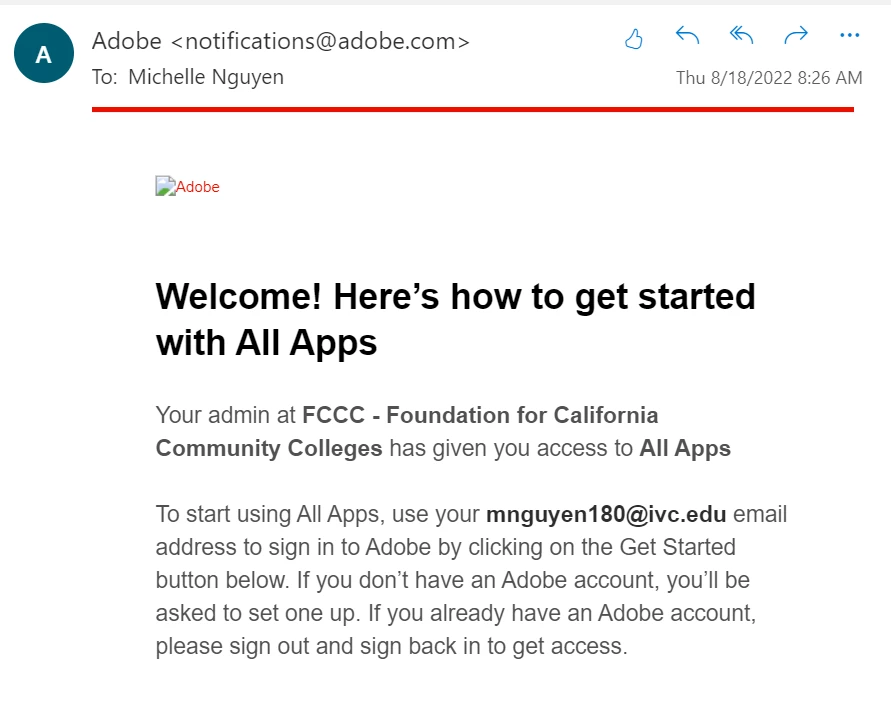
Email from Adobe after I renewed my student subscription plan through CollegeBuys. Note the date of August 18, 2022:
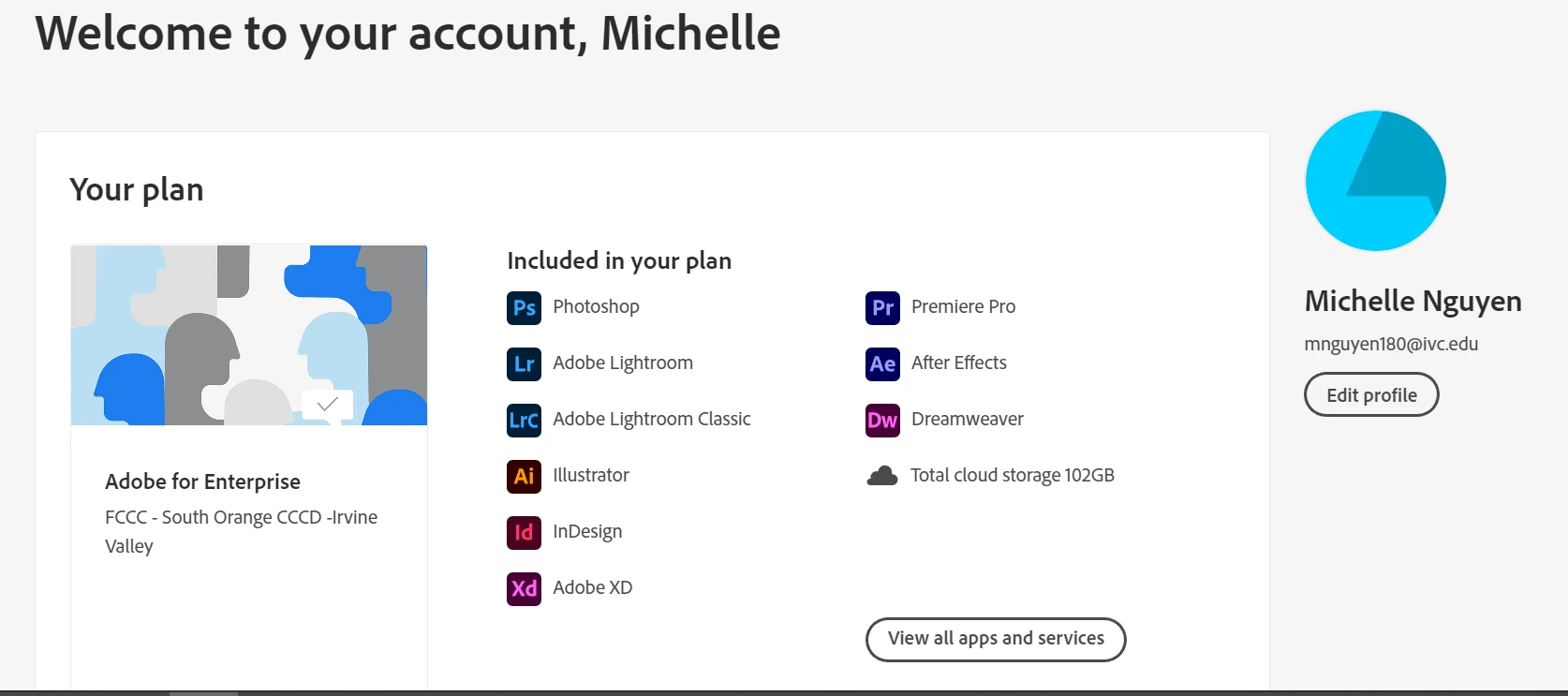
My current Adobe plan page:
 

The expired notice that I'm getting across all apps
 

This topic is closed to new replies. Start a new post to keep the conversation going.

10 replies

Legend
Aug 23, 2022 1:36 PM UTC

Hi Michelle, 


Sorry for the inconvenience caused. Could you please try the steps mentioned in the following document?


Hope this helps.

Charles

Translate
Participating Frequently
Aug 23, 2022 8:50 PM UTC

i have same situation , i tried all those methods but still not working is there a way in your end to check?

Translate
Legend
Aug 25, 2022 11:26 AM UTC

In this case, I recommend contacting the Administrator in your Institution for further assistance regarding the error you are receiving.

Translate
Legend
Aug 23, 2022 8:09 AM UTC

I'm a bit puzzled why you had to buy a renewal. Normally, you have a credit card attached to your account, and this continues, and renews automatically, until you deliberately cancel it. Perhaps you confused the system. Did you try sign out and sign in?

Translate
Legend
Aug 23, 2022 8:10 AM UTC

Clarification: did you try sign out and sign in IN THE CREATIVE CLOUD DESKTOP APP, not on the Adobe web site?

Translate
Participating Frequently
Aug 24, 2022 1:43 AM UTC

similar situation as the author. I did I log off and login and deleted adobe 

Translate
John Waller
Community Expert
Community Expert
Aug 22, 2022 11:06 PM UTC
Participant
Aug 22, 2022 11:25 PM UTC

Hi John,


I've tried all of that but I'm still encountering the problem. 

Translate
Participating Frequently
Aug 23, 2022 8:42 AM UTC

I have the same exact issue as you . Also from FCCC too, did you resolve this yet?

Translate