
Installation fails on Mac OS 12.1
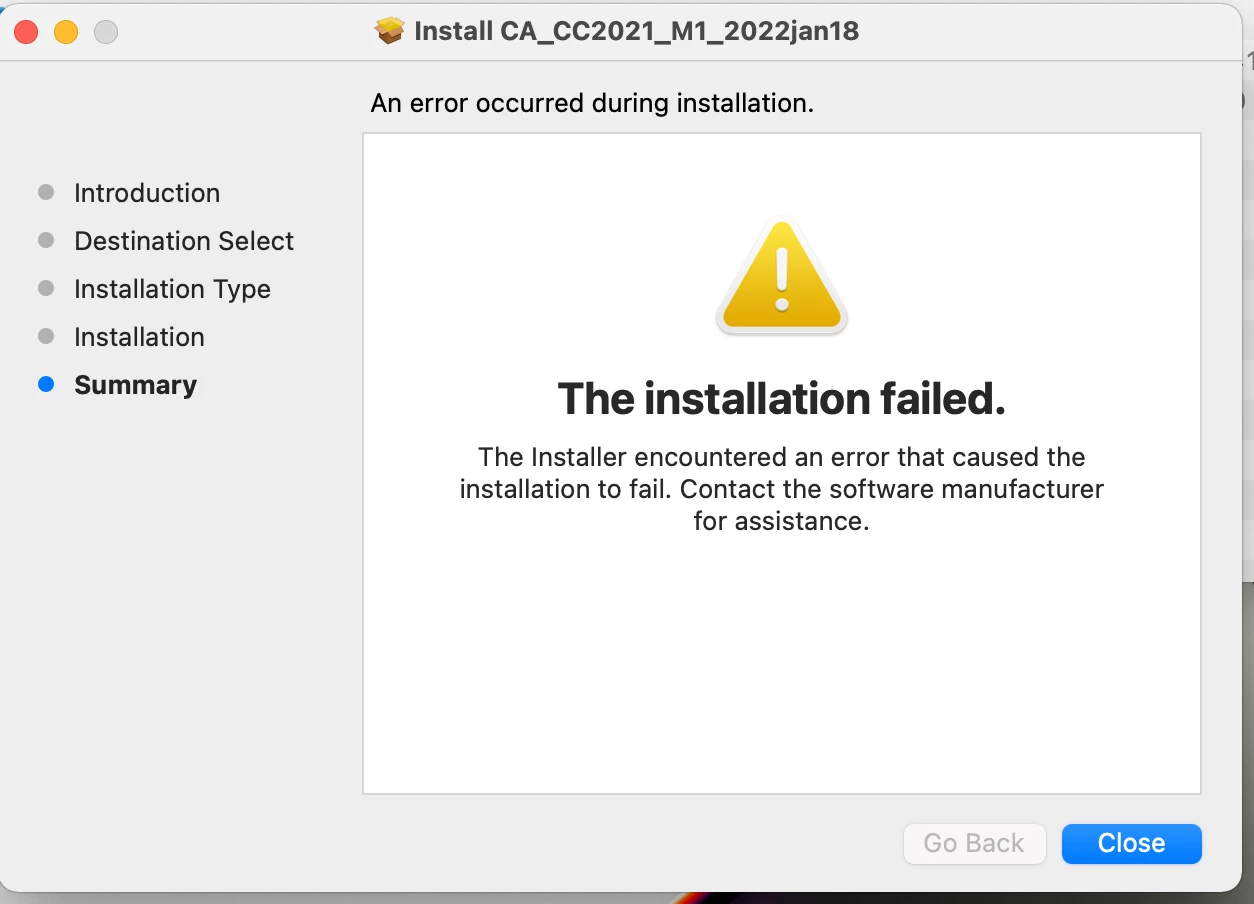
Trying to install Adobe CC on a Mac with M1 CPU (Apple Silicon). It fails with the following message:
An error occured during installaion.
The installation failed.
The intstaller encountered an error that caused the installation to fail. Contact the software manufacturer for assistance.
Any ideas how to get this to install?
I've looked at a few other posts. Some say to type in the install error code. Where would I find the error code on a Mac?
Also, another post said to run sudo chmod -R 755 NameOfYourPackageFile.pkg from the terminal. Tried that and the command worked fine, but the installer still fails with the same error.
This is a new install package for Mac M1 created two days ago using Adobe's Admin Console website. I also tried older install packages, they all fail with the same error on Mac OS 12.1. The older packages work fine on earlier versions of Mac OS.
Thanks for any help/suggestions.


 AdChoices