

Installing AUSST 4.0 on Windows Server 2012 R2
Hi,
I'm trying to install AUSST on Windows Server 2012 R2 with IIS 8.5, though I can't get the thing to work!!!
I've followed the instructions from Using the Adobe Update Server Setup Tool (AUSST) though I'm doing something wrong.
All the updates have been downloaded to the directory 'c:\AdobeCloudUpdate' (just over 80GB). I've created a new web site in IIS to point to this directory as the root and set the permissions for the local 'IIS_USERS' group to read, list, etc.
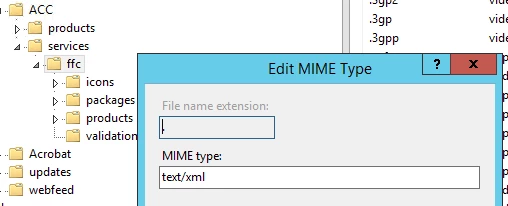
I've followed the instructions to add the file types to the 'Handler Mappings' at the server level, changed the AppPool to classic and updated the 'C:\Windows\Microsoft.NET\Framework\v2.0.50727\config\web.config' file with the add path veriables for the 5 file types.
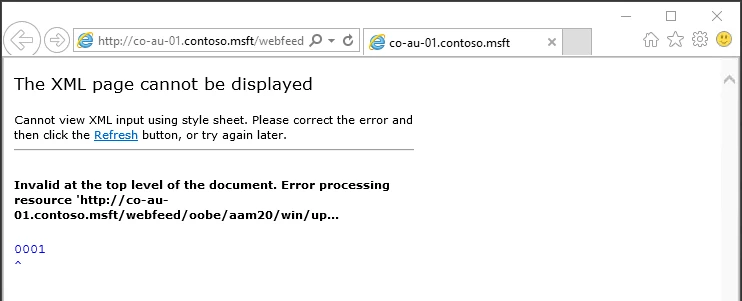
When trying to browse to the 'updaterfeed.xml' from a client computer using the full URL of 'http://co-au-01.contoso.msft/webfeed/oobe/aam20/win/updaterfeed.xml' I get an XML page cannot be displayed error.
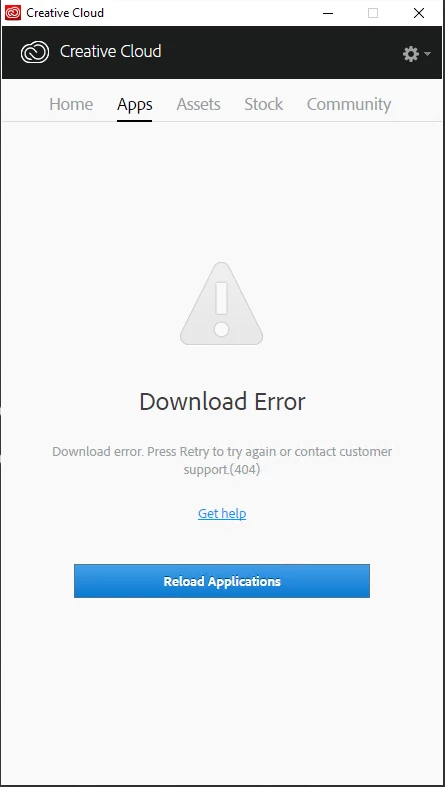
I have created a 'AdobeUpdater.xml' override file and added this to a new package created in the CC Packager and just deployed Photoshop and the CC Desktop app. When I load the CC app I get a Download Error when trying to display the apps.
I've tried editing the other web.config files found on the IIS server ('C:\Windows\Microsoft.NET\Framework\v4.0.30319\config'), and also the .Net v2 & .Net v4 in the 'C:\Windows\Microsoft.NET\Framework64', though no joy.
Hopefully this is a really simple fix and I'm simply missing a step but some help would be very much appreciated.
Thanks in advance,
Tom


 AdChoices