
Participant
June 7, 2022
Question

Is it possible to sync "Personal" files to Creative Cloud Desktop from Enterprise Account

  • June 7, 2022
  • 2 replies
  • 235 views

I've unfortunately lost access to some important files locally that are stored in a former employee's Creative Cloud "Personal Profile" area of an enterprise account. The screen looks like this when you log into Creative Cloud on the web:
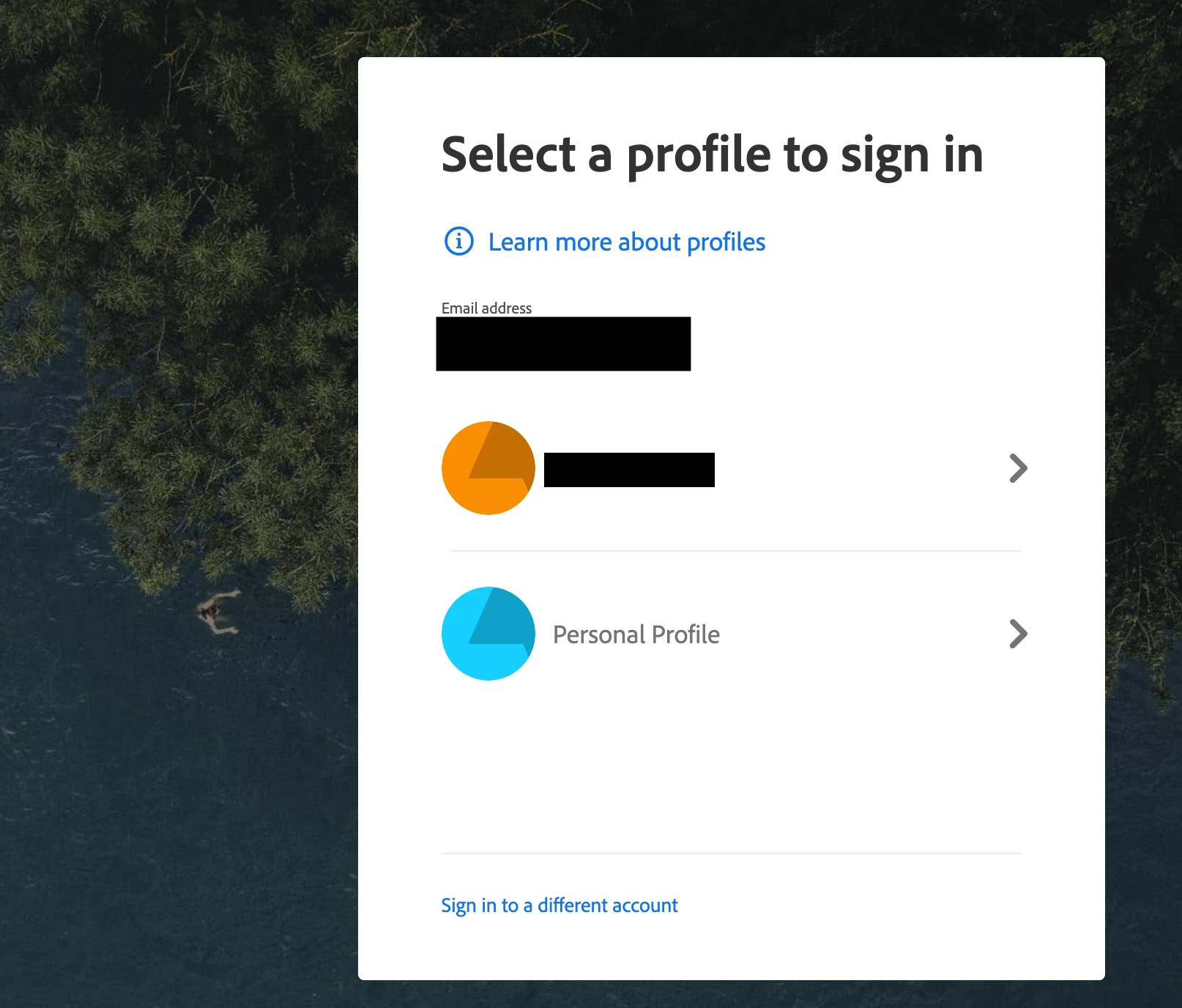


All of the files I need are visible in Synced files under the Personal Profile:
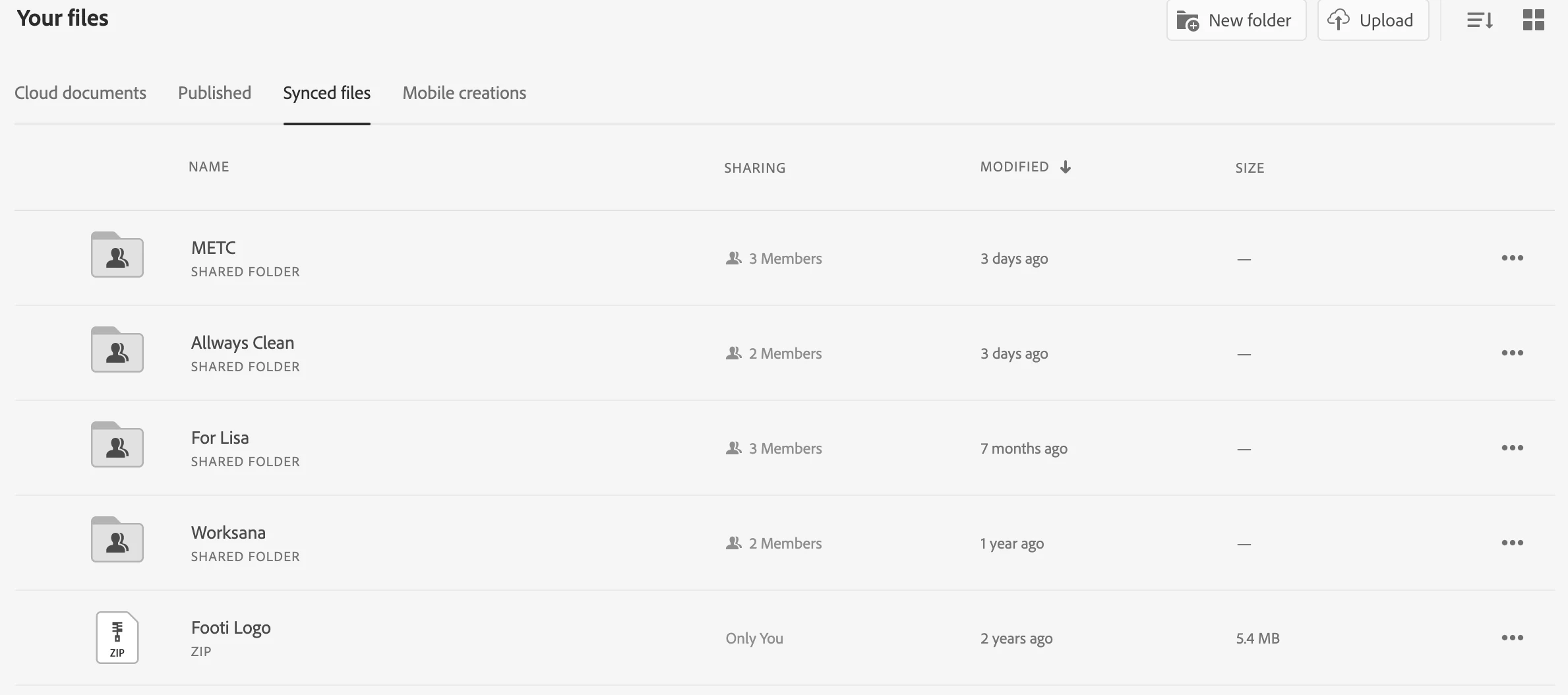


However, these don't seem to be syncing with my Creative Cloud Desktop app under Files. Do they appear elsewhere? Am I just out of luck with files in the Personal Profile area unless I download them individually?


I've gone as far as completely factory resetting a laptop and performing a fresh install of everything with no luck. Thanks for any insight 

This topic has been closed for replies.

2 replies

Vikrant R
Inspiring
June 8, 2022

CC Desktop app will have a link to "Open sync folder" to view the files that are synced on your computer. You can check if these files appear there.


In case they don't we will need to transfer these manually. For longer term, I'd recommend that you move these to the Business profile anyway.

  1. Sign-in to the Creative Cloud Desktop app with the Personal profile, and then these files will sync to your computer. Copy the required files and folders to a temporary location. If required, revoke the shares.
  2.  Sign out and sign in with your desired account. Again go to the Sync folder and copy/move these files and folders over.
  3. You'll need to share the folders again. But from the screenshot it seems that it's not too many folks, so  shouldn't be too cumbersome.


Also see, Transfer Assets across profiles or accounts for more information.

kglad
Community Expert
Community Expert
June 7, 2022

<moved from cc services>