
Participant
August 7, 2024
Question

login error 12053

  • August 7, 2024
  • 1 reply
  • 2812 views

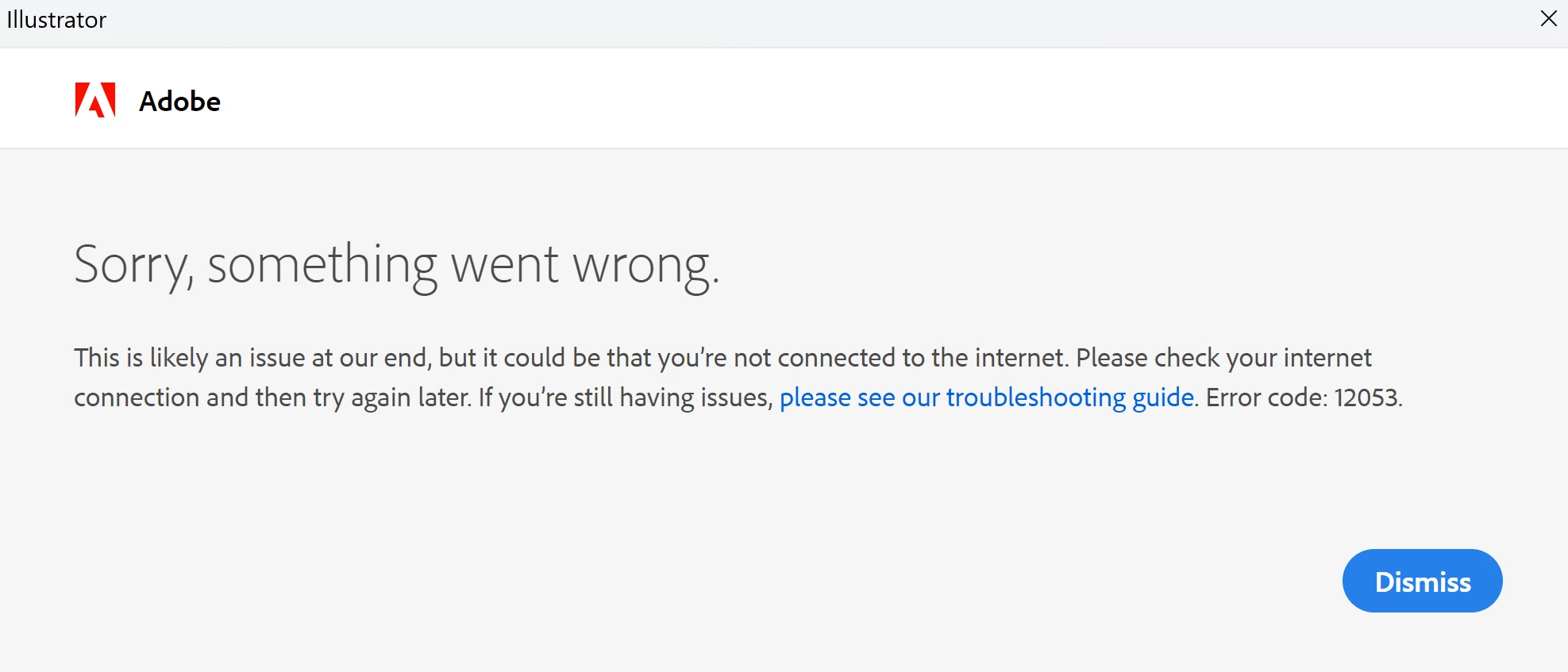
Hi, I've been unable to access all adobe apps today (online and downloaded). When I open an adobe app it asks me to login and I gert this message with Error code 12053.
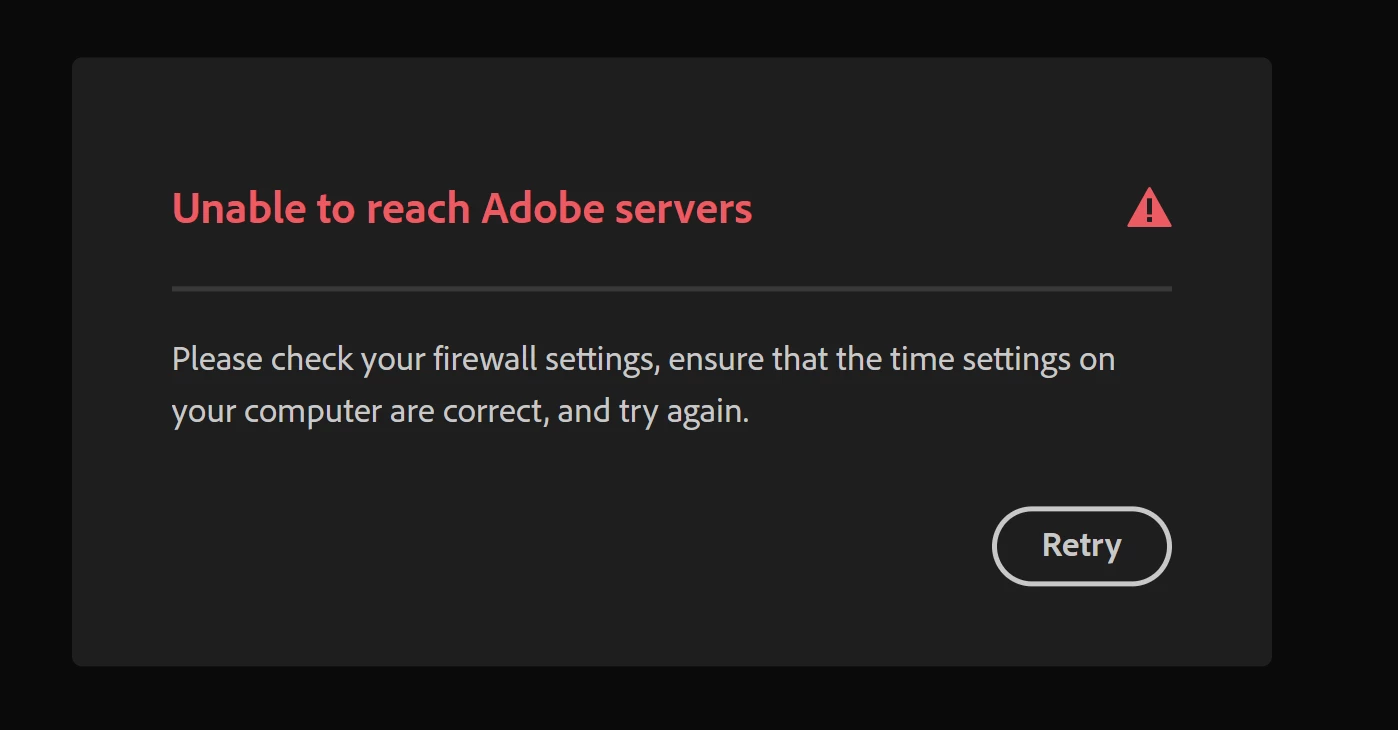
 If trying to gain access to a web version of an adobe product I get this message
I'm an administrator for the licence and we have two other licences in the group that are working fine.

Has anyone else encountered this problem before? Any suggestions how I could resolve or problem solve my way out of this?

Ta Dave


This topic has been closed for replies.

1 reply

Kevin Stohlmeyer
Community Expert
Community Expert
August 7, 2024

@davids12105970 How did you install the software? 10253 means you are not connecting to the Adobe servers. Did you check the Windows Defender/Firewall settings on this computer?

Participant
August 7, 2024

Hi Kevin,

Thanks for the response. I downloaded the software several months ago. It was working fine for me yesterday evening then when I started up my laptop this morning it won't allow me to connect. I haven't conciously changed any setting between now and yesterday and the laptop hasnt done any updates I'm aware of. I agree it looks like it can't connect to Adobes servers, so I will take a look at my firewall settings.

Participant
August 7, 2024

The timing of this firwall error does look like it could be the cause. I'll ask our IT how I access the web console to turn it back on