
Inspiring
December 13, 2022
Answered

Lost Library

  • December 13, 2022
  • 7 replies
  • 728 views

Hello all,


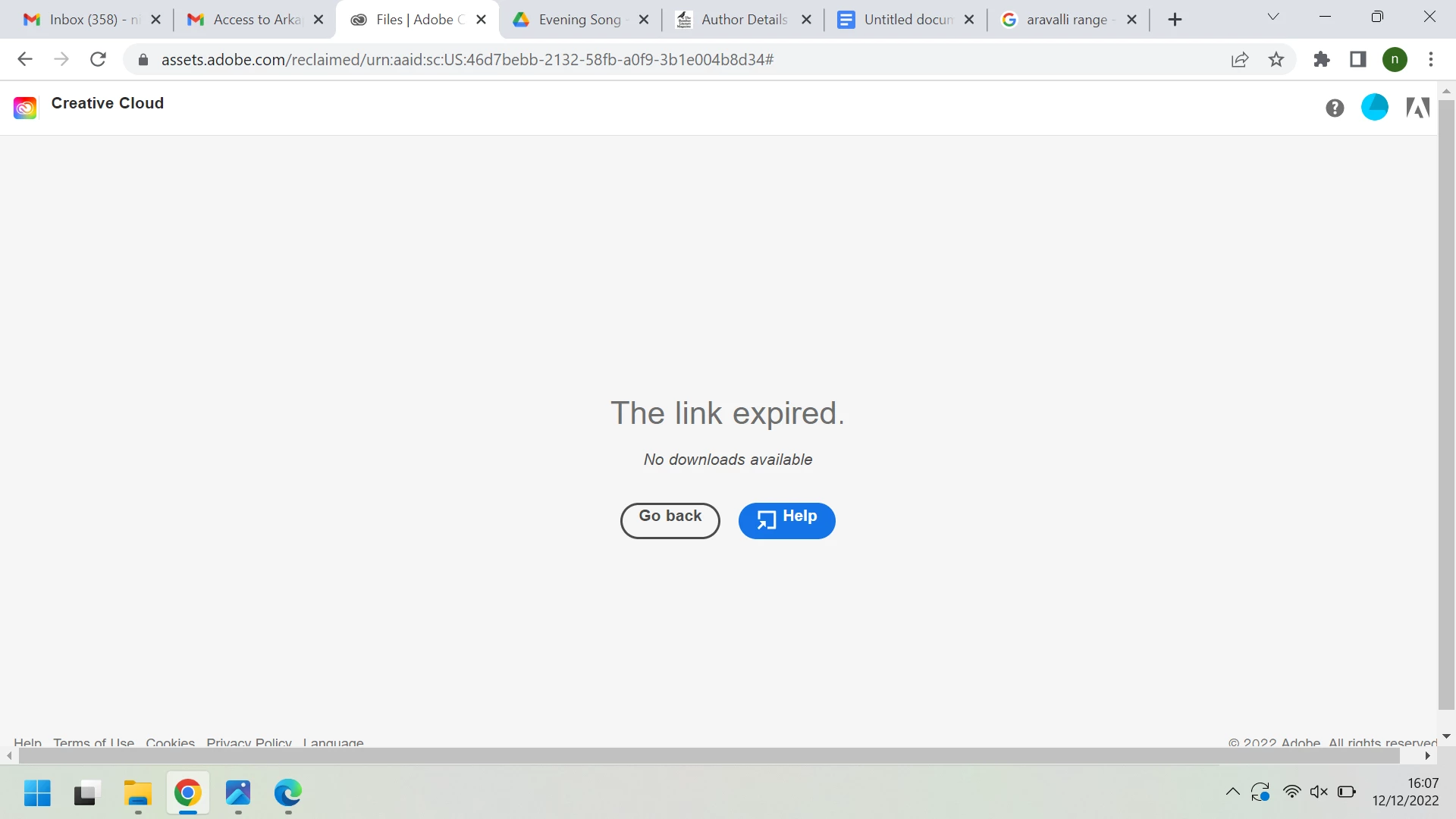
The issue I'm facing is that after my office renewed their subscription, all my libraries and files saved on Creative Cloud storage was lost. I have approached the chat support and they advised us to follow the steps here https://helpx.adobe.com/in/enterprise/using/asset-reclamation.html#sa_src=web-messaging However on following the steps, I was unable to retrieve my files. Please refer to the screenshot attached, it says 'Link expired'. 


If anyone knows how to get back the files and library please help 
 

{Mod Note: Moving from Creative Cloud Desktop to Enterprise and Teams board}

This topic has been closed for replies.
Correct answer defaulto6a2hynjm2z7

good to hear.


were you unable to contact the plan administrator yourself as originally suggested?


Hi kglad!


I have been in contact with the admin throughout this process. This is probably an issue that only the Adobe Support person can help with through very specific steps.


I emailed the Support team requesting for a screen share where they can directly help the admin to which they agreed. Then admin and I provided Adobe Support team with an ideal date and time to set up a meeting. The support team sent the admin a screen share link and helped her through some steps and after a few minutes they were able to download my files. After that the admin sent over my files through Google Drive. 


Hope this helps!

7 replies

Inspiring
December 15, 2022

Hi Tarun, have sent you my id on message, please check.

Inspiring
December 21, 2022

Hi all, this issue has been resolved. The Adobe Support team contacted the primary admin at my office and they helped to recover the files and the library. Thank you so much Adobe Support! 


kglad
Community Expert
Community Expert
December 21, 2022

good to hear.


were you unable to contact the plan administrator yourself as originally suggested?

Tarun Saini
Community Manager
Community Manager
December 14, 2022

Hi @defaulto6a2hynjm2z7 , could you please share your Adobe ID with us via private message?

kglad
Community Expert
Community Expert
December 14, 2022

the plan admin should continue working with adobe support to resolve this.  ie, it can't be resolved via the adobe forums.

Inspiring
December 14, 2022

Hi kglad,

The admin and I are working on this together, the steps provided to us from Support chat has not yielded any results yet.

Inspiring
December 14, 2022

Hi Henrik,

At the stage where the email arrives with the 'Download Now' option. On the mentioned page, its under the header 'Download shared files'.


Yes, I have approached the Support chat again about this. They said they do not have access to the data and their backend team will look through and get back later.

kglad
Community Expert
Community Expert
December 13, 2022

if you have a teams or enterprise managed subscription, contact the plan administrator.


Henrik Heigl
Community Expert
Community Expert
December 13, 2022

Hi,


at which point of the steps from the help file did you get the message? Did you approach the Support chat again with your findings? If not please try this also.

regards,Henrik