



Move CC Library from personal account to a company account
- 11 replies
- 6758 views
- Translate
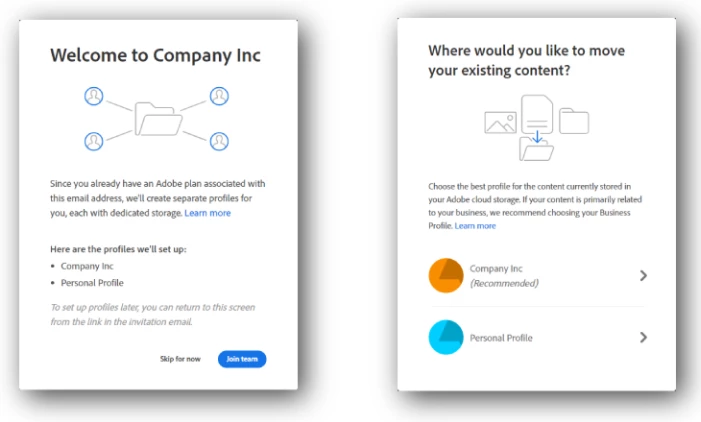
So Adobe made the change of adding both personal accounts and company accounts.
All my Creative Cloud libraries have been added to my personal account.
My company account has 0 libraries and also 0 shared Xd files. The libraries are very important to us, we have lots of them, also the Xd files.
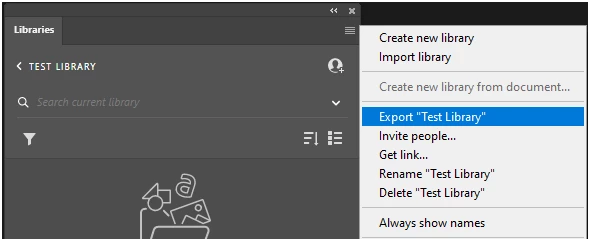
How to I move all libraries from the personal account to the company account?
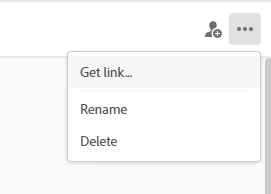
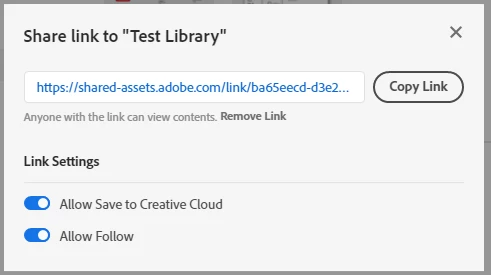
And how do I share them with my colleagues? Because they are already invited on them.
For example:
My mail is account1@adobe.com . I invite my colleague, account2@adobe.com.
I'm the owner of multiple libraries on account1. When I invite account2@adobe.com adobe will say they are already invited. I can't choose to invite either the personal or company account.
This change is very annoying honestly.

 AdChoices