
Shekar651978
Participating Frequently
February 3, 2023
Answered

No option to create Team Libraries in Enterprise Account

  • February 3, 2023
  • 3 replies
  • 906 views

As an admin on a team that switched from Adobe IDs to Business IDs a month ago, I assumed that once the team was fully converted, we could create team libraries instead of shared libraries. However, I can't find the option to create a team library or move our current individual/shared libraries to team libraries. Is it correct that a team with Business IDs should be able to create team libraries and is there a setting that needs to be enabled?

I don't see the 'Everyone' folder under Storage>Shared Storage nor do I get the 'Move to Teams' option and not sure of the reason.
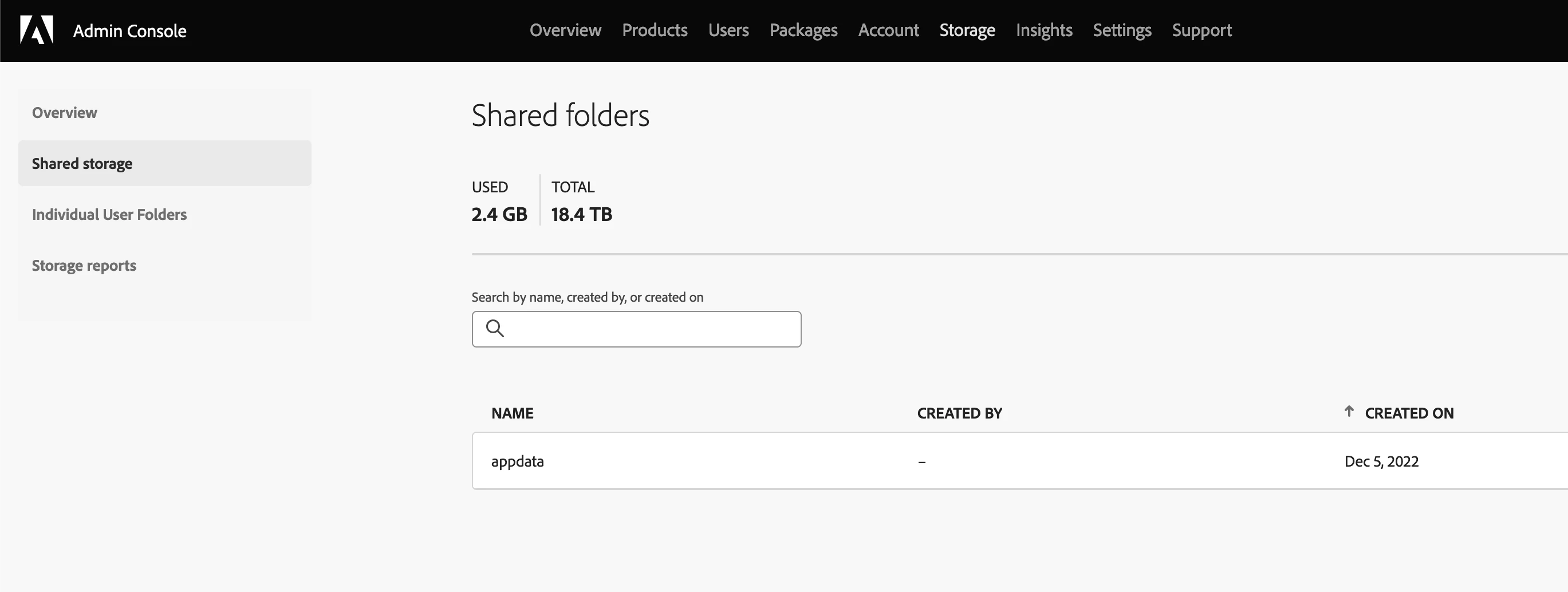
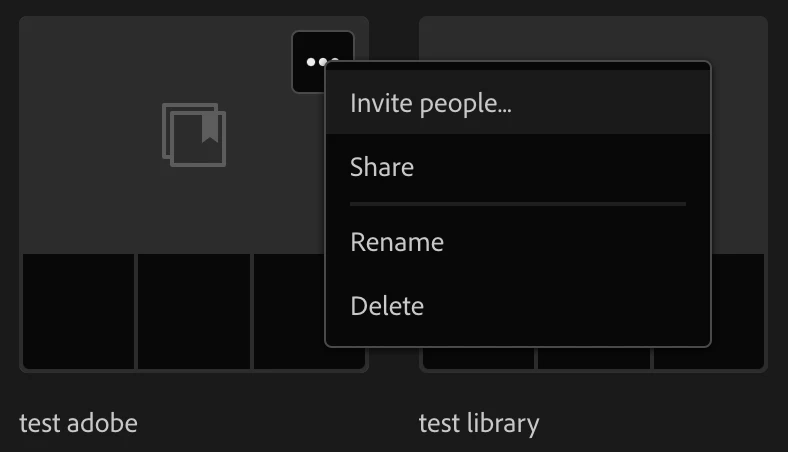
 

It's been weeks am trying to get help from chat support wasting hours with no solutions. All they do is repeatedly provide an article on how to create the team's library which is again of no use. So posting in the community to get some help. 

Thanks.


This topic has been closed for replies.
Correct answer Ashish_Harrison

Hi, @Shekar651978 hope you're doing well, I am afraid to say sorry as this feature is in pipeline and will be rolled out soon. As of now, we do not have an ETA. 
Thanks!

3 replies

ToddHec
Adobe Employee
Adobe Employee
June 9, 2023

Hi @Shekar651978 I'm happy to share that we have enabled this feature for all orgs using ESM (enterprise storage). you can find the details here: Creative Cloud Libraries in business storage (adobe.com)

Shekar651978
Participating Frequently
June 10, 2023

@ToddHecThank you for the update. I am able to use the feature now.

Ashish_Harrison
Adobe Employee
Ashish_HarrisonCorrect answer
Adobe Employee
February 3, 2023

Hi, @Shekar651978 hope you're doing well, I am afraid to say sorry as this feature is in pipeline and will be rolled out soon. As of now, we do not have an ETA. 
Thanks!

Regards,Ashish Harrison
Shekar651978
Participating Frequently
February 4, 2023

@Ashish_HarrisonThank you for the update.

kglad
Community Expert
Community Expert
February 3, 2023

i believe that's correct, but you should double check:


open the support tab on your admin console > start chat or start case or request expert session.


https://helpx.adobe.com/enterprise/using/support-and-expert-services.html

Shekar651978
Participating Frequently
February 3, 2023

@kgladThank you for responding.


With multiple conversations with SMEs unfortunately could not get any solutions till now. My support tickets are closed with any resolutions which are more frustrating.

Abambo
Community Expert
Community Expert
February 3, 2023

Open them again, using your case number.

ABAMBO | Hard- and Software Engineer | Photographer