TechNo1geek
Participant
July 14, 2020
Answered

Offline Problem

  • July 14, 2020
  • 2 replies
  • 1265 views

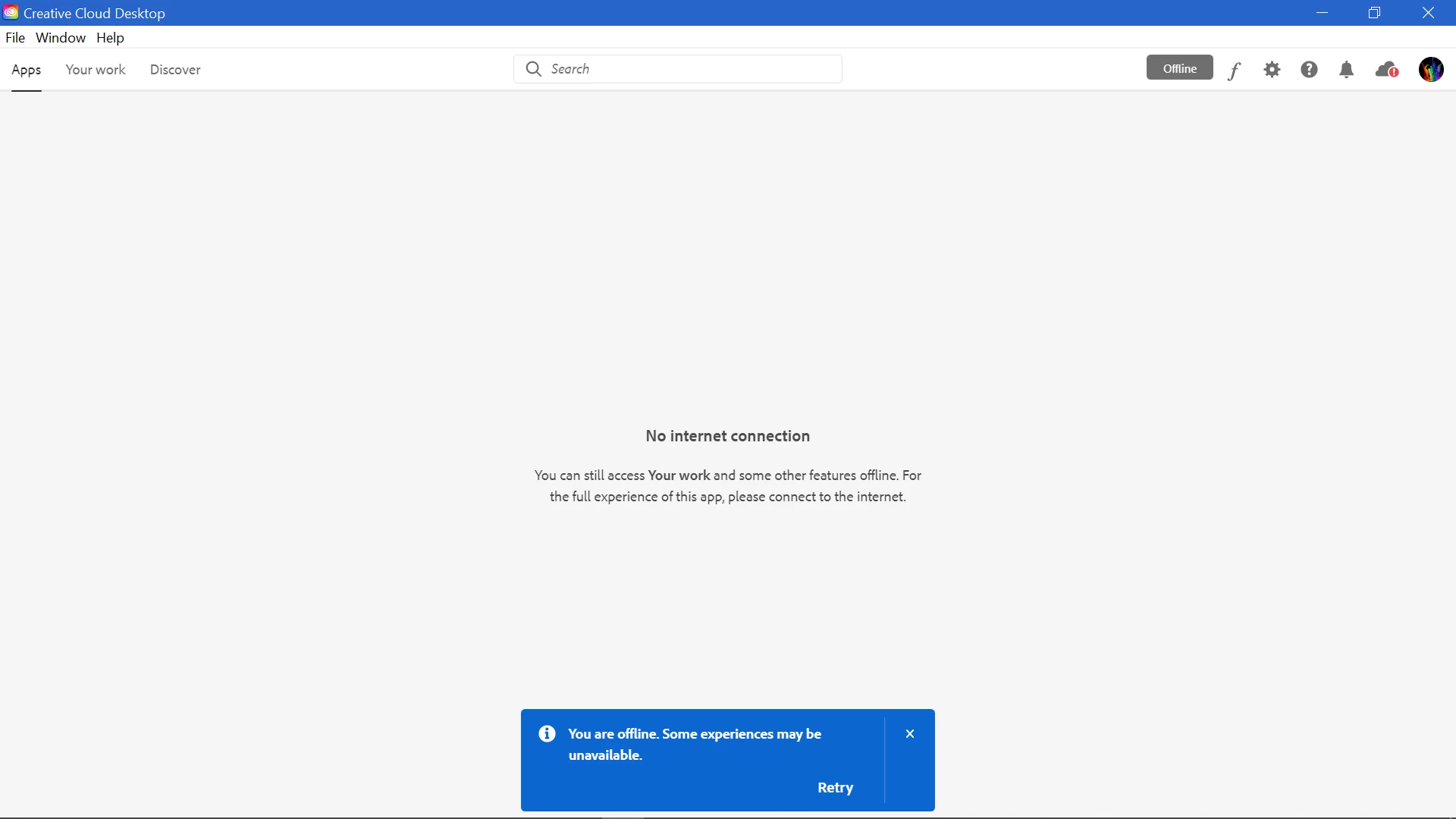
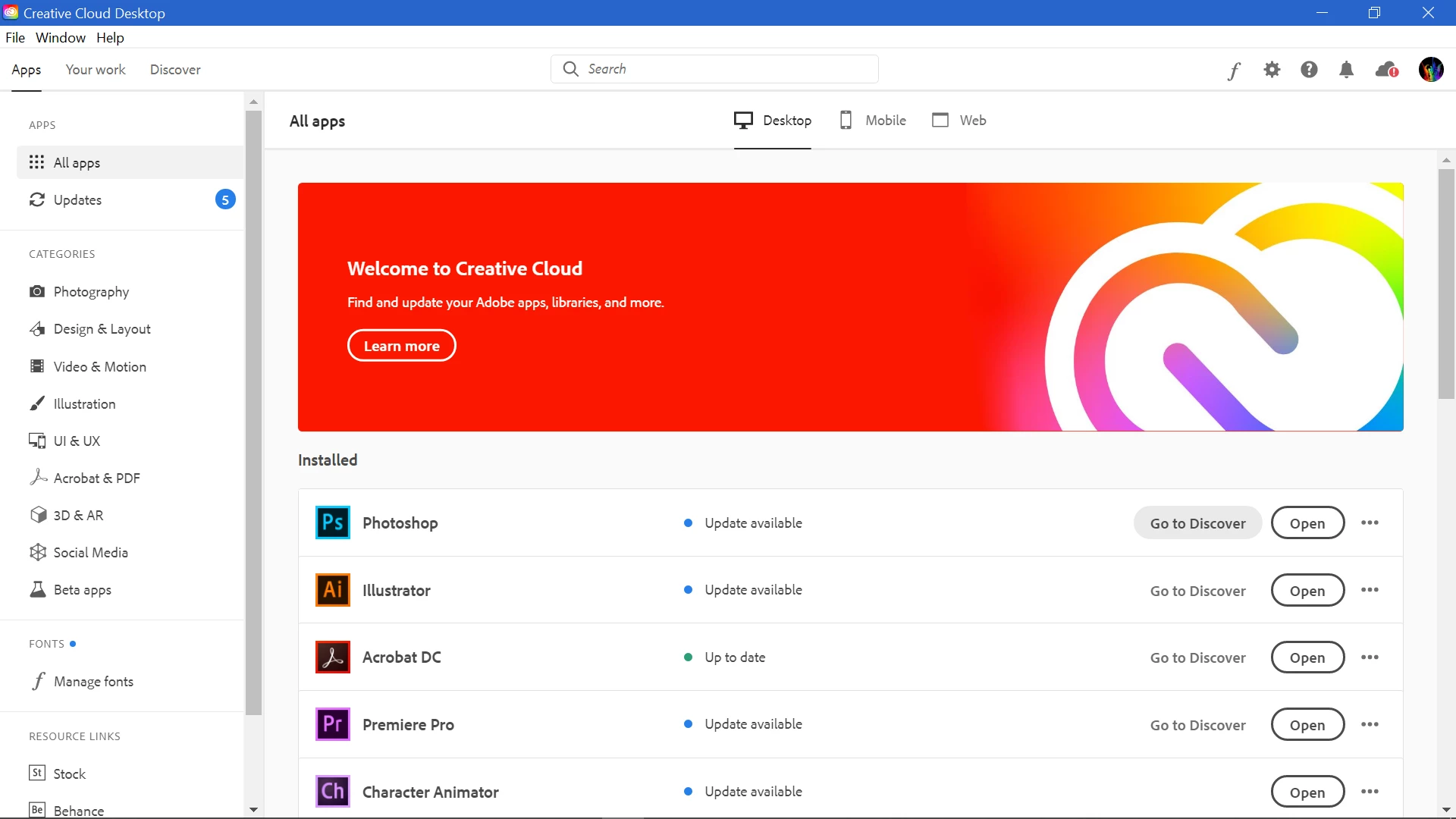
My creative cloud jumps from online 5 secs the offline 5 secs. I have tried everything, Restart, Wi-Fi diagnostics, Reinstall, Update, and i cannot install any Adobe Product because after i click install (in the 5 seconds) it keep saying:

Then it i can go online for a few seconds


(Video Down)


Can somebody please help me?


This topic has been closed for replies.
Correct answer Dennis5CEA

Ok, fixed with great Adobe Tech Support via remote control.

Was done a lot of steps, which fixed the problem do not know, so here the list:
1. Remove all adobe products with cleaning tool 

2. Delete all Adobe folders from the system (there are lot of them)

    if need uninstall acrobat reader and other products, to remove all adobe folders
3. Go to windows VPN settings disable all

4. Go to windows Proxy settings disable all

5. Disable Firewall (for installation process)

6. Clean temporal files, this part was done quick so can not explicitly describe.

7. Restart

8. Install desktop CC version from zip archive (download from official site)

9. login, install, update. Now enable back firewall, proxy, vpn

Good luck

2 replies

Community Manager
February 18, 2021

Hello, 

I would recommend connecting the machine with your phone's hotspot and check the behavior. You might have to check the proxy, internet settings, and host file to confirm if any of the Adobe endpoints are getting blocked. This issue generally occurs when the application is not able to connect with the Adobe server. Try with/without VPN (if using)

Participant
February 17, 2021

Same problem Win10,64, HP laptop. On other PC works.. 

Dennis5CEACorrect answer
Participant
February 19, 2021

Ok, fixed with great Adobe Tech Support via remote control.

Was done a lot of steps, which fixed the problem do not know, so here the list:
1. Remove all adobe products with cleaning tool 

2. Delete all Adobe folders from the system (there are lot of them)

    if need uninstall acrobat reader and other products, to remove all adobe folders
3. Go to windows VPN settings disable all

4. Go to windows Proxy settings disable all

5. Disable Firewall (for installation process)

6. Clean temporal files, this part was done quick so can not explicitly describe.

7. Restart

8. Install desktop CC version from zip archive (download from official site)

9. login, install, update. Now enable back firewall, proxy, vpn

Good luck