


Question
Problems logging in to the Creative Cloud desktop app
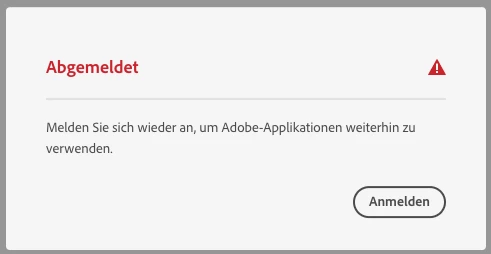
When I start the desktop app creative cloud, it always appears an error message (see image below). Then when I want to click Anmelden (Log in), it loads quickly and then the same window opens again. I can click so many time how I want on the button to log in and nothing happens.
When I want to uninstall the desktop app I can't because I have some othe adobe applications on my Mac. And those I can't uninstall because I need to do this on my desktop app (which I can't get into because the same screen always appears (as explained above)).
Can someone help me please. I need Adobe for my work!
 AdChoices