Participant
August 6, 2018
Answered

Problems with multi accounts Adobe

  • August 6, 2018
  • 6 replies
  • 613 views

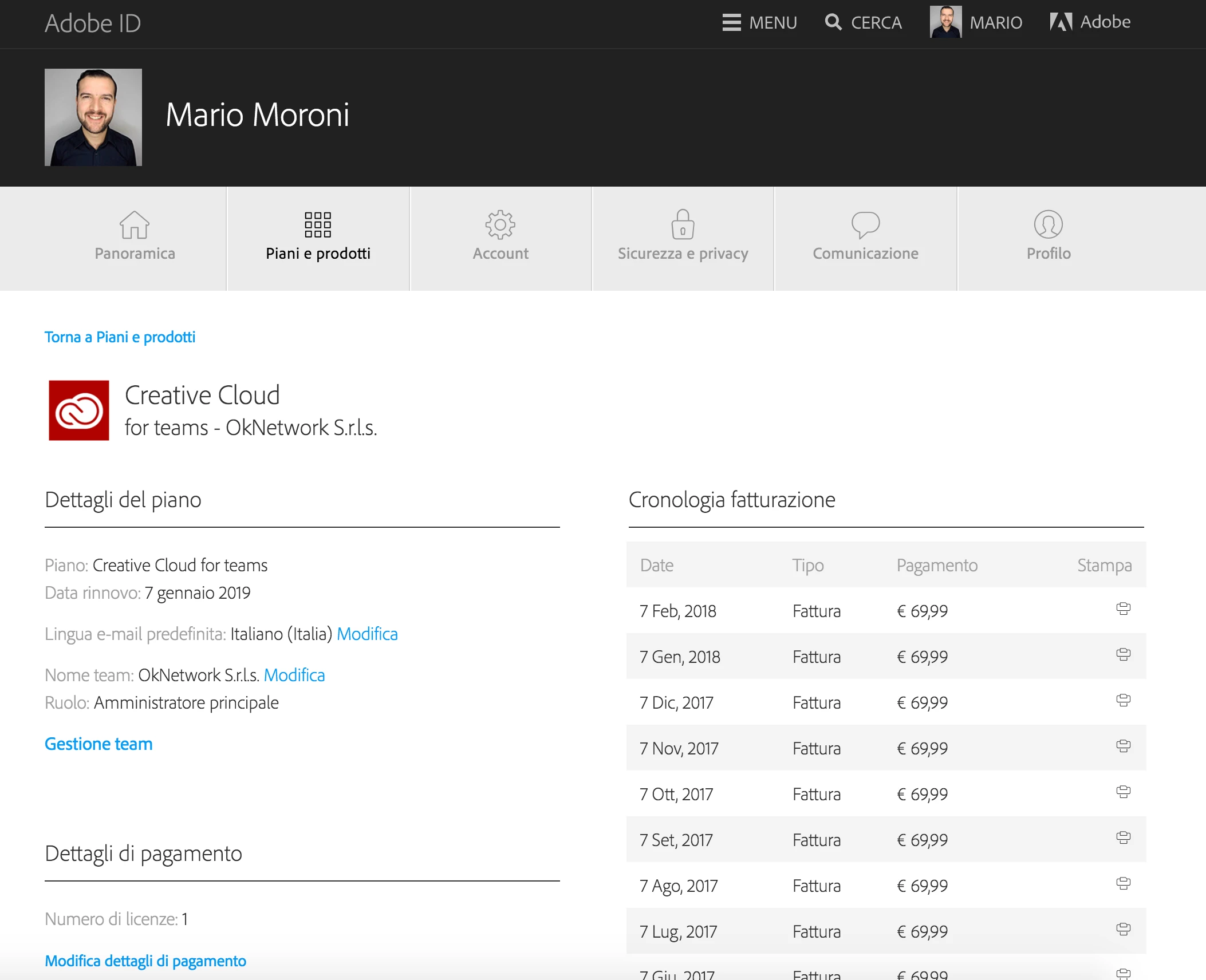
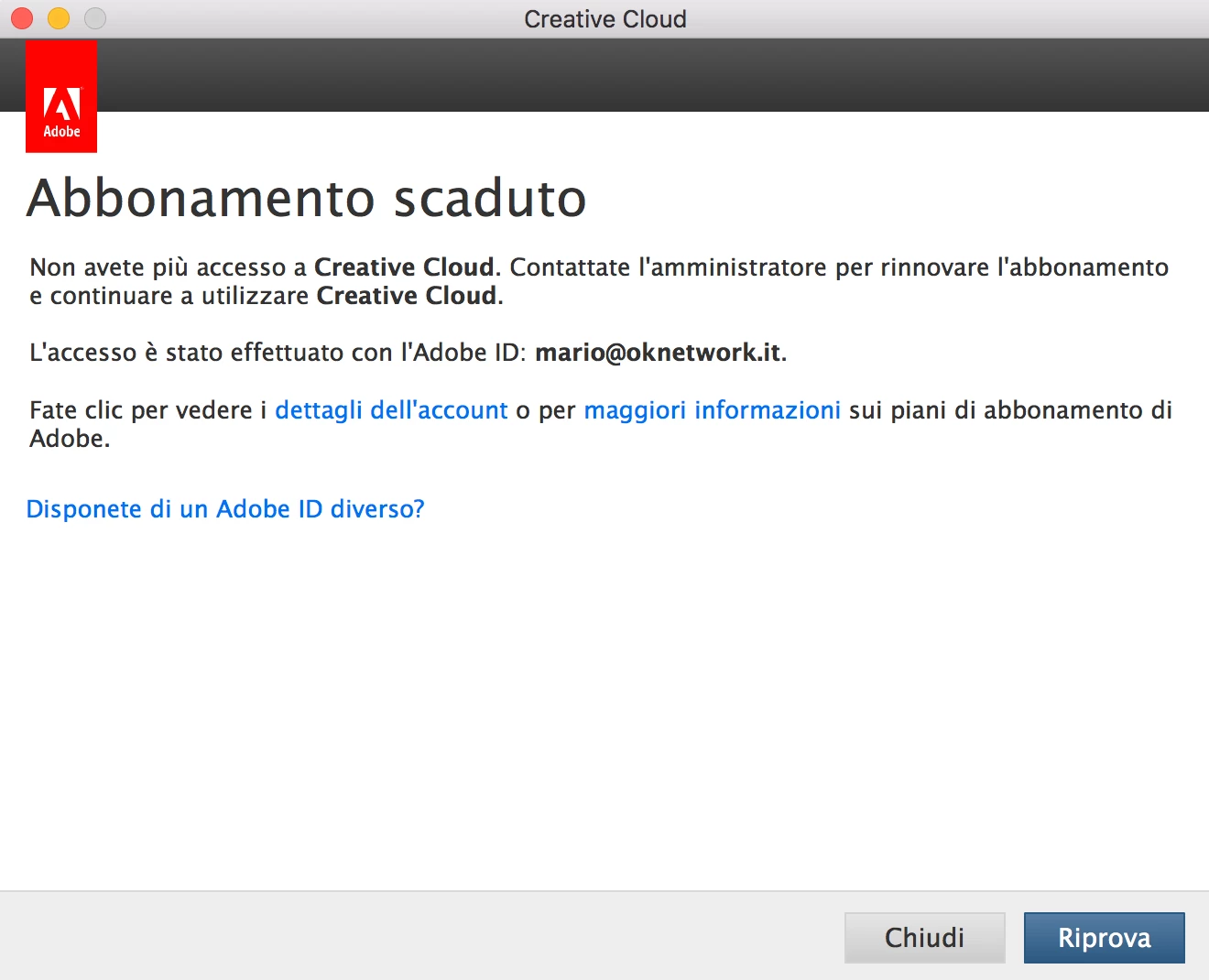
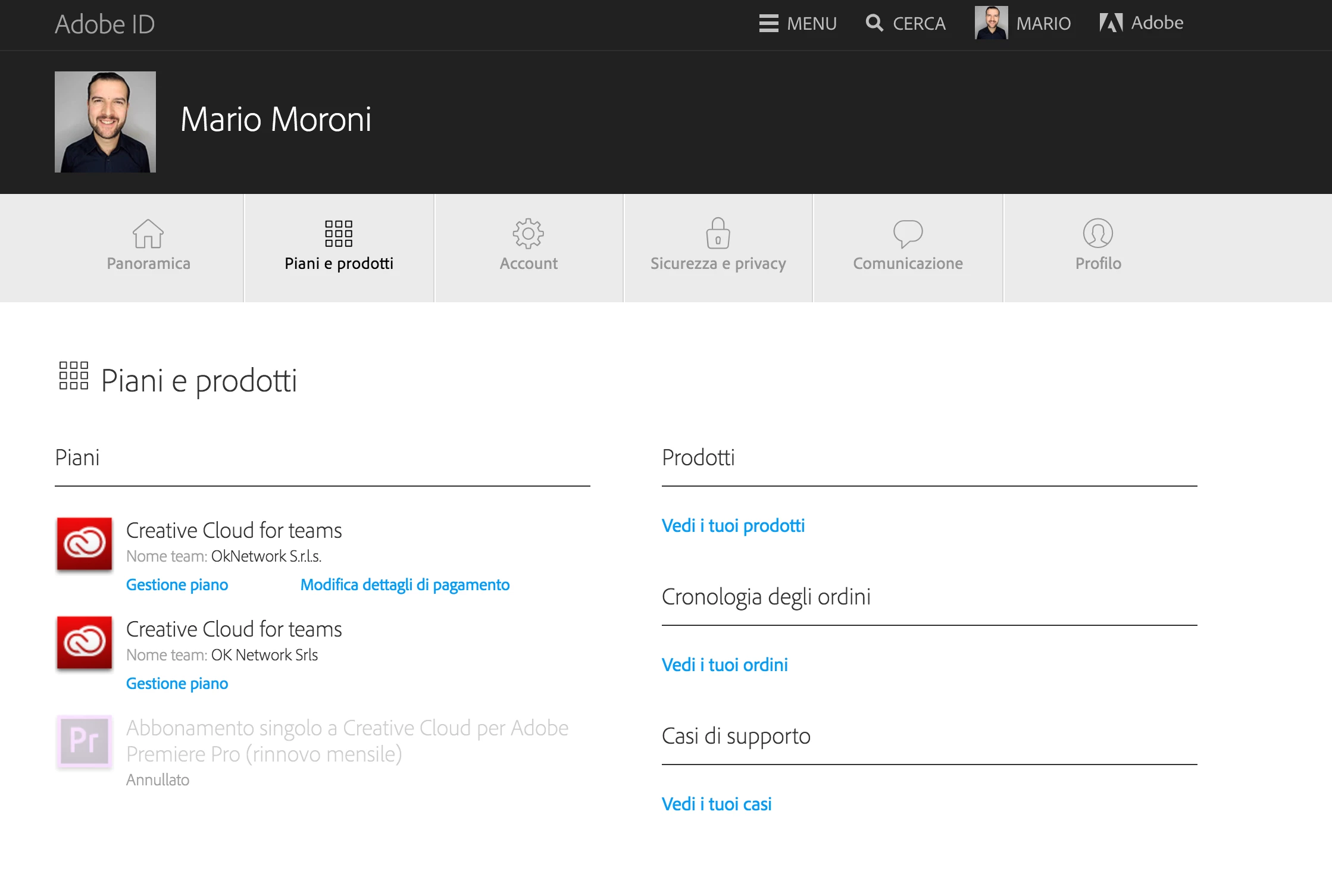
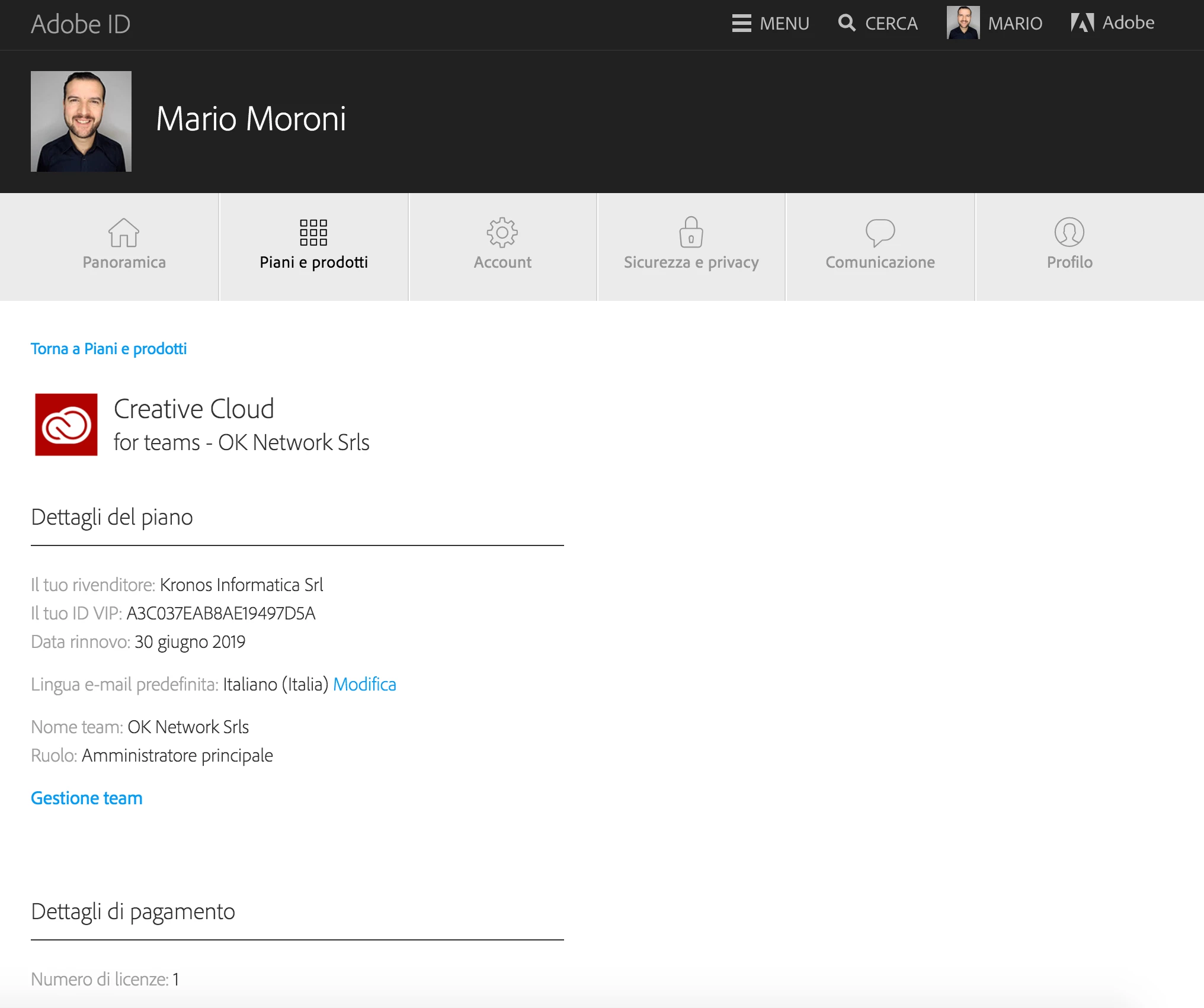
On my account there are 2 plans plus a single premiere pro license but I can no longer use any software for 2 months.

I'm afraid that they will conflict with the same account mario@oknetwork.it

Now, where I try to open Premiere the system go in loop loop.

I would like to address the problem by deleting all accounts and sharing only with a $ 70 month account and using Adobe software again.
This topic has been closed for replies.
Correct answer alisterblack

Hi,

If you wish to cancel your Creative Cloud for Teams subscription you can do so by contacting us at Contact Customer Care

6 replies

alisterblack
alisterblackCorrect answer
Inspiring
August 6, 2018

Hi,

If you wish to cancel your Creative Cloud for Teams subscription you can do so by contacting us at Contact Customer Care

Participant
August 21, 2018

yes but I do not solve the problem. I have to work with Premiere on this mac as soon as possible...

alisterblack
Inspiring
August 22, 2018

Hi Mario,

If there is a problem with using multiple Adobe ID's then you can try the following.

The opm.db file contains cached user login information and deleting this file is a useful troubleshooting step. Once deleted a fresh file will be automatically created when you launch Creative Cloud and log back in.

    • Close the Creative Cloud application.
    • Navigate to the OOBE folder.
      Windows: [System drive]:\Users\[user name]\AppData\Local\Adobe\OOBE
      Mac OS: /Users/[user name]/Library/Application Support/Adobe/OOBE folder
    • Delete the opm.db file.
    • Launch Creative Cloud.