

Participant
February 8, 2017
Answered

Re: How can deactivate the apps from unused computer?

  • February 8, 2017
  • 2 replies
  • 298 views

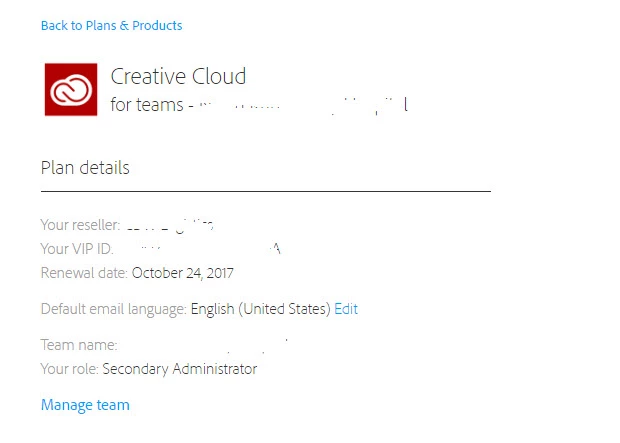
I am not able to deactivate devices either.  I am the secondary Administrator but shouldn't I still be able to deactivate my own devices?
    This topic has been closed for replies.
    Correct answer alisterblack

    Sign in and sign out to activate or deactivate Creative Cloud apps

    If you don't have access to the previous computer on which you installed Creative Cloud—whether it was lost, was stolen, crashed, or locked—you can deactivate the apps from your accounts page on adobe.com.

    Sign in to the Adobe accounts page with your Adobe ID. Under Plans & Products, click Manage plan. Under Activated devices, click the x next to your previous device.

    For more detailed instructions, see Deactivate a device.

    If you need help, have your Adobe ID ready, and then contact us.

    2 replies

    alisterblack
    alisterblackCorrect answer
    Inspiring
    February 9, 2017

    Sign in and sign out to activate or deactivate Creative Cloud apps

    If you don't have access to the previous computer on which you installed Creative Cloud—whether it was lost, was stolen, crashed, or locked—you can deactivate the apps from your accounts page on adobe.com.

    Sign in to the Adobe accounts page with your Adobe ID. Under Plans & Products, click Manage plan. Under Activated devices, click the x next to your previous device.

    For more detailed instructions, see Deactivate a device.

    If you need help, have your Adobe ID ready, and then contact us.

    kglad
    Community Expert
    Community Expert
    February 8, 2017
