


Inspiring
September 22, 2021
Answered

Screen blanc during installation CC app

  • September 22, 2021
  • 4 replies
  • 430 views

Hi,


I'm trying to install the creative desktop app on a clean Windows. During the installation, the screen remains blanc. How can I fix this? I already used the Adobe CC cleaner tool, without success.
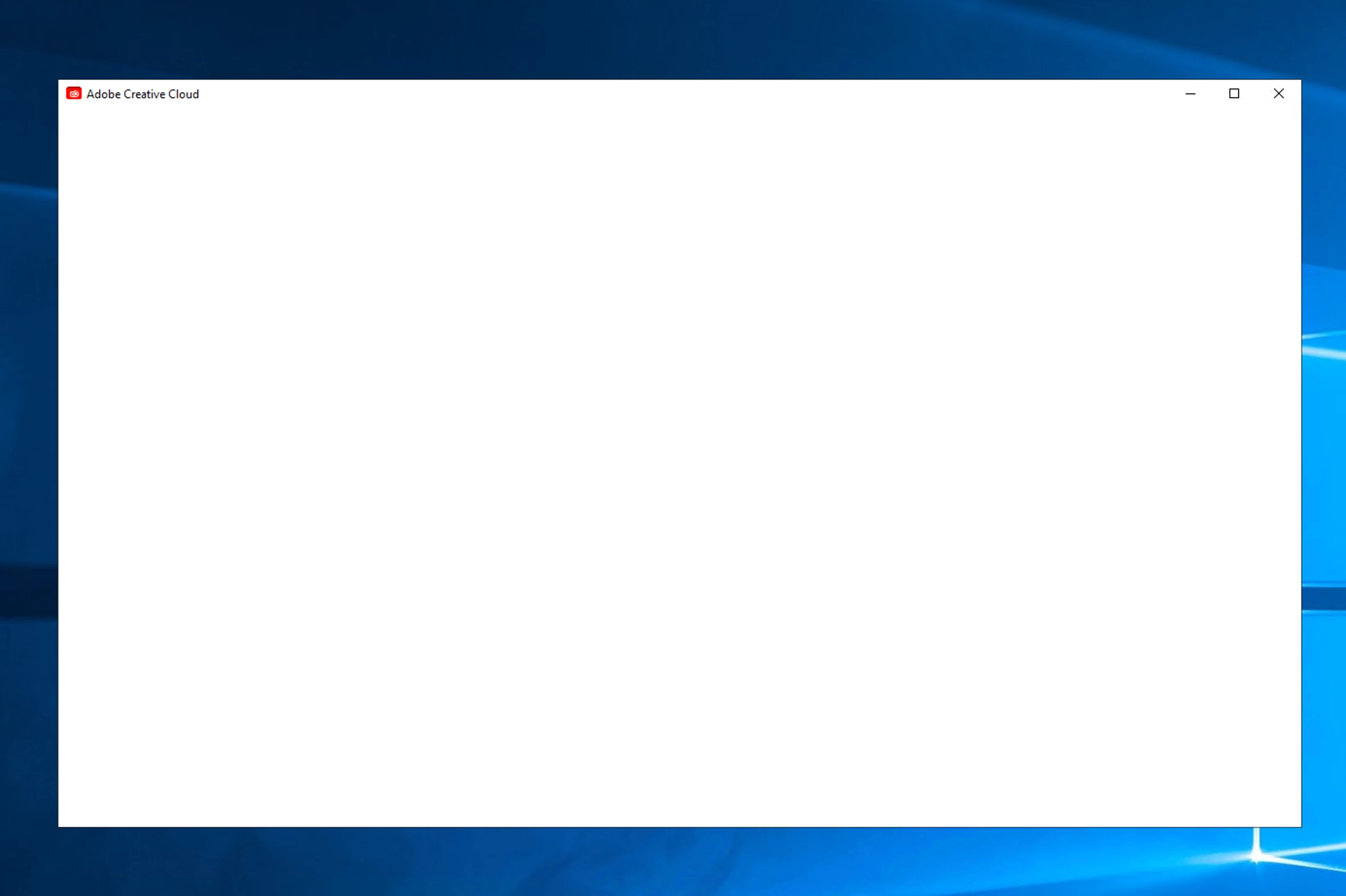


This is very bad UX design. The tool doesn't mention any issues...

- Can an url not be accessed?

- Is a framework missing?

- Other issues?


The windows event viewer contains no errors.


It seems the windows user profile folder contains an underscore character. Could this be the issue? And how can I fix the installer to continue?


thanx
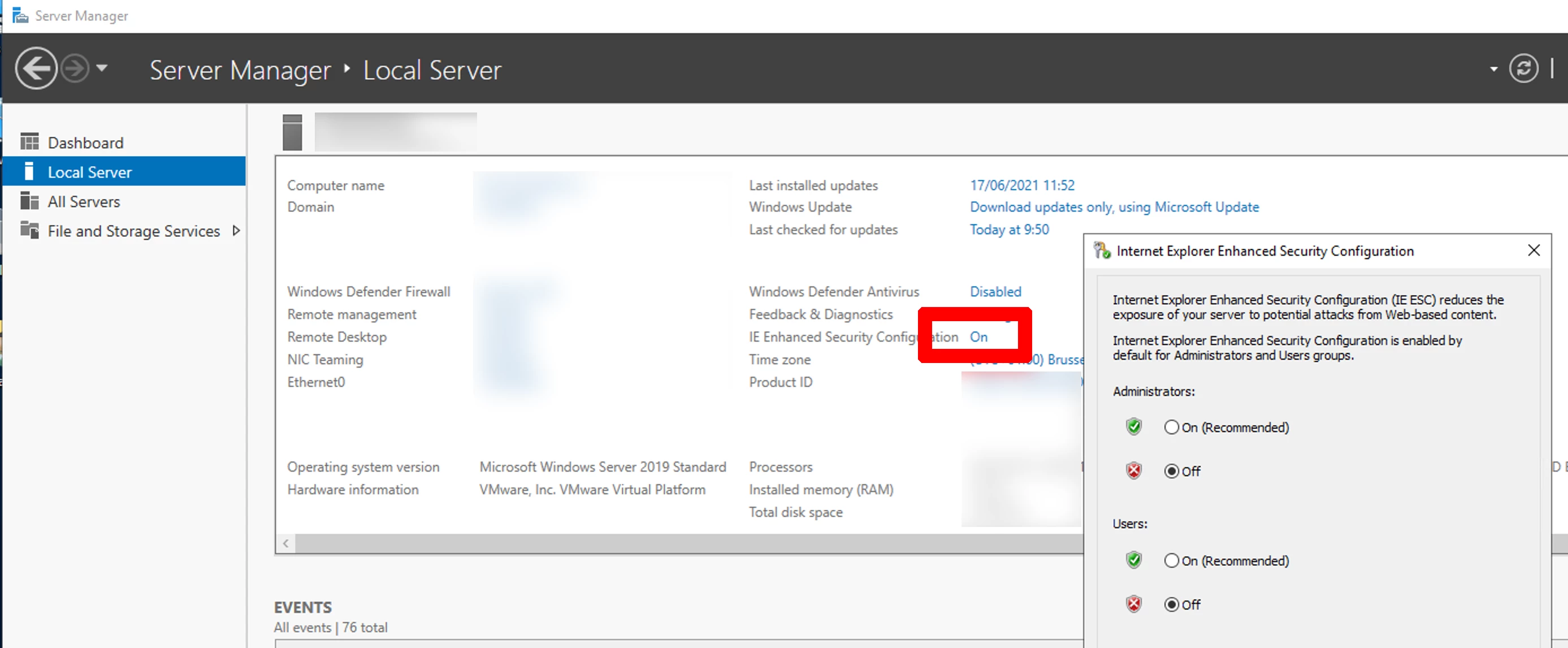


This topic has been closed for replies.
Correct answer tmmls


The issue is fixed... It took me only a few hours 😞 .


4 replies

tmmlsAuthorCorrect answer
Inspiring
September 22, 2021


The issue is fixed... It took me only a few hours 😞 .


tmmlsAuthor
Inspiring
September 22, 2021

Can Adobe Photoshop using a subsciption model be installed without using the CC app? 

Participant
September 22, 2021

By clean Windows do you mean it's jush fresh install of windows and nothing else? Did you install any drivers/ frameworks? If so - which exactly


______________


tmmlsAuthor
Inspiring
September 22, 2021

Yes, it is a clean Windows installation.