


Participant
January 31, 2022
Beantwortet

sign out option disabled in creative cloud desktop app

  • January 31, 2022
  • 2 Antworten
  • 16230 Ansichten

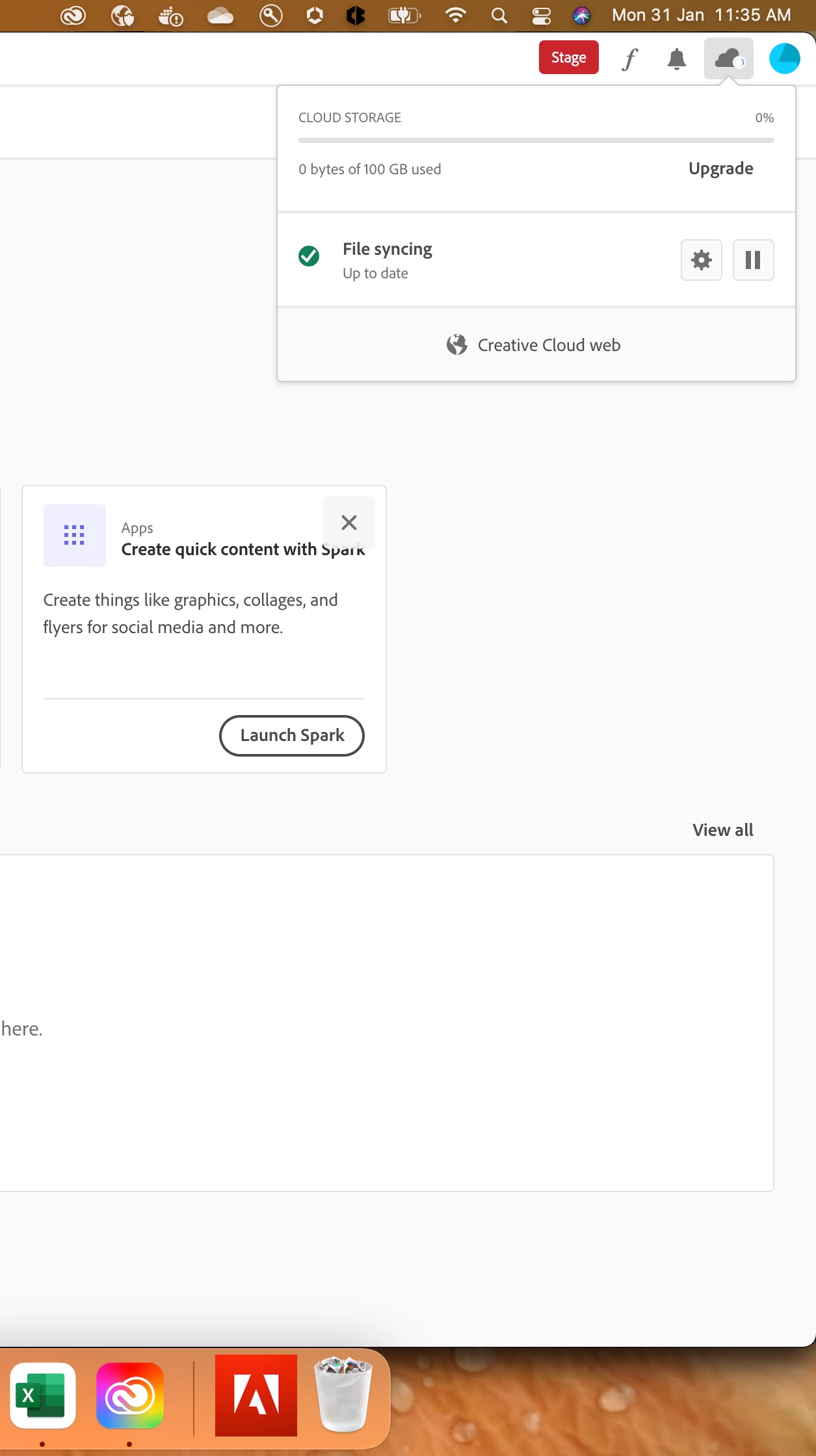
I am logged in in creative cloud desktop application and want to sign out and sign in with a different account , but my desktop application shows this as in screenshot below and sign out button is disabled.I also tried deleting the contents of OOBE folder but still I do not find an option of sign out . What should I do now?
 

Beste Antwort von DeanUtian

Click on the blue circle in the top right and you should get a menu with an option to sign out.

2 Antworten

Participant
August 4, 2024

I clicked on the blue circle, and the "sign out" was greyed out and unclickable.  I figured out to click on it and then let the menu sit open for a minute or two.  Eventually, the greyed-out "sign out" will turn red, and then you can click it. 

DeanUtianCommunity ExpertAntwort
Community Expert
January 31, 2022

Click on the blue circle in the top right and you should get a menu with an option to sign out.