
Question
Silently Uninstall Photoshop & Indesign
I am having issues trying to silently uninstall software...
Following this tutorial: https://helpx.adobe.com/enterprise/using/uninstall-creative-cloud-products.html#create-uninstall-package
I downloaded AdobeUninstaller.exe and trying to run a --list parameter on it, and that works, however, it opens another command prompt and closes really fast. I even tried adding a pause command, but because it launches another command prompt window that has no effect...
AdobeUninstaller.exe --LIST
PAUSE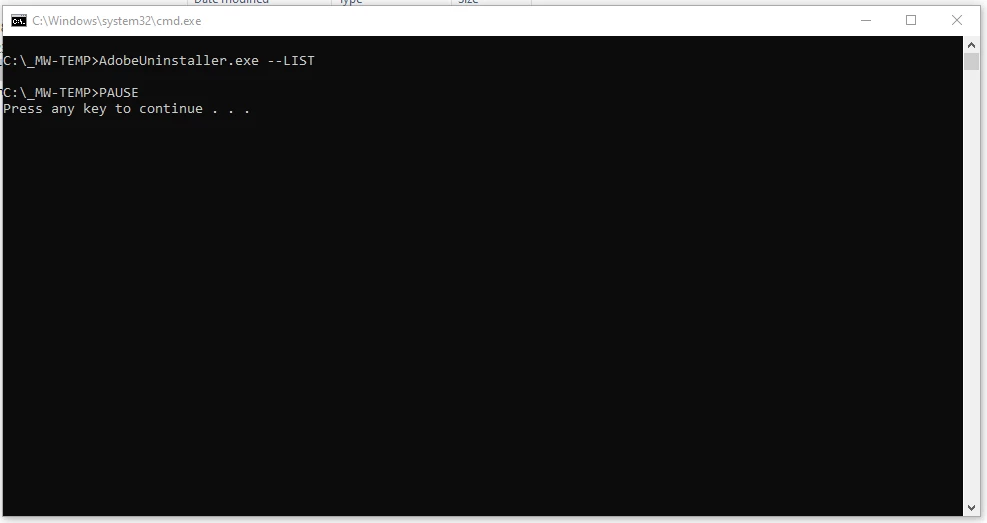
Also is there is a way to uninstall without using this uninstaller but using adobe's deployment installer package? It would make life easier because we store these on the network and I could just execute a command to do so...


 AdChoices